Create, rename, and delete ad hoc query folders to organize your queries.
Limitations
Only workspace managers, workspace developers, workspace analysts, and users with custom roles that have the Create (Edit) permission for ad hoc queries can create, rename, and delete ad hoc query folders.
Go to the ad hoc query page
Log on to the Quick BI console.
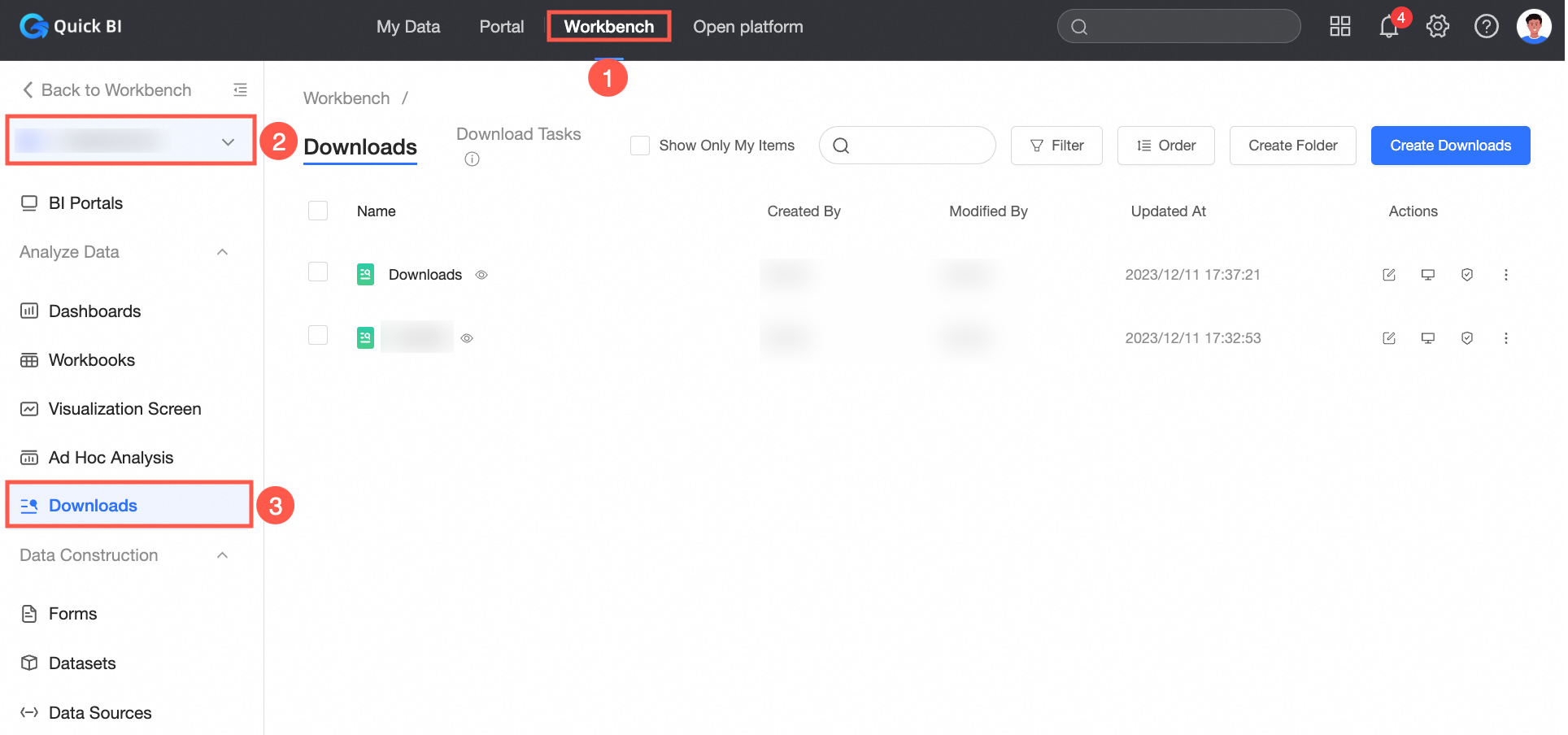
On the Quick BI homepage, click Workbench.
In the left-side navigation pane, click ad hoc query.
Create an ad hoc query folder
Click New Folder.
 You can also click the
  icon.
icon.

Rename an ad hoc query folder
Select an ad hoc query folder, click the Rename icon, enter a new name, and click OK.

Delete an ad hoc query folder
Select an ad hoc query folder, click the  icon, and select Delete.
