In the left-side navigation pane, choose Workspace> User Marketing > Reach Marketing > Douyin > Douyin Marketing. On the page that appears, you can view the information about the Douyin marketing task.
As shown in the following figure, the page displays the task name, content, type, publishing account, sending time, and sending status. 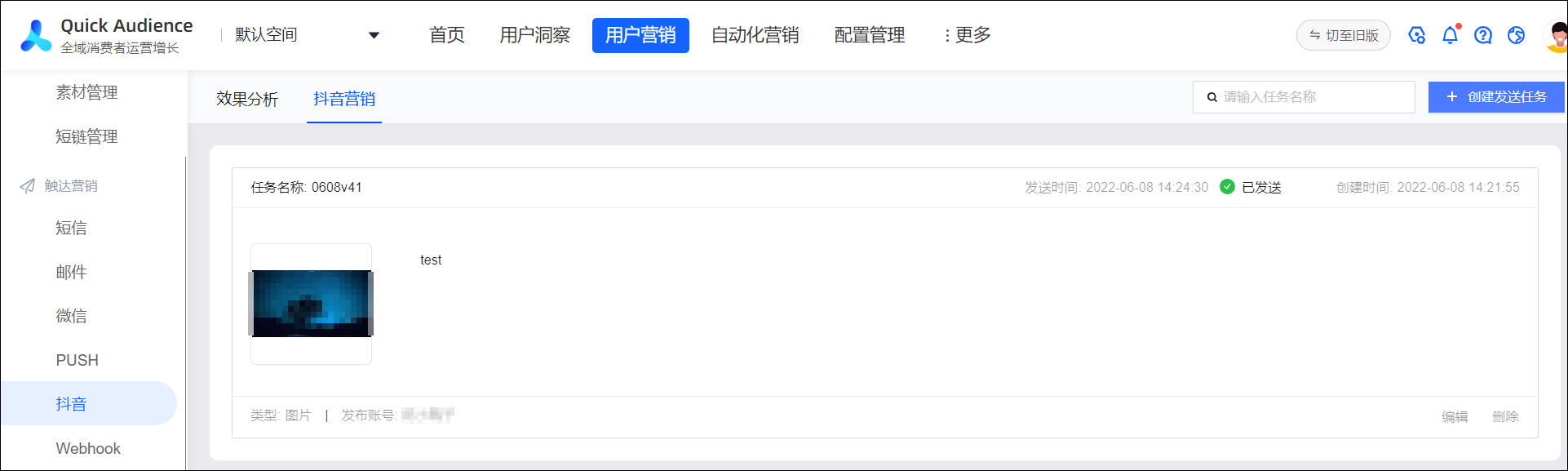
Among them, the sending status is divided into:
To be sent
The command is being run.
Sent: Sent successfully
Delivery failed.
You can perform the following operations:
Edit: You can edit the task to be sent.
Delete: You can delete a pending task or a task that fails to be sent.