Introduction to the use and configuration logic of the Security Settings module.
To help the space administrator perform security control on the operations in the space, the space administrator can manage the watermark displayed on the page in this module, and handle the privacy of the mobile phone number in plaintext.
Procedure:
1. Choose Configuration Management> Security Settings.
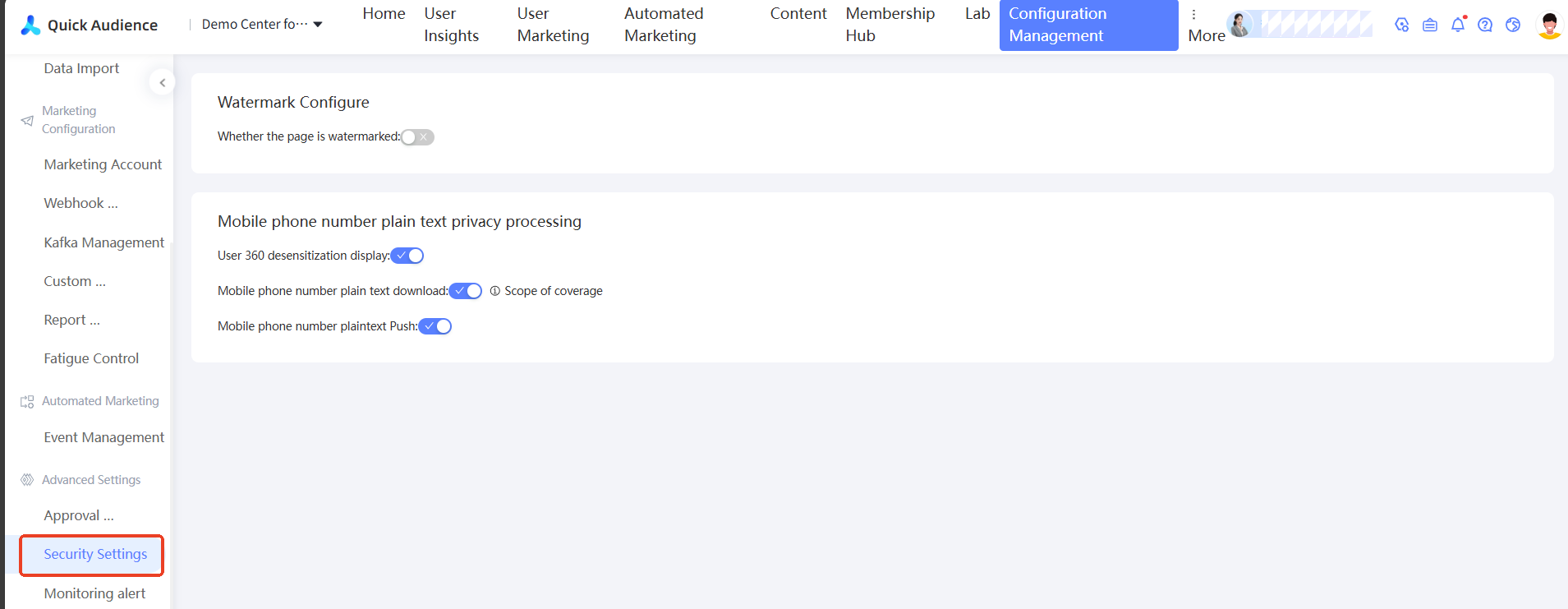
2. Watermark Settings
In the initial default state, the watermark is set to be disabled. After it is enabled, all pages will display the login account as the watermark. The following table shows the style reference;
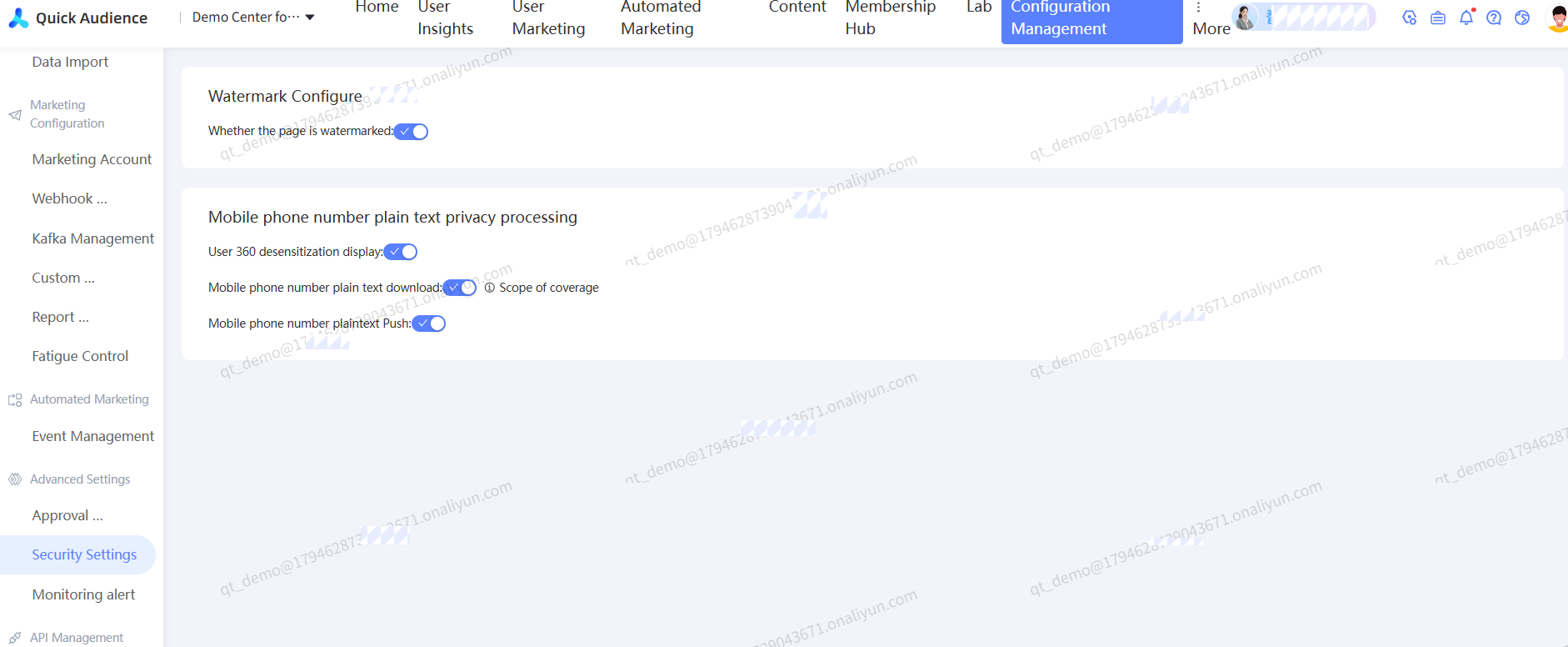
3. Mobile phone number plaintext privacy processing module
In the initial default state, the user 360 display switch is turned off, the download switch of mobile phone number plaintext is turned on, and the push switch of mobile phone number plaintext is turned on.
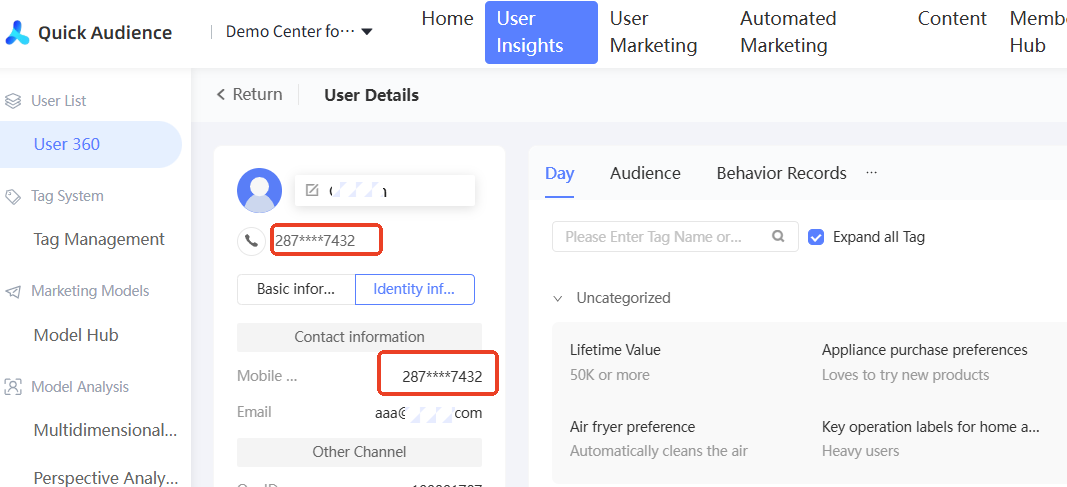
If user 360 desensitization is enabled, the middle four digits of the user's mobile phone number are displayed as * in the user 360. The style reference is as follows:
If the plaintext download switch is turned on, you can download plaintext unencrypted mobile phone numbers in the Group Management-Group Package Download and b. User 360-User Export sections. If the switch is turned off, you cannot download plaintext unencrypted mobile phone numbers in the Group Management-Group Package Download and b. User 360-User Export sections.
If you turn on the switch, you can choose Group Management-Group Push to push unencrypted mobile phone numbers. If you turn off the switch, you cannot choose Group Management-Group Push to push unencrypted mobile phone numbers.