The enterprise micro-circle of friends component can edit text, pictures, videos, web links and other contents and send them to the circle of friends by setting up the circle of friends to send tasks, which is often used to push promotion information.
Regardless of whether the link starts from the behavioral event component or the target population component, users who enter the enterprise micro-circle of friends component will use their QAID to match the enterprise micro-user ID provided by all data sources.
Your friend data is automatically returned to the computing source of this workspace, and then imported to the analysis source. The data table alias of the generated user tag table is the corresponding enterprise WeChat. You can filter out groups of people by using methods such as tag filtering, which is used in the enterprise circle of friends component.
For more information about how to bind an enterprise WeChat account, seeManage marketing accounts.
Configuration steps:
Click the Enterprise Friends Circle widget and configure it in the panel that appears on the right, as shown in the following figure.
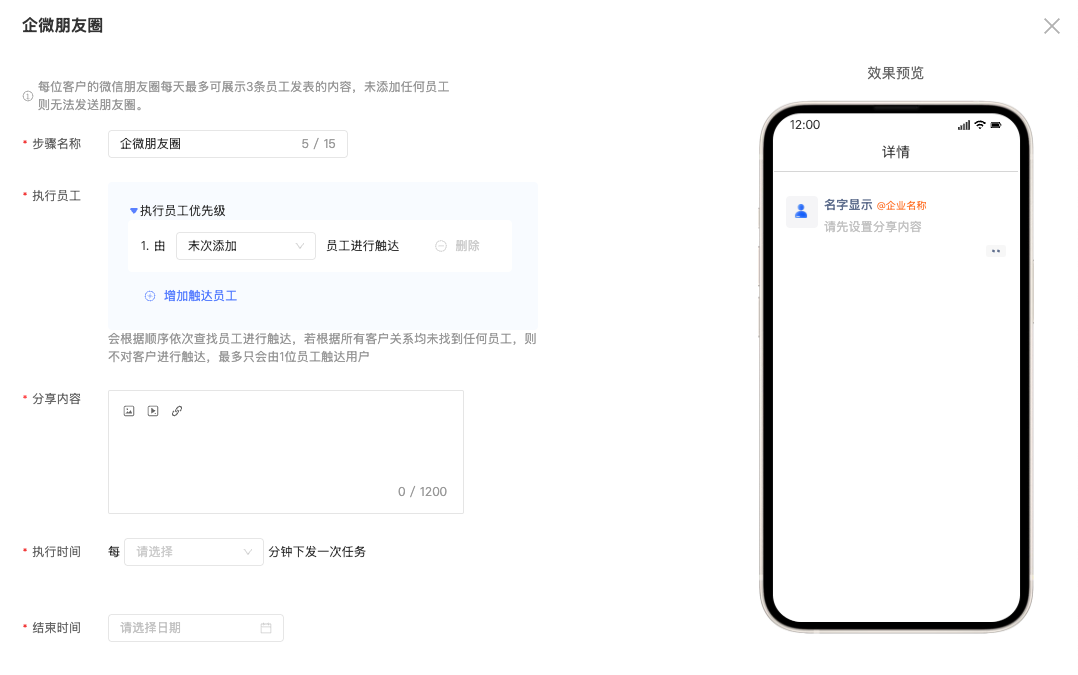
2. Set Step Name: Customizable Name
3. Executive Employee: You can select the employee added by the customer for touch. By default, the employee is added for the last time. You can add employees and friends for the first time. You can set multiple employee touches and sort them by priority.
There are three default relationships by default. You can create custom customer relationships by using User Marketing-> Enterprise WeChat-> Enterprise WeChat settings. For more information, see Customer relationship.
4. Share content support text information, picture information, video information and web links
5. Execution Time: Control the frequency of issuing tasks by configuring the execution time. For example, if the execution time is set to 1 hour, the enterprise micro circle of friends will execute the issuing task once every hour, and only one message can be sent to one customer at a time.
For example, Customer A triggers three events at 11:30 and should send three messages. If the first message is sent at 12:00, the second message is sent at 1:00 and the third message is sent at 2:00.
6. Set the end time: tasks that have not been sent by the end time will no longer be sent.
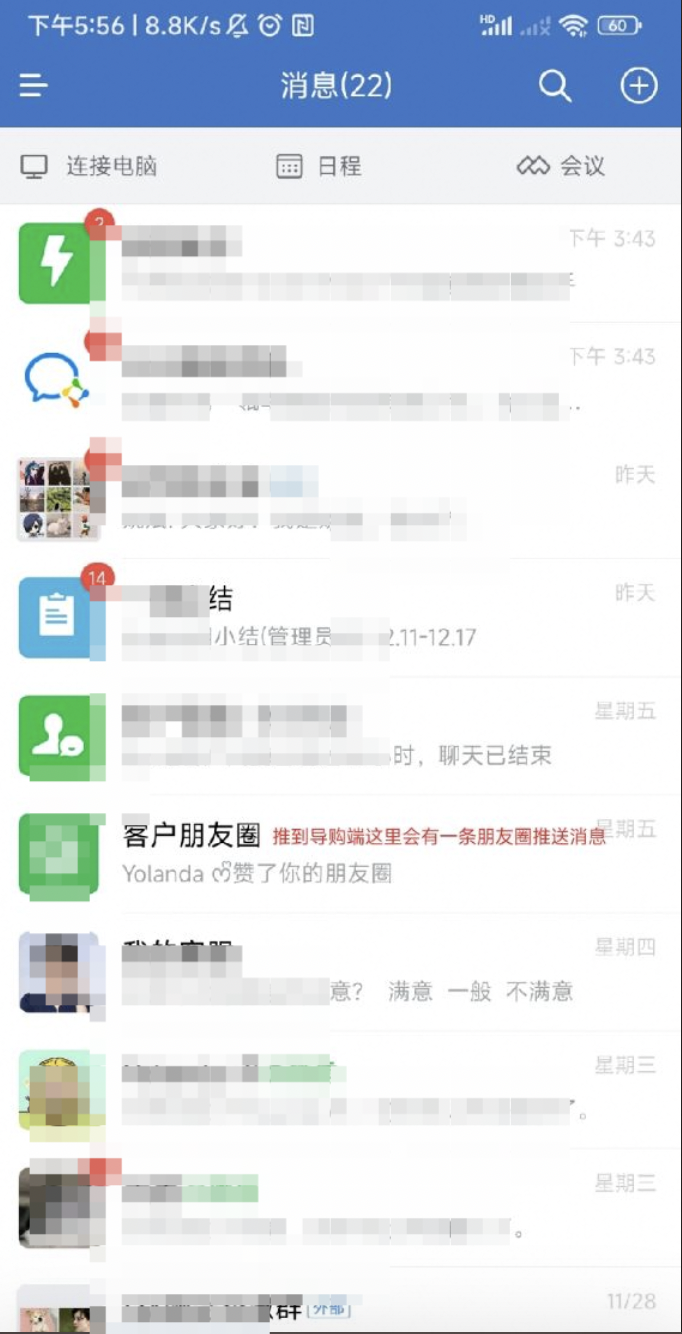
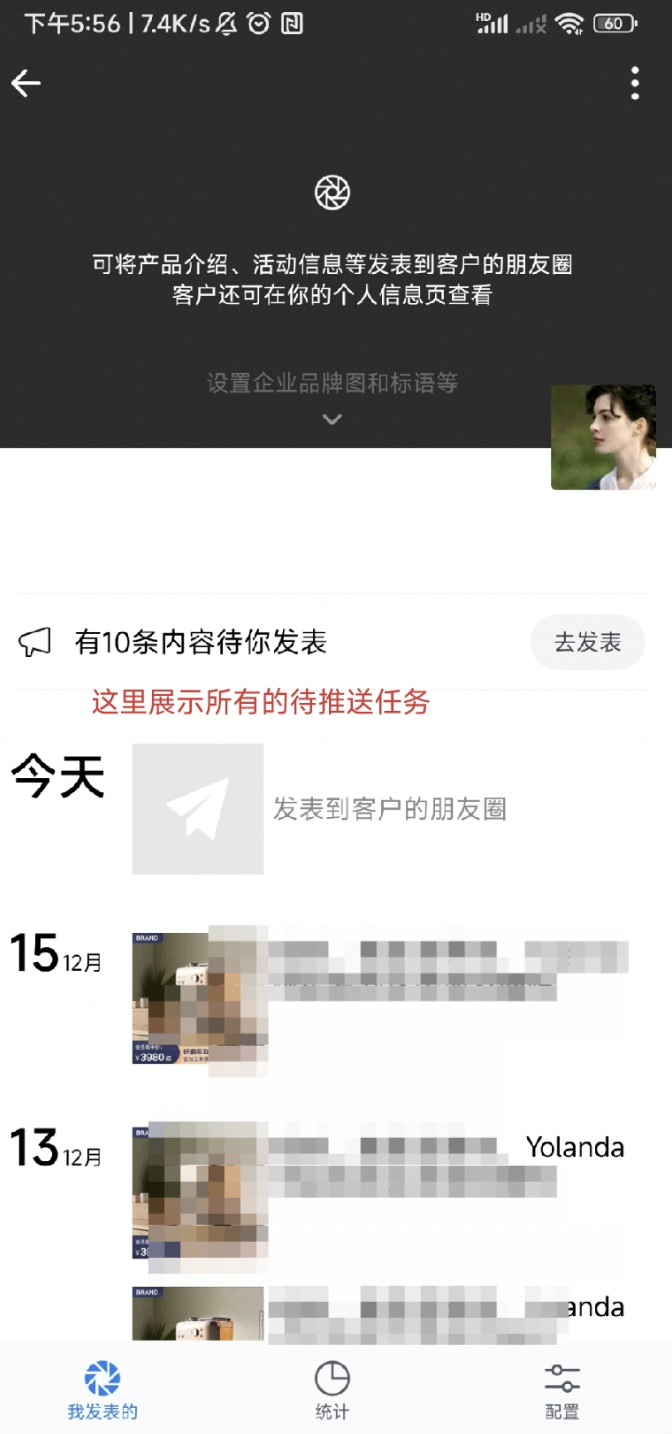
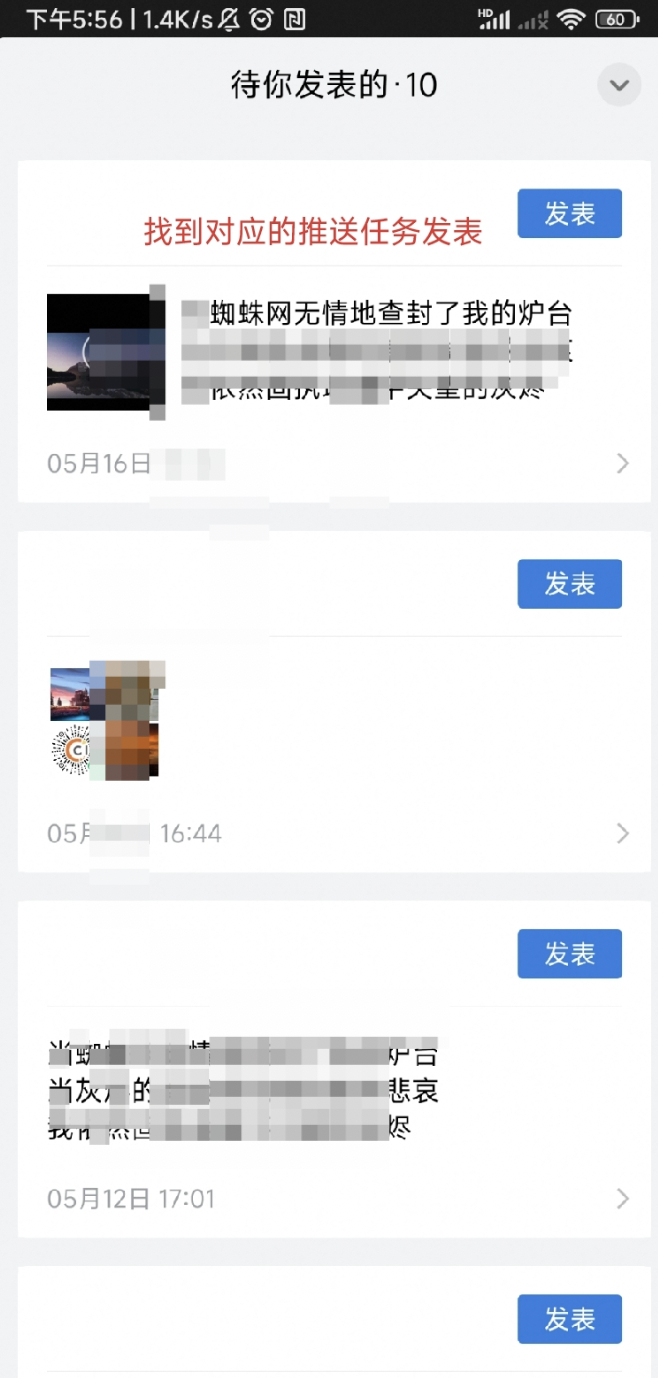
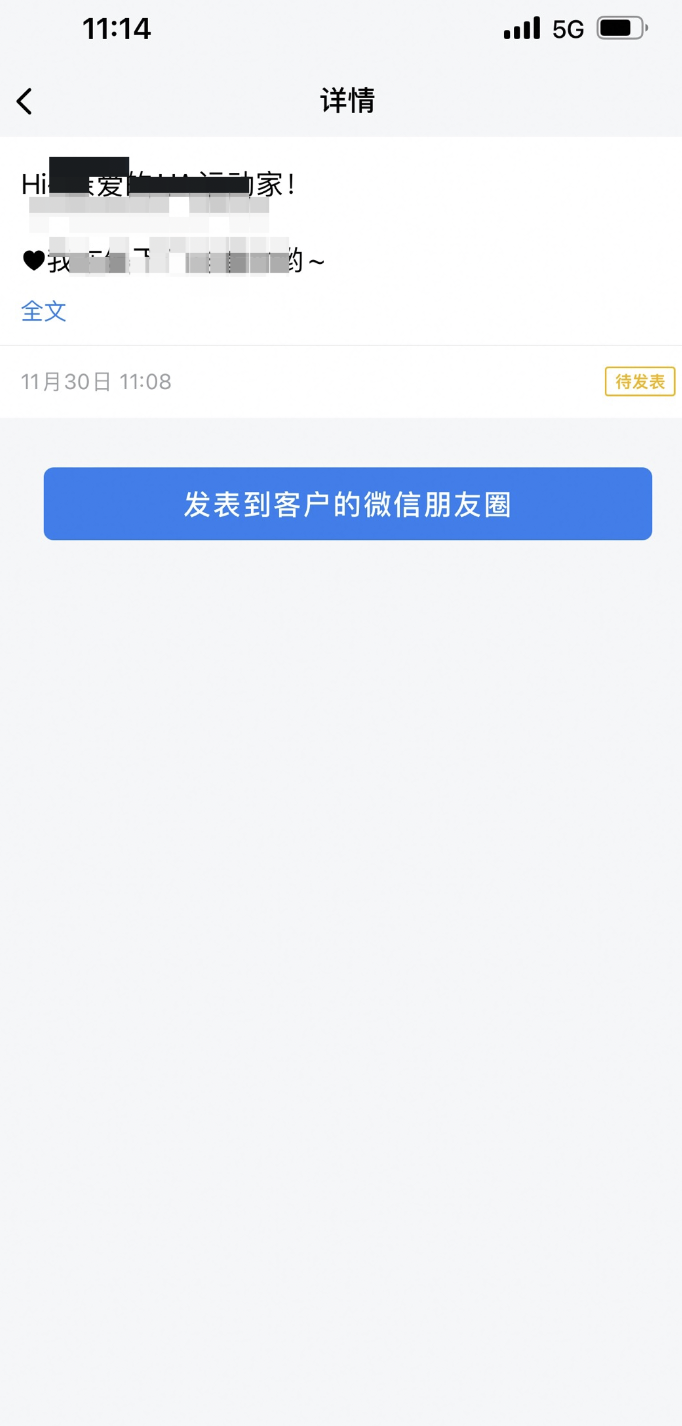
Display form of shopping guide: select customer circle of friends → click to publish → click to publish to customer's wechat circle of friends