You can publish Douyin content. You can publish videos or images.
Procedure
Choose Workspace> User Marketing > Reach Marketing > Douyin.

Click Create Sending Task in the upper-right corner.
Select the account that publishes the Douyin and set the task name. The task name does not affect the message content.
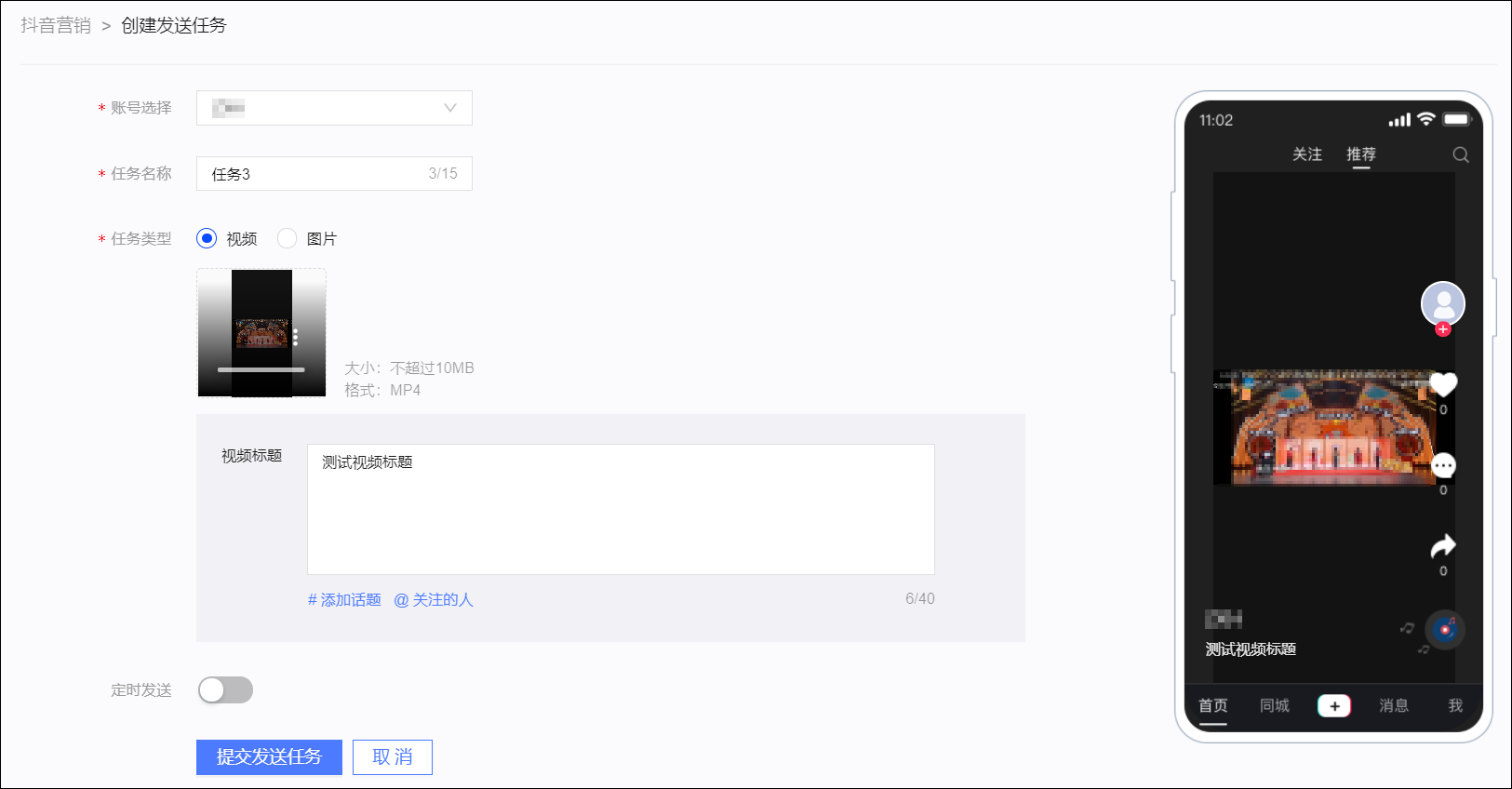
Select Video or Image for Task Type.
Select the video or image to be published, enter the title, support to add topics, @ people concerned.
Set Scheduled to send messages at a specified time.
Click Submit Sending Task to save the publishing settings.