If your JMeter test in Performance Testing (PTS) stops within seconds of starting, check the following common configuration issues in your JMeter test plan.
Check the Loop Count setting
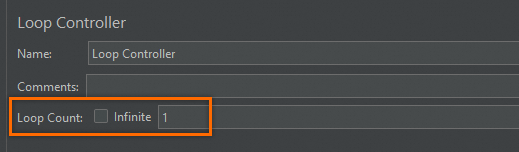
This is the most common cause. If the Loop Count parameter in the Loop Controller is set to 1, JMeter completes one iteration and then terminates the test, regardless of the duration or load settings configured in PTS.
Solution
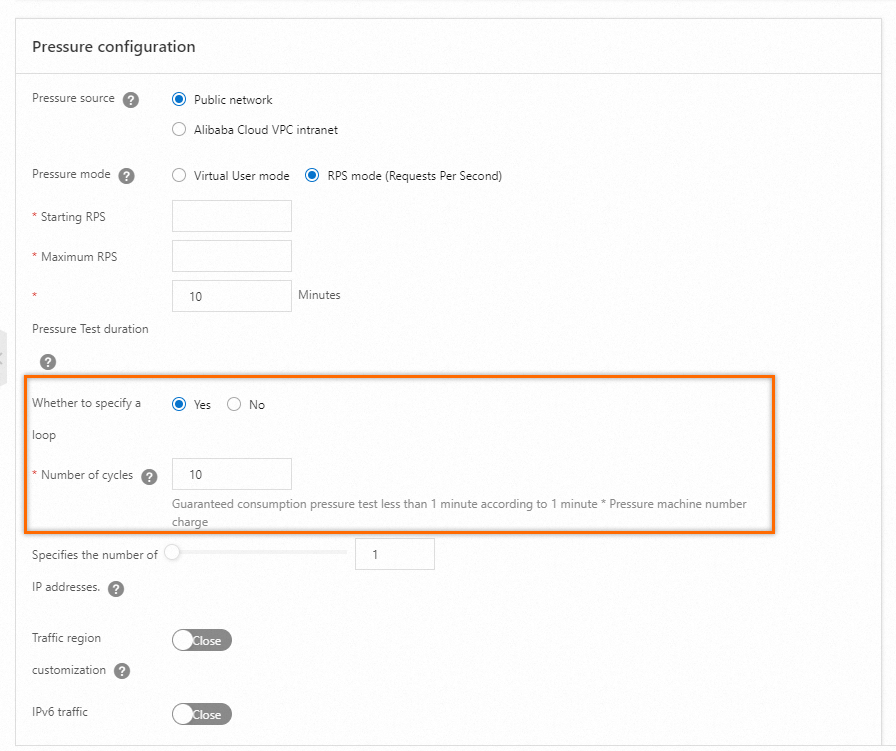
Remove the Loop Count value from the Thread Group in your JMeter test plan. Instead, control the test duration and iterations through the PTS load configuration. This lets PTS manage how long the test runs and how many loops to execute.
For details, see Configure load models and levels.
Check the thread group type
If the thread group used for load testing is set to setUp Thread Group instead of ThreadGroup, the test runs only once during script initialization and then stops. The concurrency drops to zero because setUp Thread Group runs before the main test starts and is designed for one-time pre-test actions, not for sustained load generation.
Solution
In your JMeter test plan, change the thread group used for load testing to ThreadGroup.