Reduces the resolution and storage size of images embedded in a scene object by applying a scale factor. The smaller the scale value, the lower the resolution and the less storage the image uses.
Syntax
scene ST_ScaleImage(scene sc, cstring name, float8 scale);Parameters
| Parameter | Type | Description |
|---|---|---|
sc | scene | The scene object containing the images to scale. |
name | cstring | The name of the image to scale. Pass an empty string ('') to scale all images in the scene. |
scale | float8 | The scale factor. Must be in the range (0, 1), exclusive. A smaller value produces lower resolution and smaller storage size. |
Description
ST_ScaleImage reduces the size of one or all images stored in a scene object.
The scale parameter controls how much the image is reduced. A value close to 0 produces a highly compressed, low-resolution image. A value close to 1 preserves more detail while still reducing the image. The value must be strictly between 0 and 1—endpoint values are not valid.
To scale a specific image, pass its name as the name parameter. To scale all images in the scene, pass an empty string ('').
The function returns the modified scene object in glTF format.
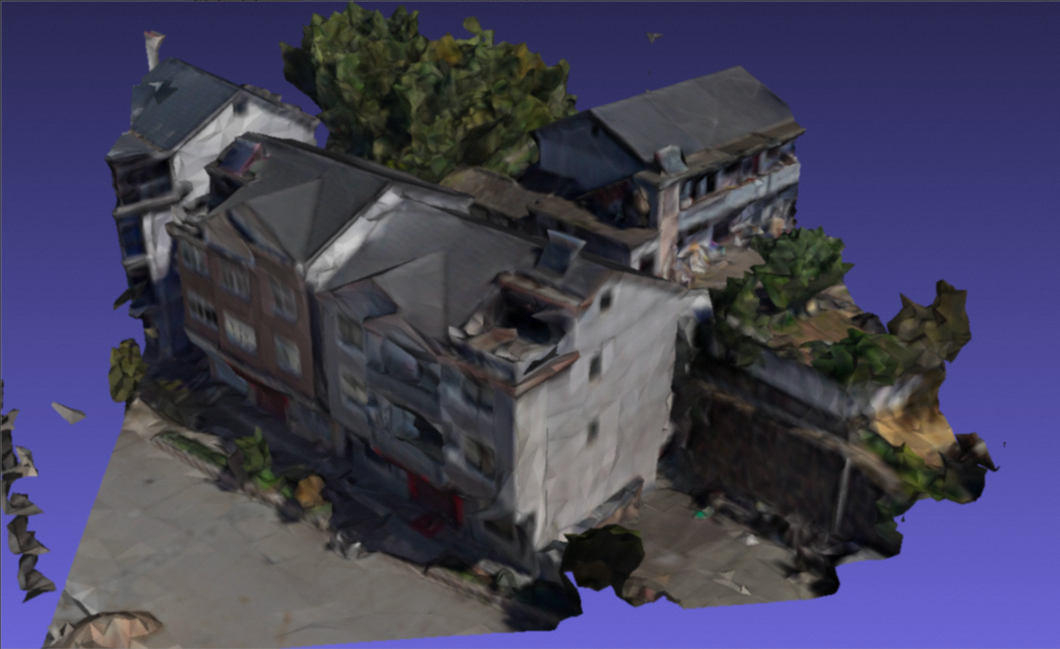
Scale effect reference:
Original image at scale 1.0 (reference only; 1.0 is not a valid input):
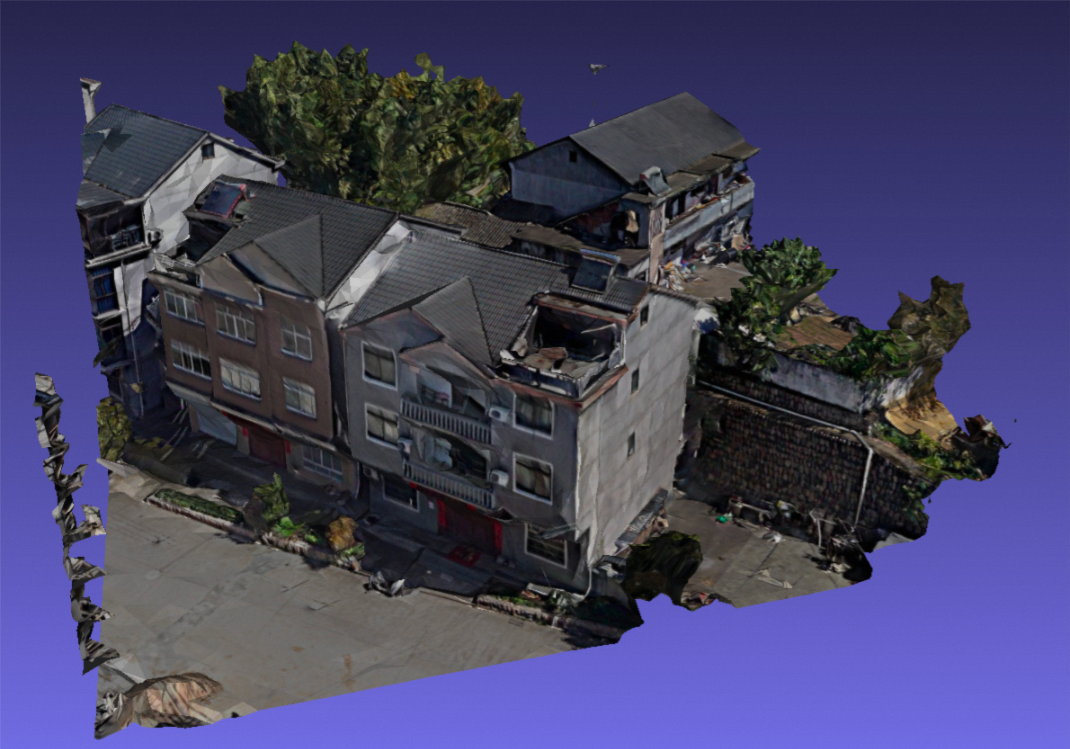
Image after scale-down at scale 0.125:
Example
The following example scales all images in the scene column of table t to 10% of their original size, then returns the result as text.
SELECT ST_AsText(ST_ScaleImage(scene, '', 0.1)) FROM t;The output is a glTF JSON structure (truncated for readability):
{"type" : "gltf", "content" : {"accessors":[{"bufferView":0, ...