PolarDB for MySQL integrates diagnostics capabilities from Database Autonomy Service (DAS). You can use Performance Insight to quickly assess database load and identify the root causes of performance issues to improve database stability.
Background information
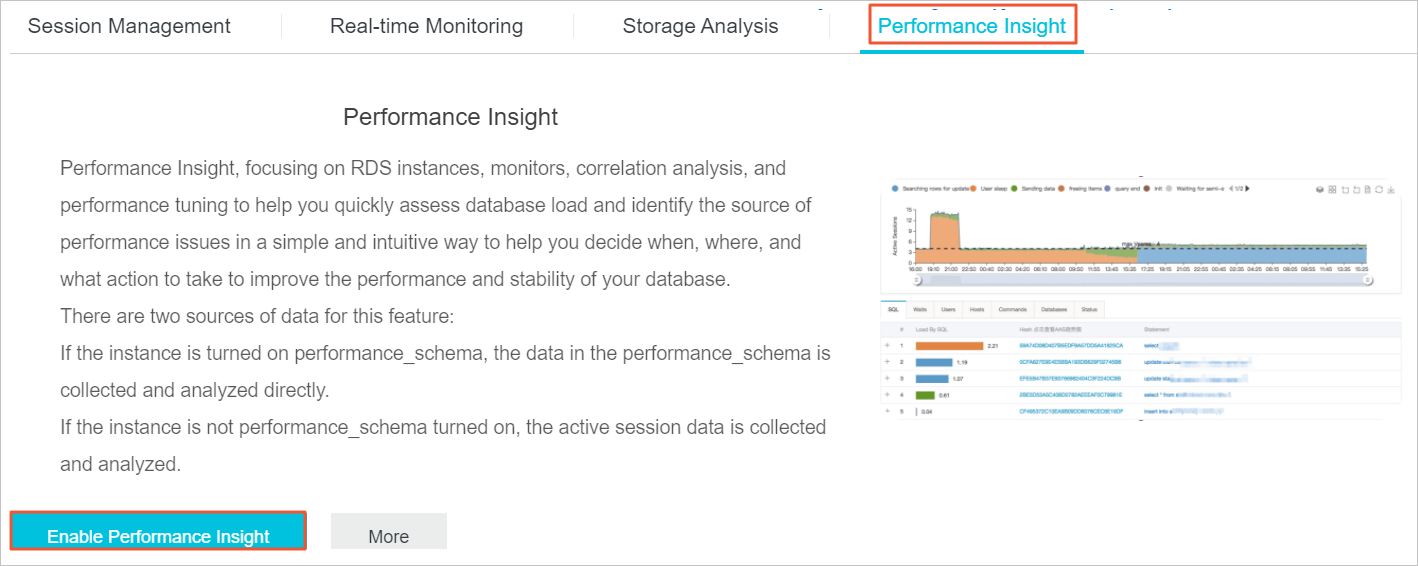
Performance Insight collects and analyzes data based on the following sources:
-
If performance_schema is enabled on the cluster, data is collected and analyzed from performance_schema.
-
If performance_schema is not enabled on the cluster, data is collected and analyzed from active sessions.
Procedure
-
Log on to the PolarDB console.
-
In the navigation pane on the left, click Clusters。
-
In the upper-left corner, select the region where the cluster is deployed.
On the Clusters page, click the ID of the target cluster.
In the left-side navigation pane, choose .
-
Click the Performance Insight tab.
-
Click Enable Performance Insight.
-
In the dialog box that appears, click OK.
-
You can view and manage the following information on the Performance Insight page:
-
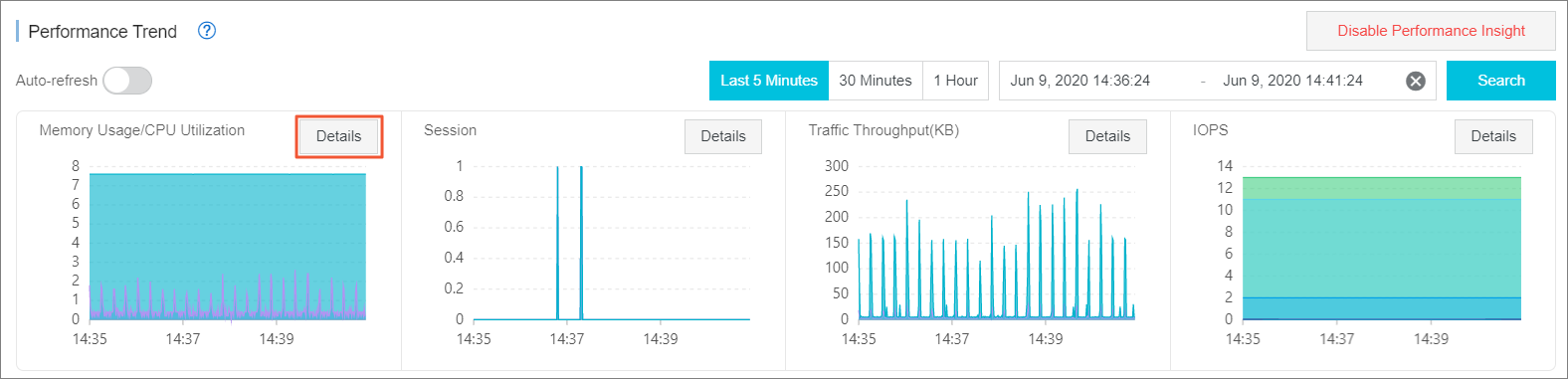
In the Performance Trend section, you can view database performance metrics for a specific time range. To inspect a specific metric such as CPU utilization in detail, click Details in the upper-right corner of the metric.
 Note
NoteThe selected time range cannot exceed seven days.
-
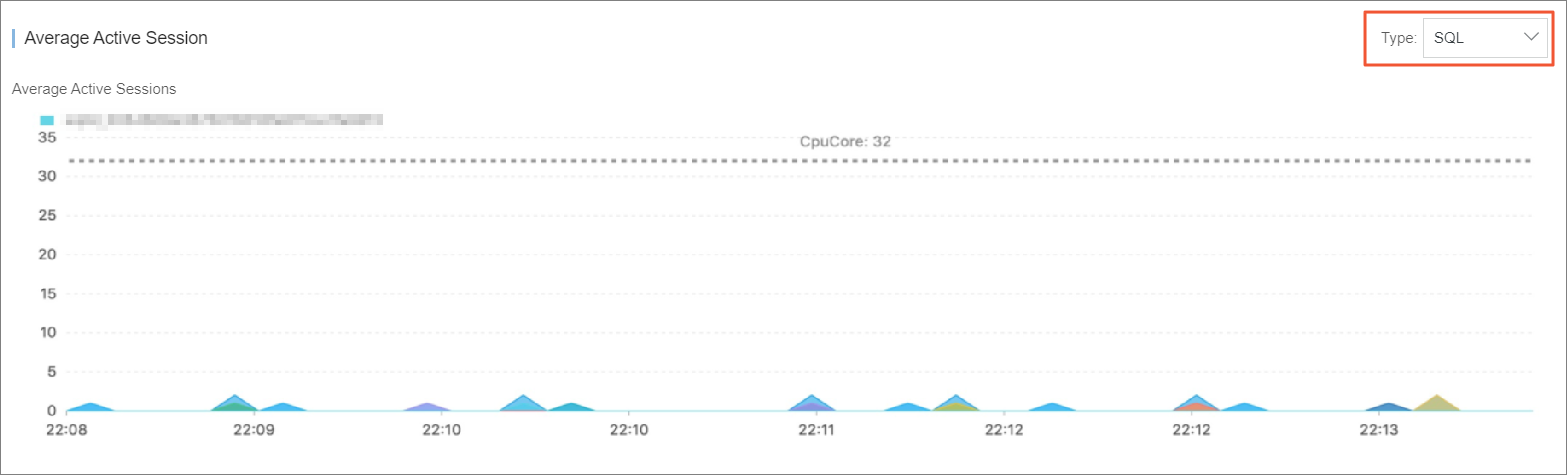
In the Average Active Sessions section, you can view session activity trends by category (such as SQL) and analyze multidimensional workload information to identify the root cause of performance issues.

-