This topic describes how to view bills in the console.
Procedure
Log on to the Phone Number Verification Service console.
In the navigation pane on the left, click Bill Query.
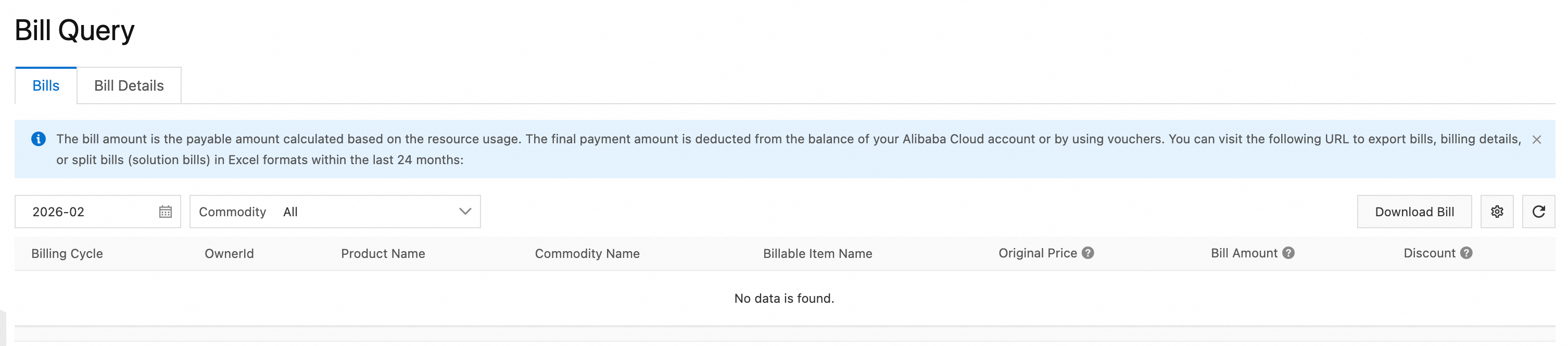
Query bills. Configure filter conditions to view billing information.
Download Bill. In the upper-right corner, click Download Bill to download bill data.
View bill details. Click the Bill Details tab and configure filter conditions to view bill details.