This topic describes the JavaScript widgets that are supported by Drive and Photo Service (PDS).
1. Overview
PDS supports the following JavaScript widgets:
PageWidget
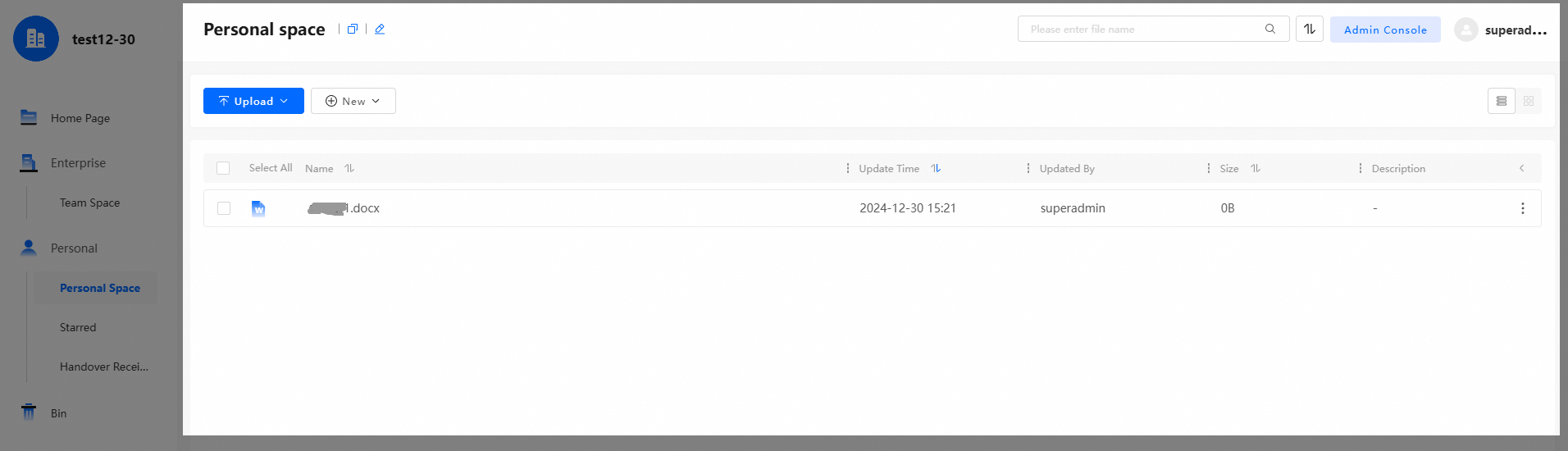
PageWidget provides some methods for developers to embed PDS BasicUI pages in their own web applications by using iframes, such as the personal space page shown in the following figure.
WebOfficeWidget/VideoPlayerWidget
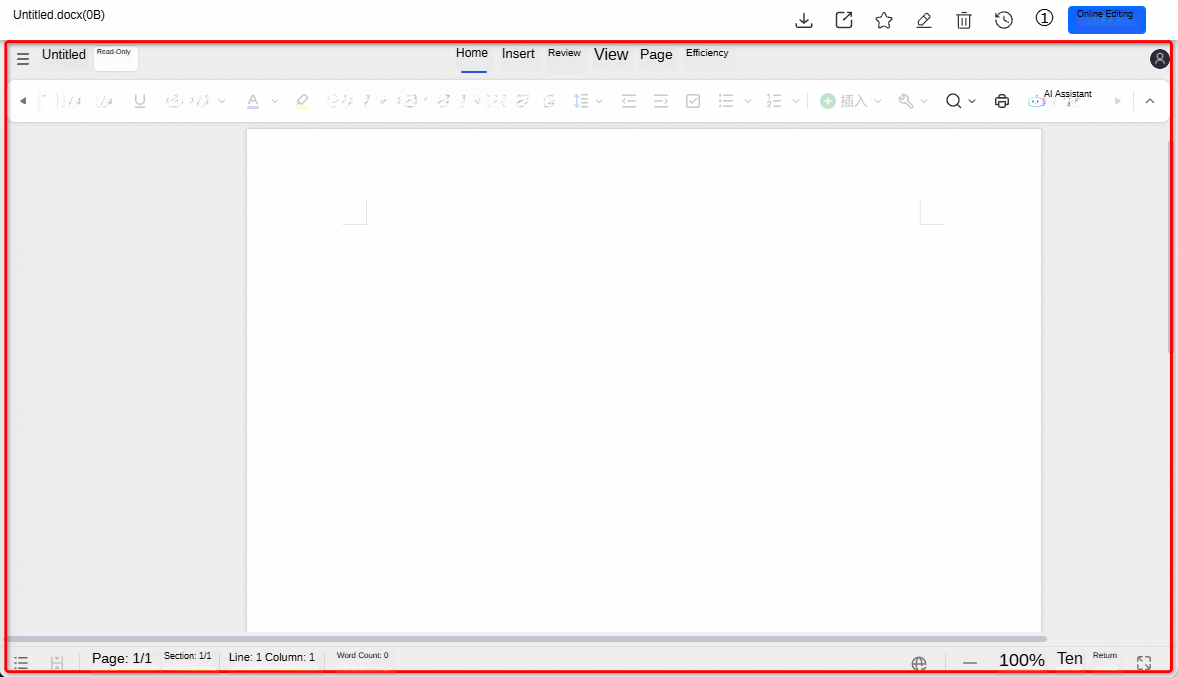
WebOfficeWidget/VideoPlayerWidget provides some methods for developers to embed document preview/editing pages or video playback pages in their own web applications by using iframes. This simplifies the development process. The following figure shows an example of a document preview page.
2. Use the widgets
(1) Enable BasicUI in the console
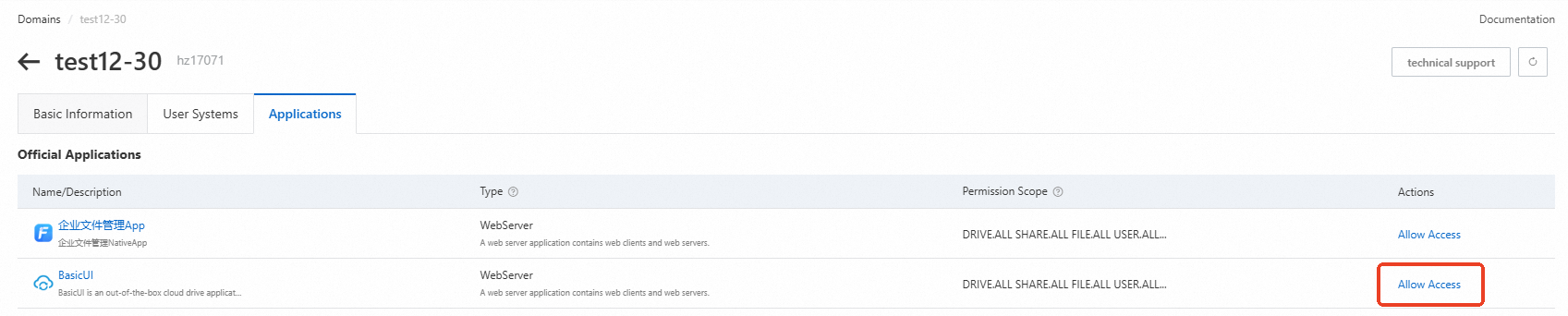
Log on to the PDS console. On the domain details page, allow BasicUI to access the domain resources.
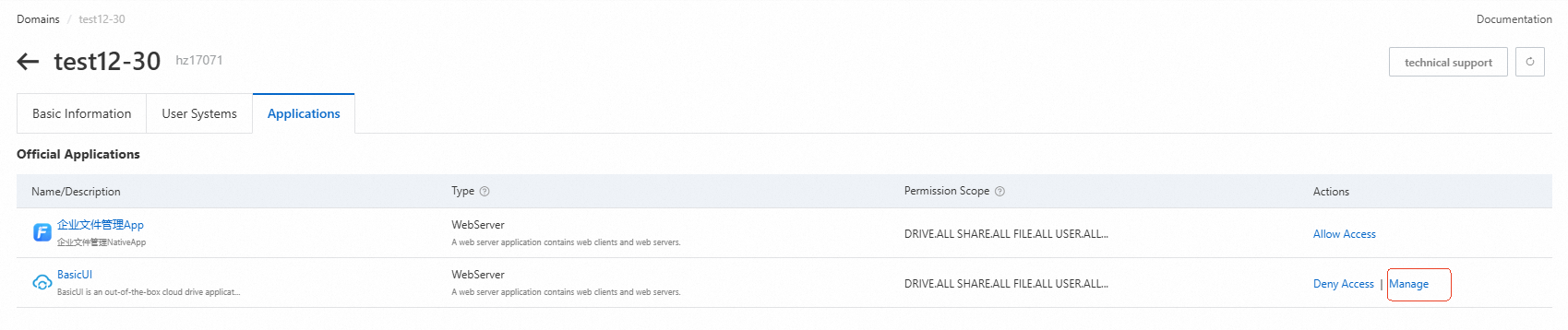
Click Manage to go to the admin console of BasicUI.
(2) Configure the frame-ancestors policy in the BasicUI admin console
In the BasicUI admin console, configure the frame-ancesotrs policy to include the source information of the parent page, such as https://yoursite.com. A widget can be embedded only by the configured parent page.

(3) Import a widget
Run the following command: npm install aliyun-pds-js-widget.
import { PageWidget, WebOfficeWidget, VideoPlayerWidget } from 'aliyun-pds-js-widget';(4) Initialize the widget
const widgetOpts = {
    ... // The configuration item. See the details below.
}
const ins = new PageWidget(widgetOpts);