This article answers common questions about iTAG.
Ask Xiao PAI first
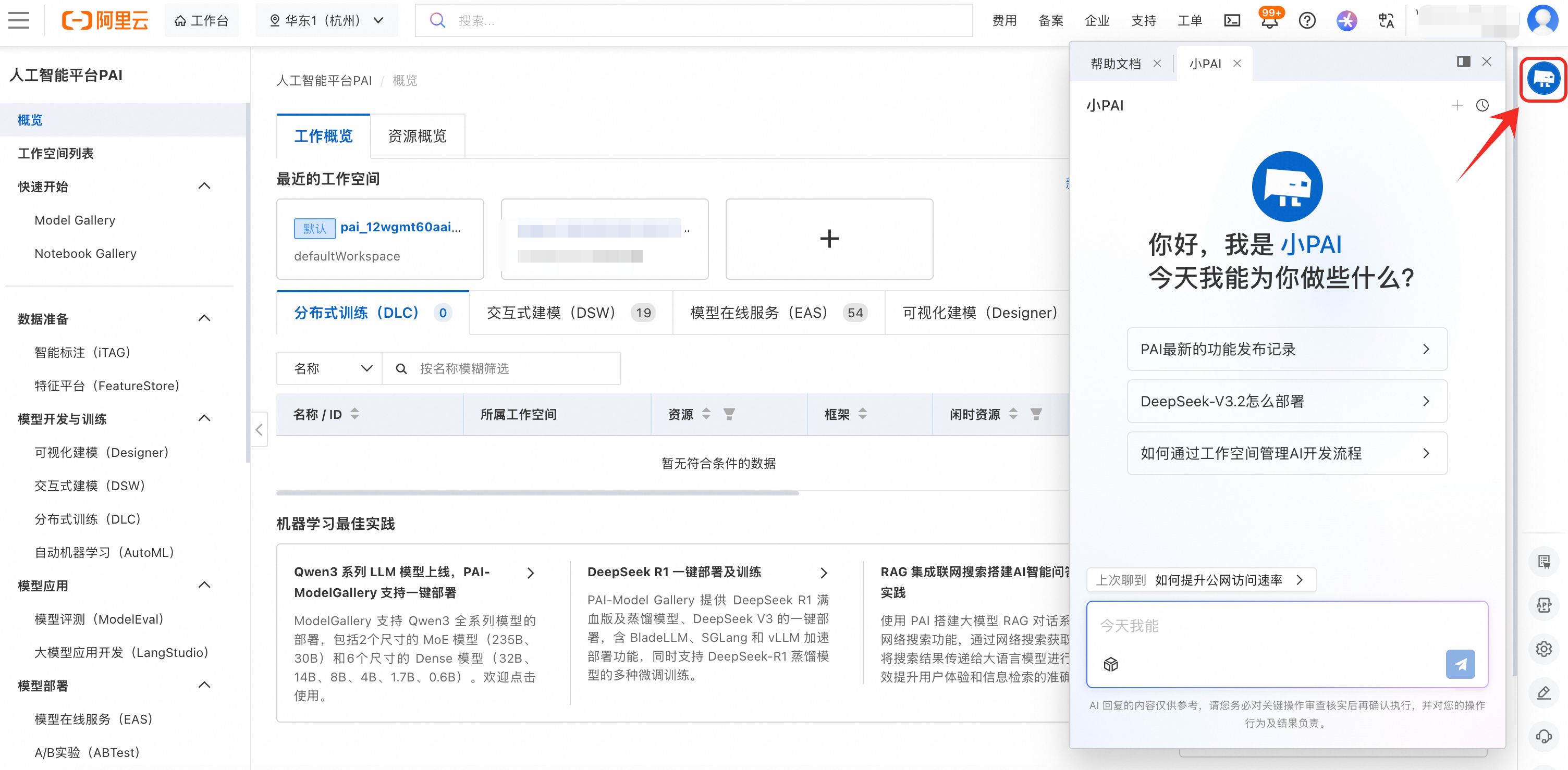
Xiao PAI is the AI assistant for PAI. It covers the full PAI product suite and supports operational diagnostics for DSW instances, DLC jobs, and EAS services. It can automatically identify the root cause of a failure and suggest next steps or fixes.
Billing
Q: Is PAI-iTAG free? How is it billed?
-
iTAG platform: The iTAG platform itself is free when your own team performs all labeling work manually.
-
Object Storage Service (OSS): iTAG depends on Alibaba Cloud OSS. OSS storage and data transfer costs are billed separately according to OSS billing overview.
-
AI-assisted labeling: Smart labeling for selected templates (such as image captioning and image-text description) is currently free. If pricing plans change in the future, Alibaba Cloud will notify you in advance.
User permissions
Q: The console shows I don't have iTAG permissions. How do I get authorized?
Add a role in the workspace first, then go to iTAG's member management to grant access. For details, see Assign user roles.
Q: How do I add team members (such as RAM sub-accounts) as labelers?
Log in to the PAI console with the primary account and add the RAM sub-account as a member in Workspace management. Then go to Member management in iTAG, select Add workspace internal account, and add that RAM user as a labeler or administrator. For details, see Assign user roles.
Q: Why can't I find my RAM user when adding workspace internal accounts?
The RAM user must be added as a member of the current PAI workspace first. After that, the user appears in the list. For the steps, see Configure a workspace > Member role configuration.
Q: How do I add team members, users from other organizations, or individuals as labelers?
Follow the steps in Assign roles > Add roles for other Alibaba Cloud accounts to assign the labeler role to team members, users from other organizations, or individuals.
Q: Can labelers download the source data?
iTAG doesn't give labelers direct download access to source data, which keeps your data secure. Access to the underlying data is controlled by the access policy of the storage location (such as OSS). Configure OSS permissions to manage who can access the data.
Data loading
Q: Dataset format parsing fails when creating a labeling task. How do I fix it?
When creating a labeling task on the iTAG page, if you select a registered dataset and see the error Dataset format parsing failed. Select a dataset in the correct format, check the following:
-
iTAG only supports datasets in the iTAG labeling format. For instructions on how to create a compatible dataset, see Create a dataset for a labeling job.
-
Verify that the existing dataset uses the correct format. For details, see Annotation file formats.
Q: Why is the OSS bucket unavailable or the file path dropdown empty when creating an iTAG dataset?
Check the following:
-
Region consistency: The region of the PAI-iTAG workspace must match the region of the OSS bucket. Switch regions using the region selector in the upper-left corner of the PAI console.
To check the current PAI-iTAG region:
Look at the region selector in the top navigation bar of the PAI console (for example, China (Hangzhou)).
To check the OSS bucket region:
In the OSS Management console, open the bucket list and check the Region column for each bucket (for example, US (Silicon Valley), Singapore, or China (Beijing)).
-
Path and file requirements: iTAG doesn't support reading directly from the root directory of an OSS bucket. Store data files in a subdirectory and enter the subdirectory name in the OSS file path field. The dataset import also requires an index file (such as a
.csvor.manifestfile), not a direct path to a folder of raw images or videos.
Q: Does iTAG support using local data directly for labeling, such as mounting a local NAS?
No. iTAG requires all input data to be stored in Alibaba Cloud OSS. Upload local data (including data on NAS) to OSS first, then create a dataset in iTAG that points to the OSS data.