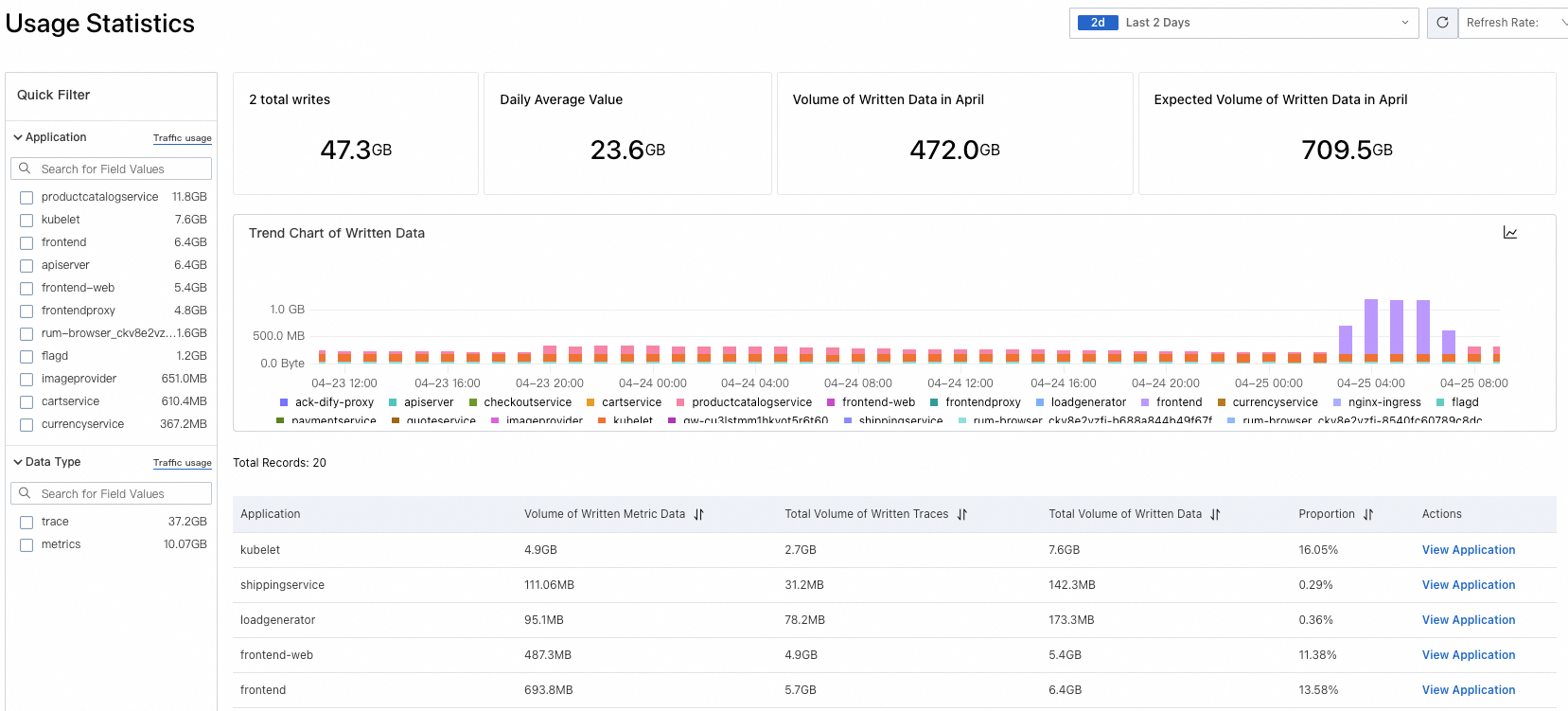
Managed Service for OpenTelemetry provides billing records and usage data through two separate consoles. Use these to track charges, identify cost drivers, and monitor consumption trends.
| Data type | Console | What it shows |
|---|---|---|
| Bills | Expenses and Costs | Itemized billing records and charges |
| Usage data | Managed Service for OpenTelemetry | Consumption trends over a selected time period |
View bills
The Expenses and Costs console shows itemized charges for Managed Service for OpenTelemetry.
Log on to the Expenses and Costs console.
In the left-side navigation pane, choose Bills > Bill Details.
Click the Billing Details tab. Your itemized bills are displayed.
View usage data
The Usage Statistics page in the Managed Service for OpenTelemetry console shows consumption data over a selected time period.
Log on to the Managed Service for OpenTelemetry console.
In the left-side navigation pane, click Usage Statistics.
In the upper-right corner of the page, select a time period.