Function overview
You can store multiple vectors in a single vector field within a document. This allows the document to be retrieved if a query matches any of the stored vectors. For example, if your index is configured with 128 vector dimensions, you can push two 128-dimensional vectors or three 128-dimensional vectors into a single field.
Scenarios
This feature is useful when you perform text segmentation on a long document. You can vectorize each segment and then store all the segment vectors in a single vector field for retrieval.
Usage notes
In this example, 128-dimensional vectors are used.
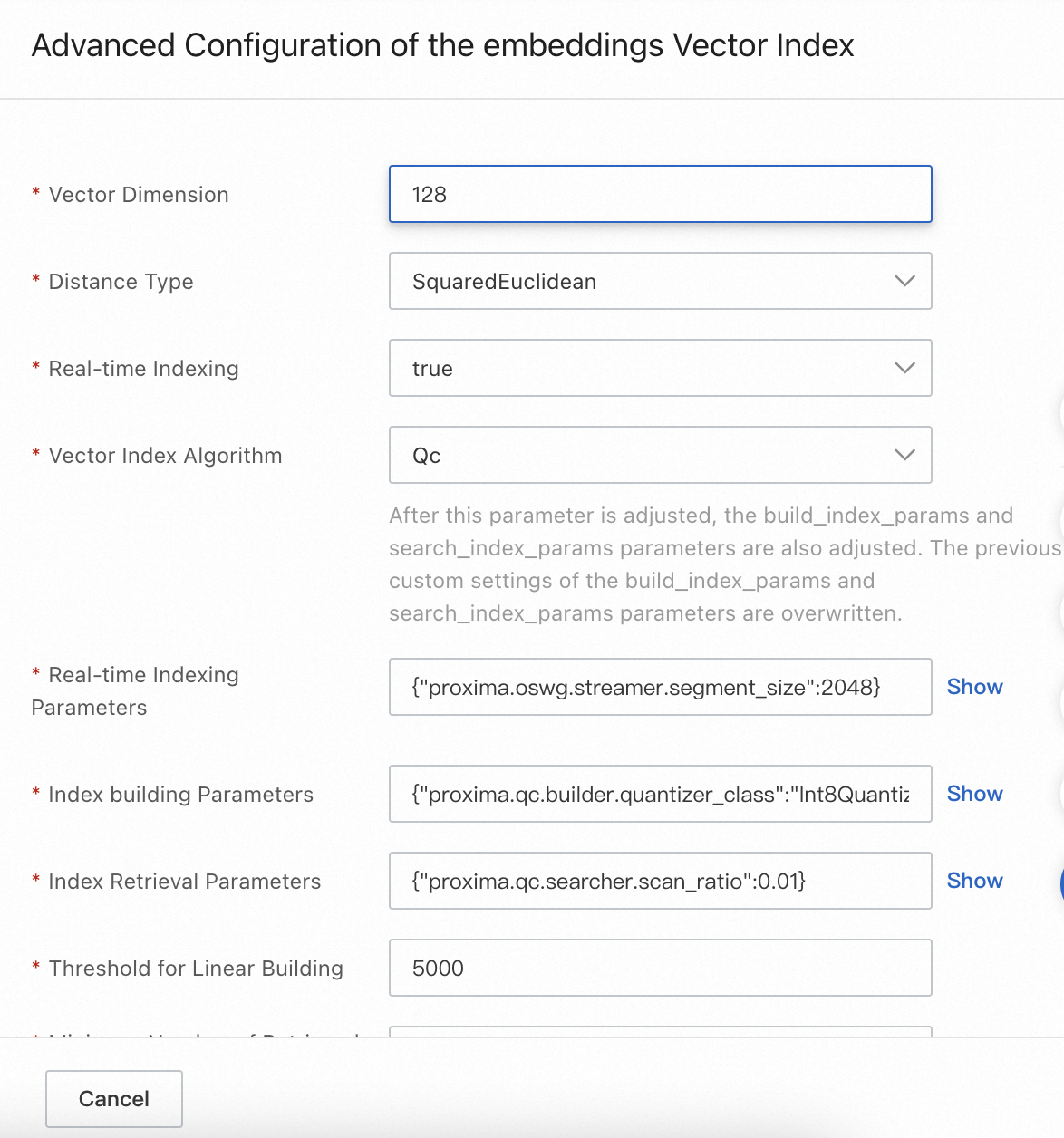
The vector field is named vector. The Vector Dimension parameter of the vector index is 128. To retrieve a document by retrieving one or more vectors in the document, you need to push 128-dimensional vectors to the vector field and separate the vectors with the delimiter that is used to separate the elements in a vector in the vector field. The following figure shows the format of three vectors to be stored in a vector field if the delimiter is a comma (,).

When you perform a query, specify 128-dimensional vectors as the vectors to be queried. If one of the vectors in a document is retrieved, the document is retrieved.
During the sorting and scoring phase, if multiple vectors in a document are hit, the best score among them is used as the document's final vector similarity score. For Euclidean distance, a lower score indicates higher relevance. For inner product, a higher score indicates higher relevance.