OpenSearch supports only one type of data source per table. To switch from one data source to another—for example, from ApsaraDB RDS for MySQL to MaxCompute, or from one database to another—you must delete the existing data source and then add the new one. Direct editing of an existing data source is not supported.
Prerequisites
Before you begin, ensure that you have:
An existing OpenSearch application with at least one configured data source
The credentials required for the new data source (for example, MaxCompute project name, AccessKey ID, and AccessKey secret)
The necessary permissions to modify the application
Delete the existing data source
On the Offline Application tab of the application details page, click Modify Offline Application, then click Next to go to the Data Source step.

Find the data source you want to delete and click Delete in the Actions column.
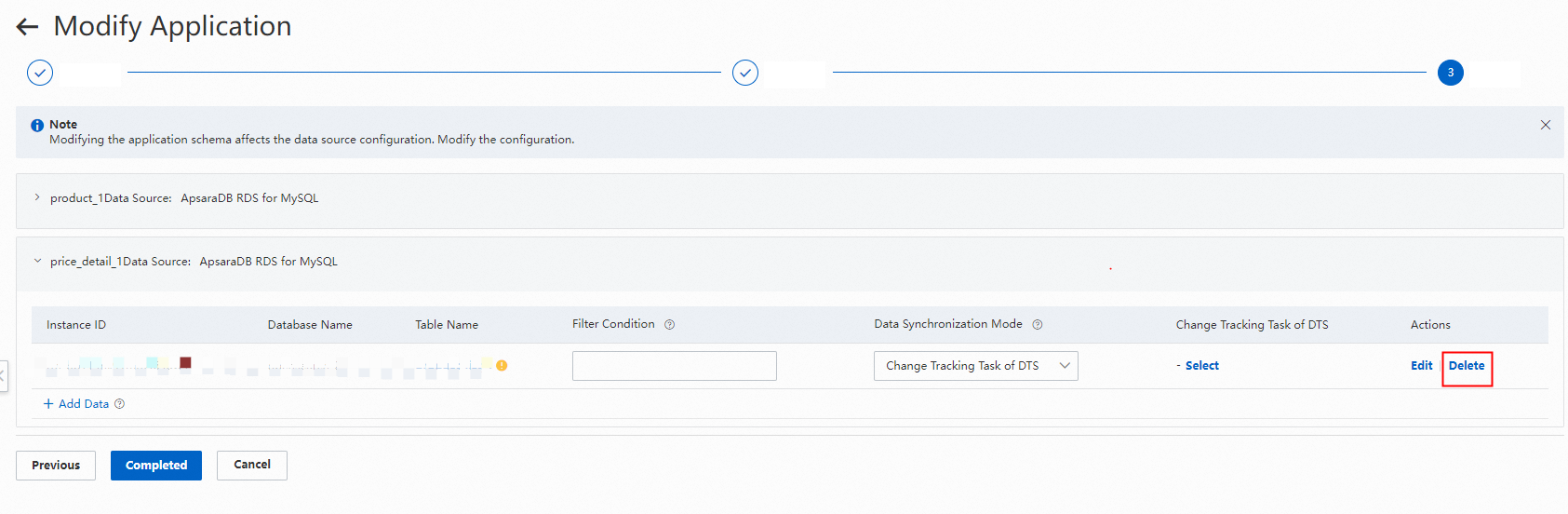
Add a new data source
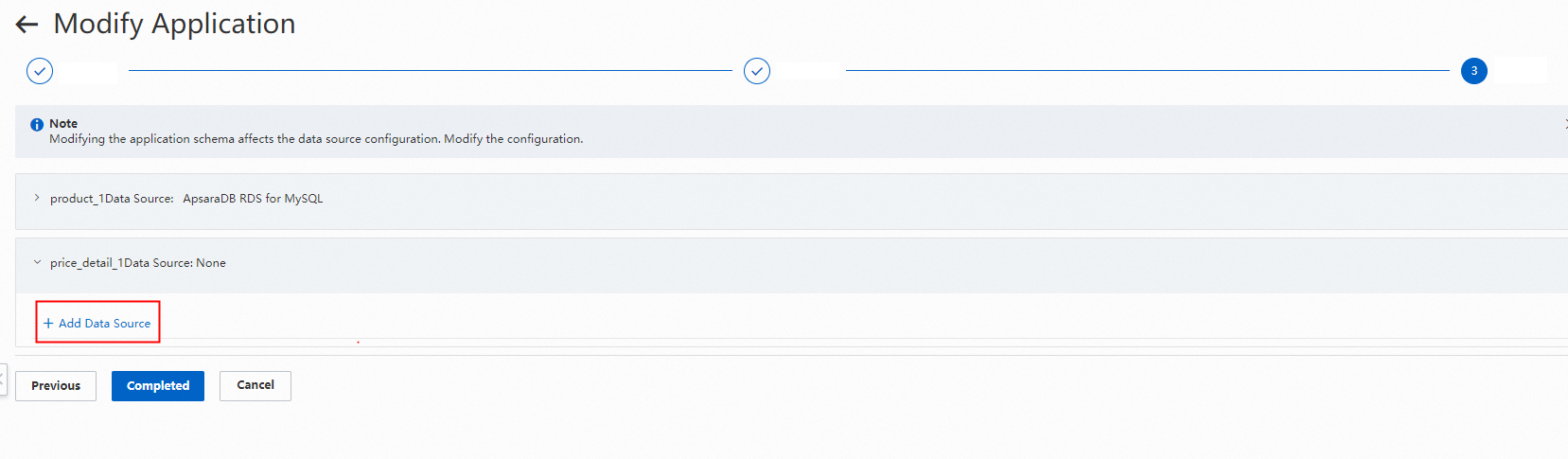
In the Data Source step, click Add Data Source. In the Select Data Source panel, select MaxCompute as the data source.

Click Connect to Database and configure the MaxCompute connection parameters: the project name, and the AccessKey ID and AccessKey secret of the account authorized in MaxCompute.

Select one or more tables whose data you want to import to OpenSearch. Review the field mappings between OpenSearch and the data source. Adjust fields to match your requirements. If the data source uses data processing plug-ins, click + in the Content Conversion column to add the same plug-ins. Click OK.
When configuring the application schema, create a primary table and a unique primary key field for each table.


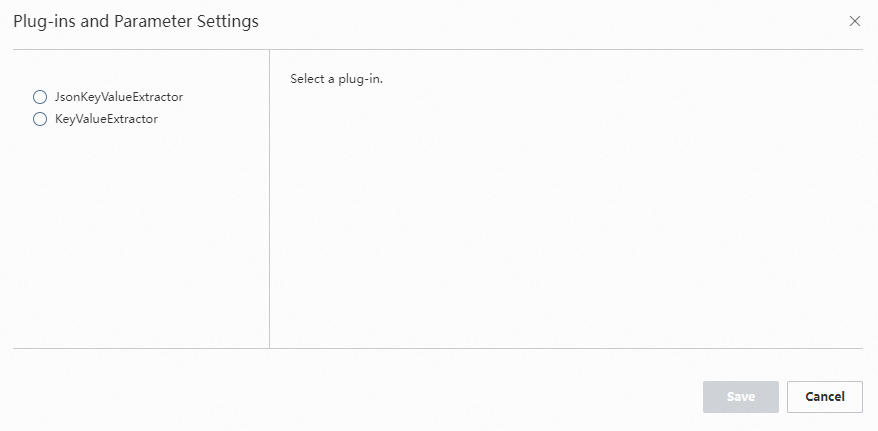
Configure the plug-in.
Select a partition. OpenSearch supports regular expressions to select partitions based on MaxCompute data characteristics. For example, the regular expression in the following screenshot specifies importing the full data from the previous day's partition. To import incremental partition data every day, click Reindex on the Application Details page to create a scheduled reindexing task. After all configurations are complete, click Complete and wait for the new application version to be built and tested. Regular expression reserved characters: The following characters are reserved by the system and cannot be used as literal values in partition expressions. For example,
ds=%Y%m%d || -1 daysimports the full data from the previous day's specified partition.dsis the name of the partition field. No invisible characters such as spaces are allowed on either side of the equal sign (=).Character Symbol Equal sign =Comma ,Semicolon ;Double vertical bar ||