CloudOps Orchestration Service allows you to update custom templates. This topic describes how to update a custom template in the OOS console.
Log on to the CloudOps Orchestration Service (OOS) console.
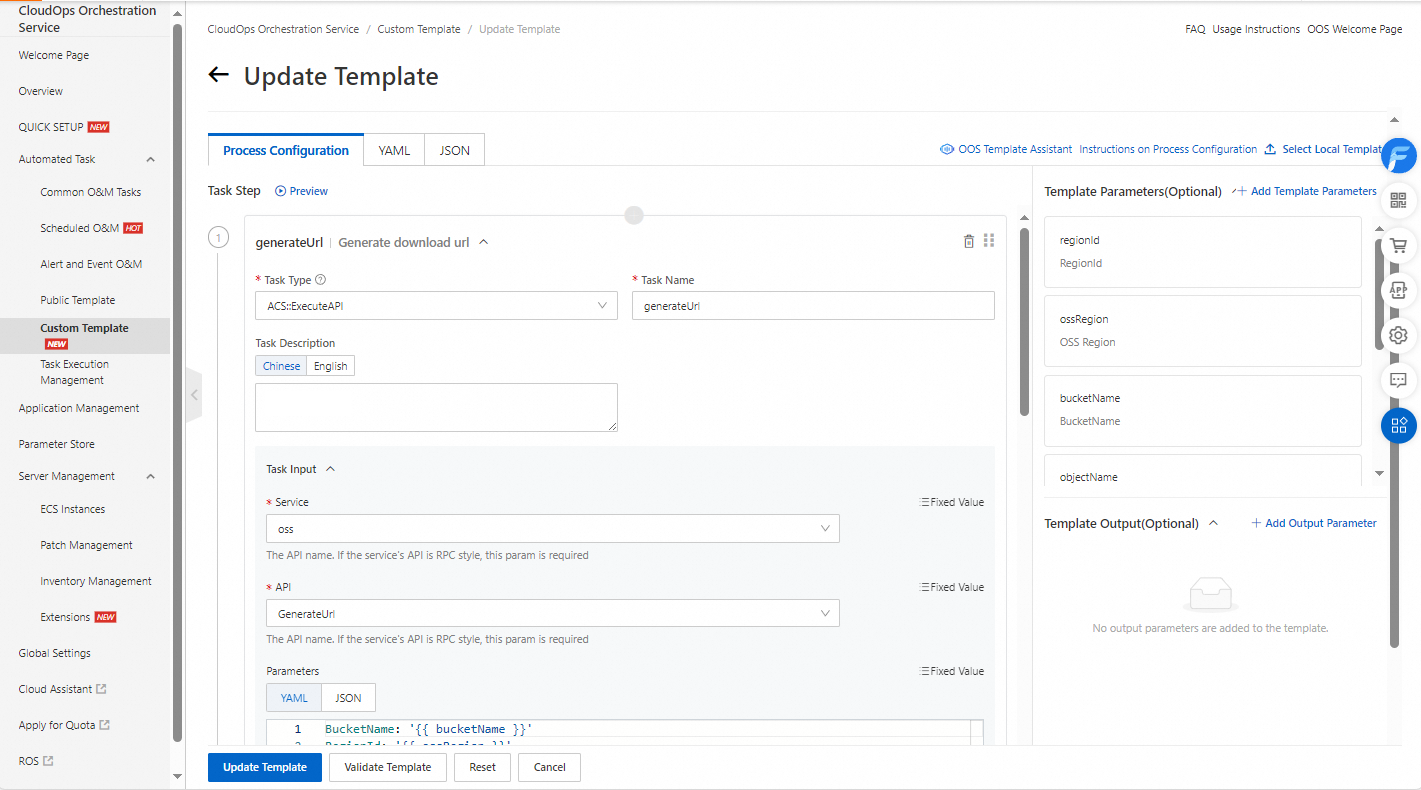
In the left-side navigation pane, choose Automated Task > Custom Template. On the Custom Template page, find the template that you want to update and click Update in the Actions column.

After you modify the template, click Update Template.