If you no longer require a custom template, we recommend that you delete the custom template to simplify template management. This topic describes how to delete a custom template in the CloudOps Orchestration Service (OOS) console.
Log on to the CloudOps Orchestration Service console.
In the left-side navigation pane, choose . On the Custom Template page, find the custom template that you want to delete, click the
 icon in the Actions column, and then select Delete.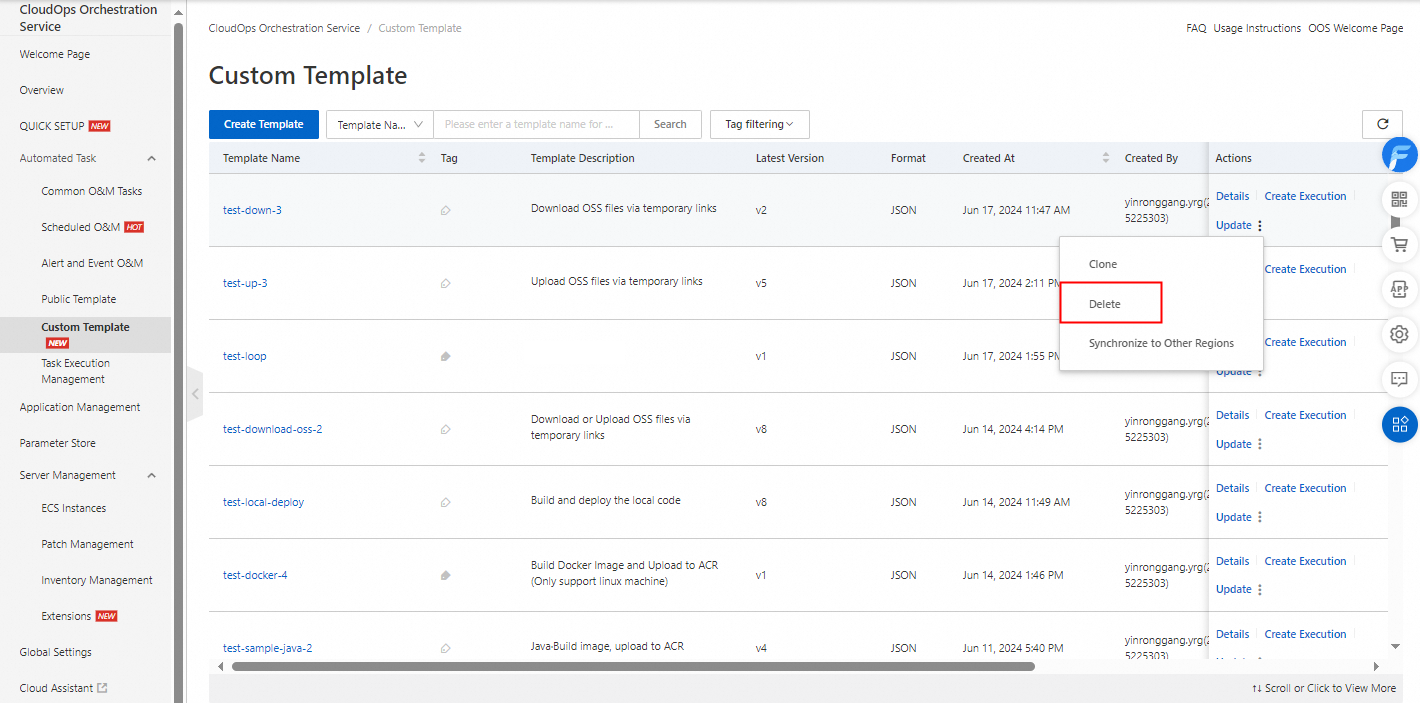
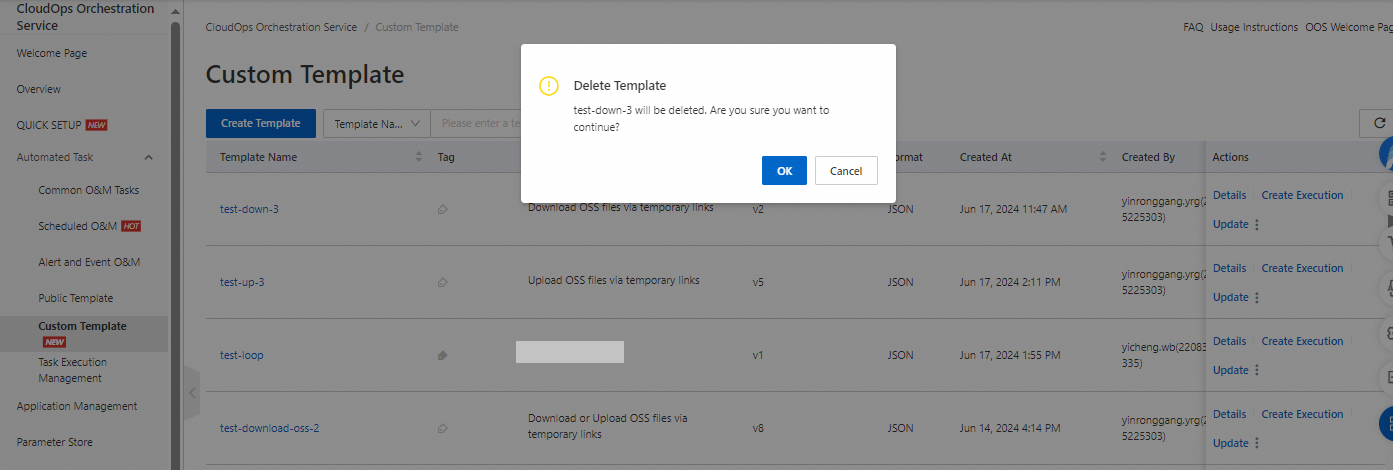
In the Delete Template message, click OK.