Resource monitoring and alerting rules track key metrics in your cloud environment, such as CPU utilization, memory usage, and network traffic. When a metric meets a trigger condition, the system automatically runs a predefined template to perform O&M actions to help maintain resource stability and security.
Prerequisites
You have created a template. For more information, see Template overview.
Procedure
-
Log on to the CloudOps Orchestration Service console. In the left-side navigation pane, choose Automated Task > Alert and Event O&M. On the Alert and Event O&M page, click Create.
-
On the Create Alert and Event O&M page, select Threshold Alert.
-
Configure the settings in the Trigger Rule section.
The following example uses the CPU utilization of an ECS instance.
-
Service: Select ECS.
-
Rule description: .
-
Mute Period: Select 5 minutes.
-
Resources to alert on: Manually Select Instances or By Instance Tags.
For more information about tags, see What are tags?.
-
-
In the Select Template section, select the template to run when the rule is triggered.
Only triggerless templates are supported. You can select a public or custom template. This example uses ACS-ECS-BulkyRebootInstances, which reboots ECS instances in batches.
-
In the Configure Template Parameters section, configure the Permissions required to run the template.
For more information about RAM roles, see RAM role overview.
-
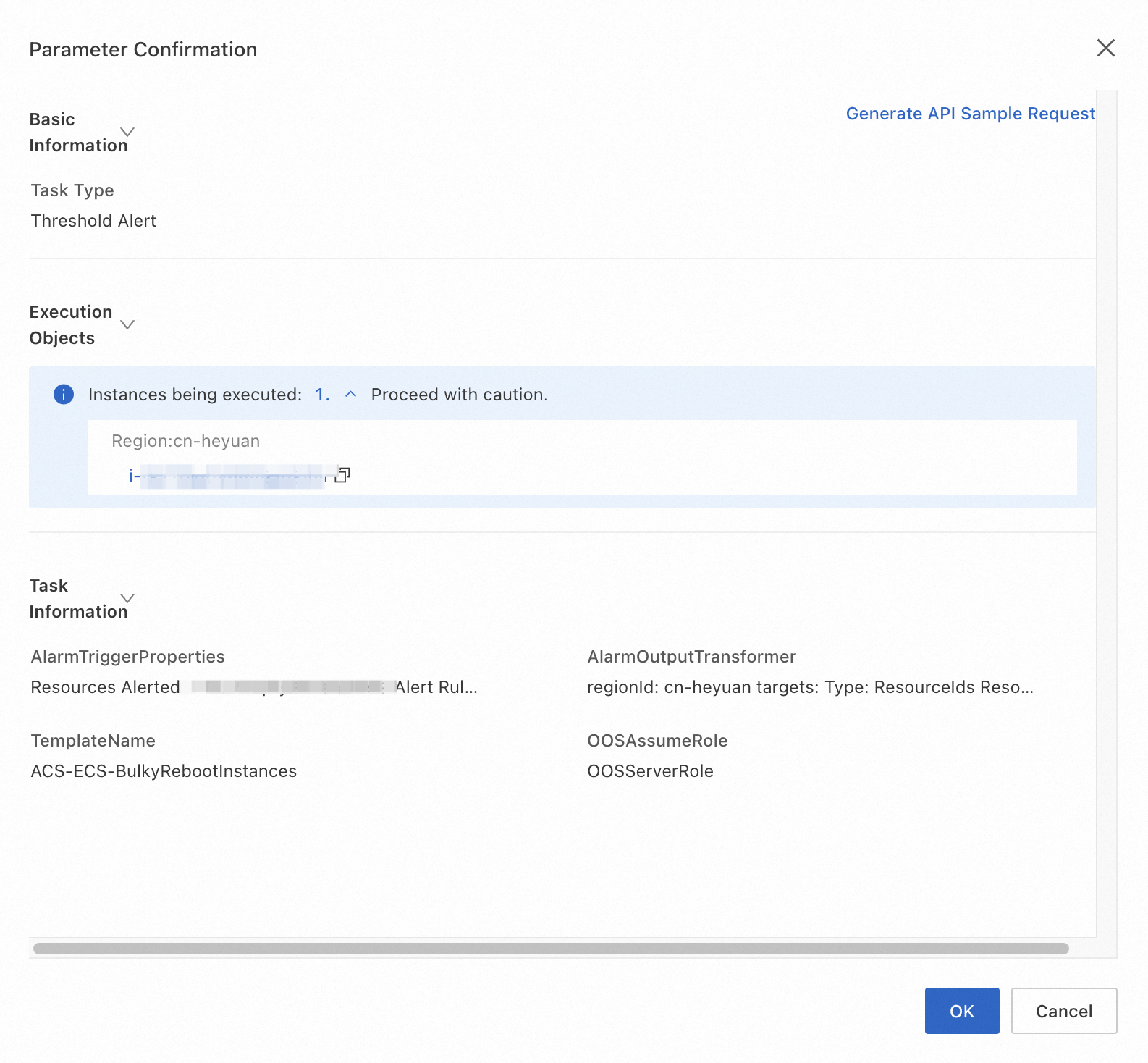
Click Create, and then click OK in the Parameter Confirmation dialog box.
The following figure shows an example.
-
In the CloudOps Orchestration Service console, navigate to . Find the rule you created and click Details. On the details page, click the Historical Executions tab to view the execution history.