Understand how overdue payments affect your File Storage NAS file systems, what happens after service suspension, and how to prevent overdue payments.
Check for overdue payments
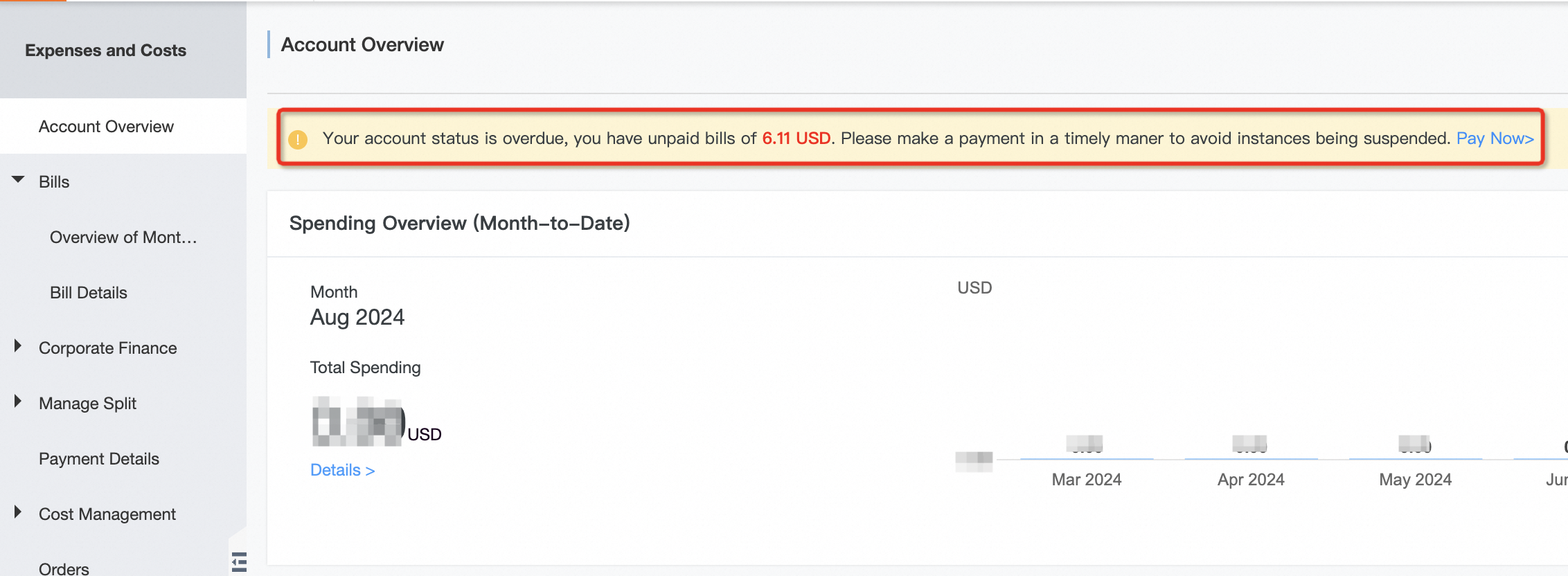
Go to the Home page of the Expenses and Costs console. Check whether you have overdue payments. If you have overdue payments, add funds to your account as soon as possible.
Causes of overdue payments
Overdue payments occur in the following situations:
Your account has no resource plans and the account balance is insufficient.
Your account has resource plans, but your usage exceeds the plan quota and the account balance is insufficient. For more information, see Why do I still have overdue payments after I purchase a resource plan?
Service suspension for overdue payments
The service status changes as follows when payment is overdue:
General-purpose NAS file systems
If you settle the overdue payment within 15 days, your service is not suspended.
If the payment remains overdue for more than 15 days, Alibaba Cloud immediately stops the General-purpose NAS service. Only the data stored in the General-purpose NAS file system is retained. No new fees are generated after the service is stopped.
If you settle the overdue payment within 15 days after General-purpose NAS service suspension, the General-purpose NAS service is automatically re-enabled.
If you do not settle the overdue payment within 15 days after General-purpose NAS service suspension, Alibaba Cloud considers that you have voluntarily waived the General-purpose NAS storage service. After more than 15 days of suspension, Alibaba Cloud terminates the General-purpose NAS storage service. Your General-purpose NAS instances are released, and the released data cannot be recovered.
Extreme NAS
If you settle the overdue payment within 15 days, your service is not suspended.
If the payment remains overdue for more than 15 days, Alibaba Cloud immediately stops the Extreme NAS service. Only the data stored in the Extreme NAS file system is retained. No new fees are generated after the service is stopped.
If you settle the overdue payment within 15 days after Extreme NAS service suspension, the Extreme NAS service is automatically re-enabled.
If you do not settle the overdue payment within 15 days after Extreme NAS service suspension, Alibaba Cloud considers that you have voluntarily waived the Extreme NAS storage service. After more than 15 days of suspension, Alibaba Cloud terminates the Extreme NAS storage service. Your Extreme NAS instances are released, and the released data cannot be recovered.