OpenCode is an open-source AI coding tool that runs in your terminal. Connect it to Model Studio to generate code, refactor projects, and automate development tasks.
This guide covers pay-as-you-go mode. For Coding Plan, see Coding Plan overview for supported models and Coding Plan for OpenCode for setup.
Prerequisites
Before you begin:
-
Node.js 18 or later installed (download from nodejs.org)
Verify the Node.js version:
node -vInstall and connect
Step 1: Install OpenCode
npm install -g opencode-aiVerify the installation:
opencode -vIf the command returns a version number, installation succeeded. If it fails, verify Node.js 18 or later with node -v.
Step 2: Start OpenCode in your project
Navigate to your project folder and launch OpenCode:
cd <your-project-folder>
opencode
Replace <your-project-folder> with your project directory path.
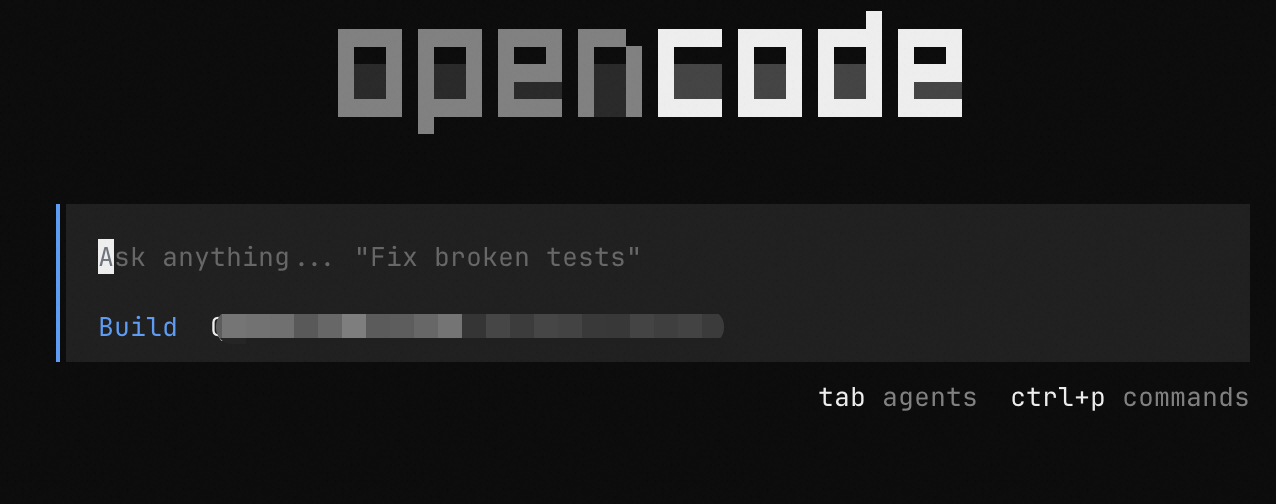
OpenCode uses the current folder as project context. To create a project folder:
mkdir my-project && cd my-project
opencode
Step 3: Connect to Model Studio
Coding Plan users must use their exclusive base URL and API key. See Coding Plan for OpenCode for details.
-
Type
/connectand press Enter. -
In the Provider search box, type
alibaba, selectAlibaba (China), and press Enter.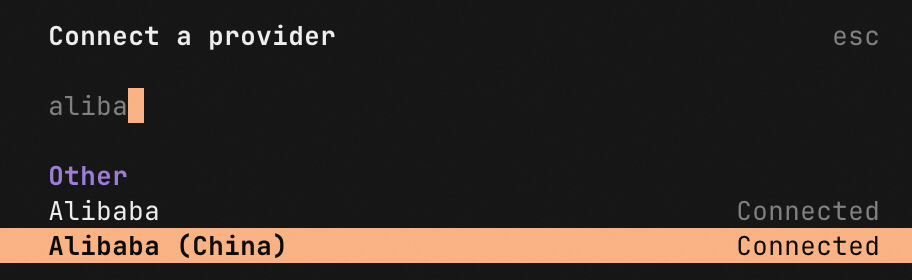
-
Enter your API key for the Chinese mainland region and press Enter.
-
Select
Qwen3 Coder Plusfrom the model list and press Enter.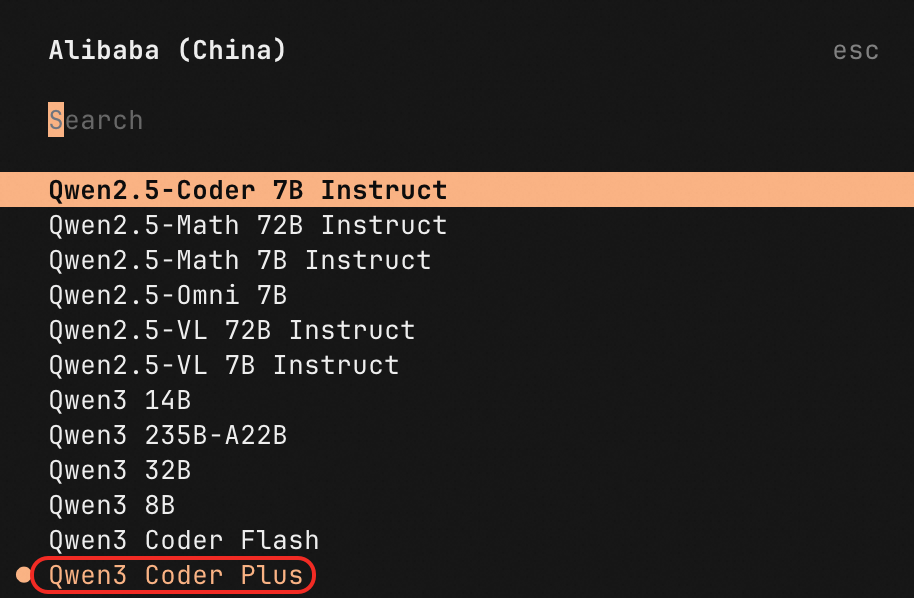
You can select a different model. See Supported models and recommendations for guidance.
Usage example
Test your setup with this prompt:
Write HTML code to simulate the physical effect of a small ball bouncing inside a uniformly rotating hexagon (including gravity, collision reaction force, friction, etc.). The ball should be affected by gravity, rebound after hitting the inner wall of the hexagon, and be influenced by collision reaction force and friction. Note that the ball's initial position is at the center of the hexagon.Open the generated HTML file to see the result:

Supported models and recommendations
|
Text generation - Qwen |
Qwen-Max, Qwen-Plus, Qwen-Flash, Qwen-Turbo, Qwen-Long, Qwen-Coder, QwQ, QVQ, Qwen-VL, Qwen-Omni, Qwen deep research model, Qwen data mining model |
|
Text generation - Third-party |
|
|
Domain-specific |
Model recommendations by task
| Task | Recommended model | Model ID |
|---|---|---|
| Code generation, refactoring, debugging | Qwen-Coder | qwen3-coder-plus |
| Complex reasoning, multi-step analysis | Qwen-Plus or Qwen-Max | qwen3.5-plus |
Switch models
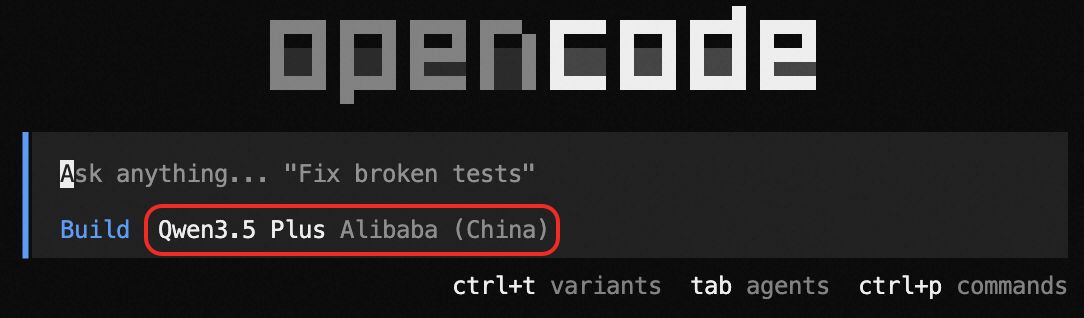
To use a specific model, type /models to open the model selection panel. Search by name (e.g., glm or qwen3.5) for fuzzy matching.
-
If no results appear, the model is not supported.
-
If a drop-down list appears, select the model. For Model Studio, choose the one tagged
Alibaba (China).
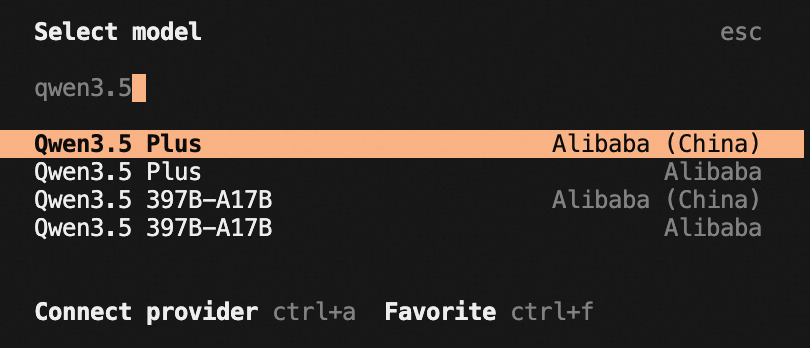
The home page displays the new model name after switching.
What's next
-
Supported models -- All available models and capabilities.
-
Coding Plan overview -- Overview of Coding Plan for OpenCode.
-
Coding Plan for OpenCode -- Set up OpenCode with a Coding Plan subscription.