The sharing feature is an important channel for mini program user acquisition and customer acquisition, and a key indicator for measuring the health of a mini program. The Share Analysis page displays the sharing data of the currently selected mini program (with T+1 timeliness), including five metrics such as number of sharers, sharing times, and sharing rback traffic, helping you understand the viral effect of your mini program. You can view statistical data for any past 1 day, 7 days, or 30 days.
To view share analysis data, follow these steps:
In the Mini Program Open Platform > Developer Backend, access Data Statistics > Sharing Analysis page from the navigation pane on the left.
From the dropdown box in the upper left corner of the page, select the target mini program.
Select a time range to view the statistical data for the corresponding period.
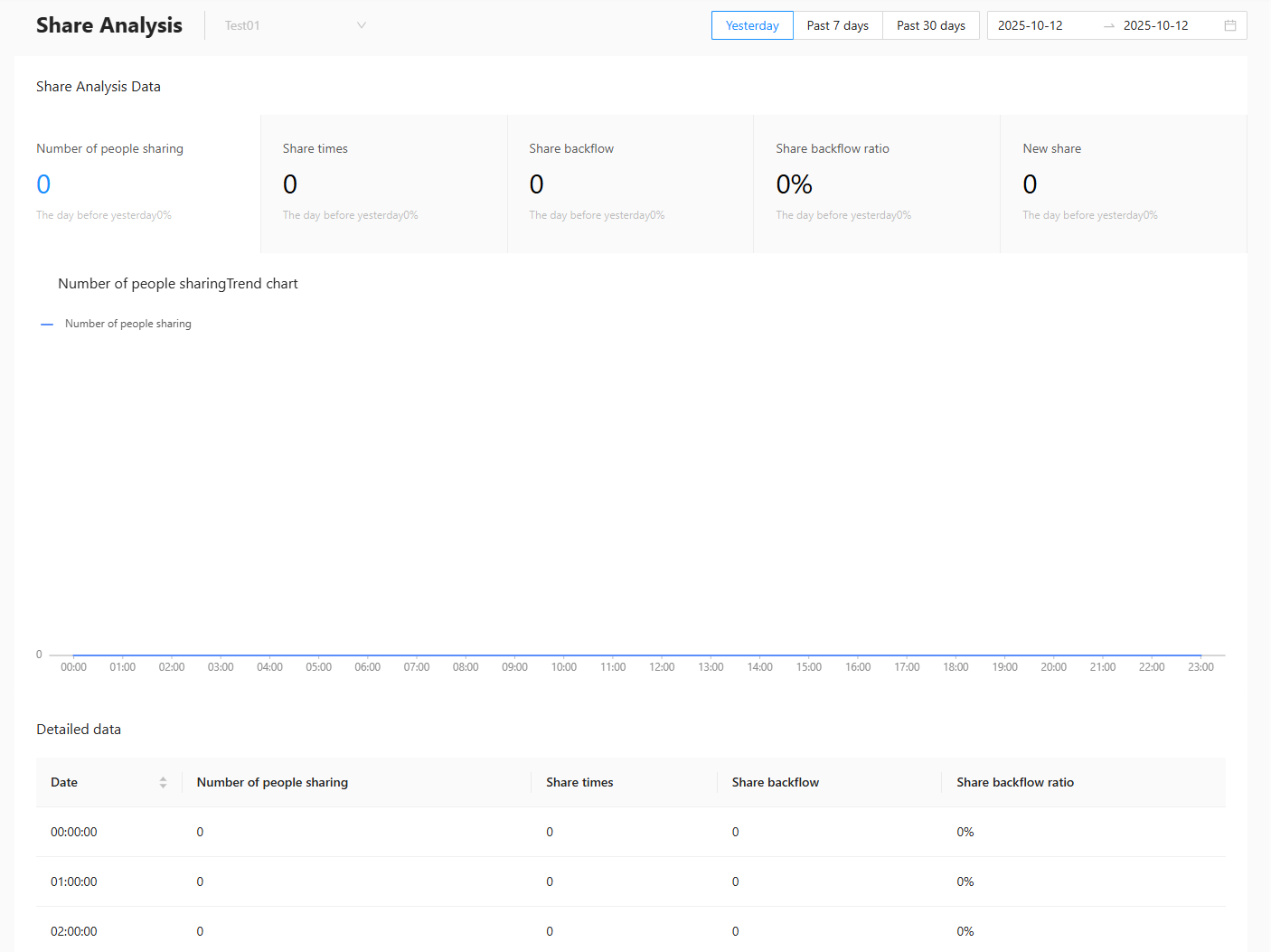
Sharing analysis overview
Displays statistical data for five metrics of the mini program during the specified period: number of sharers, sharing times, sharing back traffic, sharing back rate, and new sharing, along with the growth rate compared to the previous day, same period last week, or same period last month.
The metrics are explained as follows.
Metric | Description |
Number of Sharers | The total number of users who shared the mini program pages. Multiple sharings by the same user are not counted repeatedly. |
Sharing Times | The total number of times the mini program pages were shared. |
Sharing Back Traffic | The number of times users access the mini program by clicking on shared links is counted as return traffic for this share. |
Sharing Back Rate | This metric reflects the effectiveness of sharing. Share return ratio = Share return traffic/Number of shares × 100%. |
New Sharing | The number of new users who entered the mini program for the first time through shared links. |
Previous day (%) | The growth rate of the selected day's cumulative data compared to the previous day's cumulative data. Previous day comparison = (Share data of the specified date - Share data of the previous day)/Share data of the previous day. When the denominator is 0, it is calculated as 1. Integer digits are retained before the percentage sign. |
Same period last week (%) | The growth rate of the past 7 days' cumulative data compared to the cumulative data from 8-14 days ago. Same period last week = (Share data of the past 7 days - Share data of the same period last week)/Share data of the same period last week. When the denominator is 0, it is calculated as 1. Integer digits are retained before the percentage sign. |
Same period last month (%) | The growth rate of the past 30 days' cumulative data compared to the cumulative data from 31-60 days ago. Same period last month = (Share data of the past 30 days - Share data of the same period last month)/Share data of the same period last month. When the denominator is 0, it is calculated as 1. Integer digits are retained before the percentage sign. |
Share trend
Displays the trend of each metric's data during the specified period in the form of a line chart. Click on a metric card to display the data trend for the corresponding metric in the line chart.
Detailed data
Displays the hourly or daily share analysis statistics for the selected time period in a table format, supporting data viewing sorted by time.
The time granularity of the data display depends on the selected time range. When the query time range is 1 day, the data display granularity is hourly. When the time range is 7 or 30 days, the data display granularity is daily.