Download card resources
Method 1: Download the card file from the console. Click Download bin file. The downloaded file is a .zip file.
Method 2: Package the dist/main.zip file from your local card project.
Name the resource
Copy the downloaded file to resource directory.
Rename the downloaded file to
Card ID@Card Version. For example,main@1_0_0_0.zip.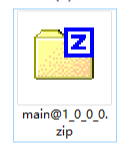 Note
NoteIn the future, the console will directly provide fully named zip packages, eliminating the need for users to manually modify the names; users can simply add them to assets.
Preset resources
Android
Set the properties of the
CubeEngineConfigcard engine class./** * The path to the local resource package that stores the templates. * * @param resourcePath - Sets the resource file path. */ public void setResourcePath(String resourcePath) { this.resourcePath = resourcePath; }Set the path to the local Ant Cube Card assets.
// Purge card data.
CubeService.instance().destroyEngine();
CubeEngineConfig config = new CubeEngineConfig();
// Set the path.
config.setResourcePath("The path where your resources are located");
CubeService.instance().initEngine(config, MainApplication.getApplication());
Place the .zip package in the specified path within assets directory.
iOS
Add the downloaded file to the Bundle.
Create a new Bundle file. Compress the downloaded .bin file into a .zip package and name it
Card ID@Card Version. For example,main1@1_0_0_0.zip. The card requires data from a JSON file. You can either use a built-in file or dynamically request the data by calling an API. Choose the data source method based on your needs.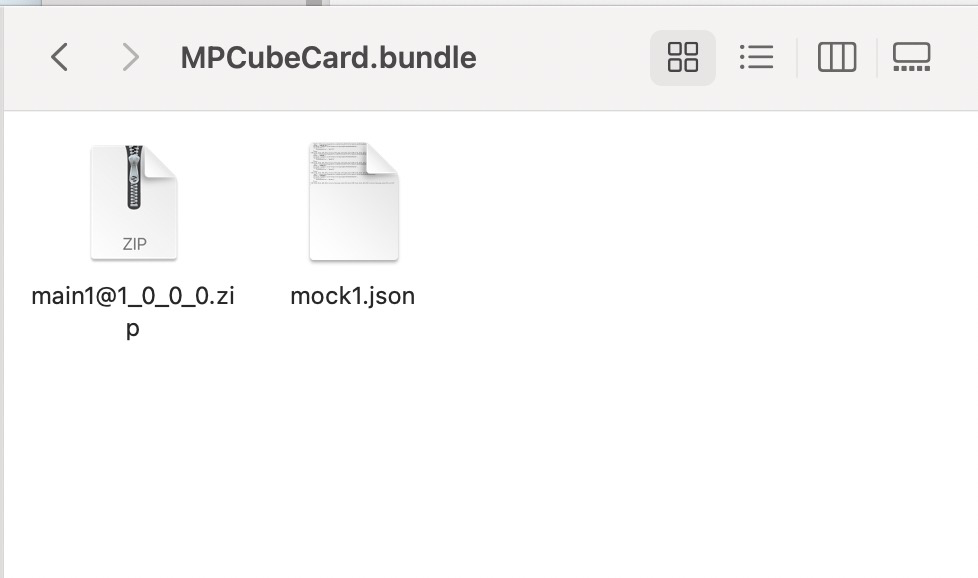
Import the Bundle into the project and pass the Bundle path when initialize the engine.
- (void)initEngine {
    // The Bundle path for the local resource template.
    NSString *bundlePath = [NSString stringWithFormat:@"%@/%@", [[NSBundle mainBundle] resourcePath], @"MPCubeBundle.bundle"];
    CubeEngineConfig *config = [[CubeEngineConfig alloc] init];
    [config setBundlePath:bundlePath];
    [[CubeService sharedInstance] initWithConfig:config];
}