Page Analysis displays page view data for the currently selected mini program (with T+1 data latency), including page visit count, page visitor count, and average page visit duration. This helps you understand which pages users visit most frequently and how long they spend on each page. You can view statistical data for any past 1 day, 7 days, or 30 days.
To view page analysis data:
In the Mini Program Open Platform > Developer Backend, go to Data Statistics > Page Analysis from the navigation pane on the left.
From the dropdown box in the upper left corner of the page, select the target mini program.
Select a time range to view the statistical data for the corresponding period.
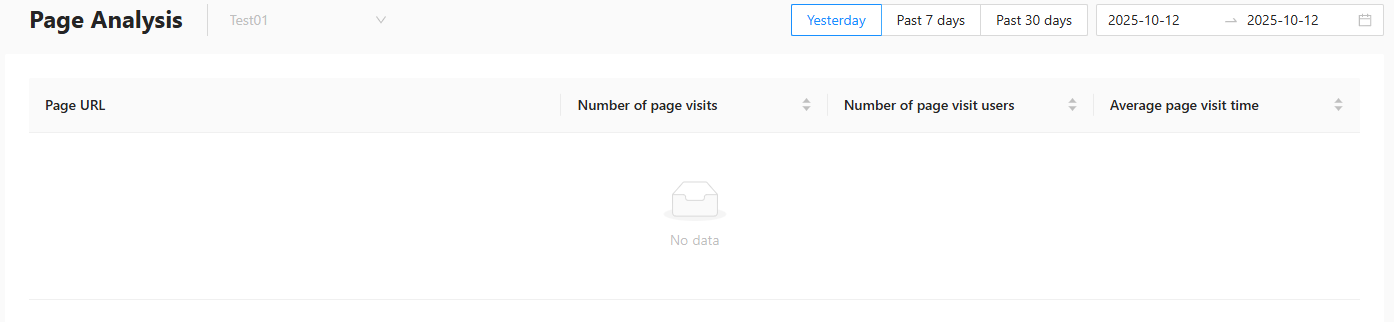
Page visit count: The total number of visits to all pages within the mini program. Navigation between multiple pages and repeated visits to the same page are counted as multiple visits.
Page visitor count: The total number of users who visited pages within the mini program. Multiple visits by the same user are not counted repeatedly.
Average page visit duration: The average time a user spends on a mini program page per visit. This is calculated as: average page visit duration = total time spent on pages during the specified period / total page visit count.