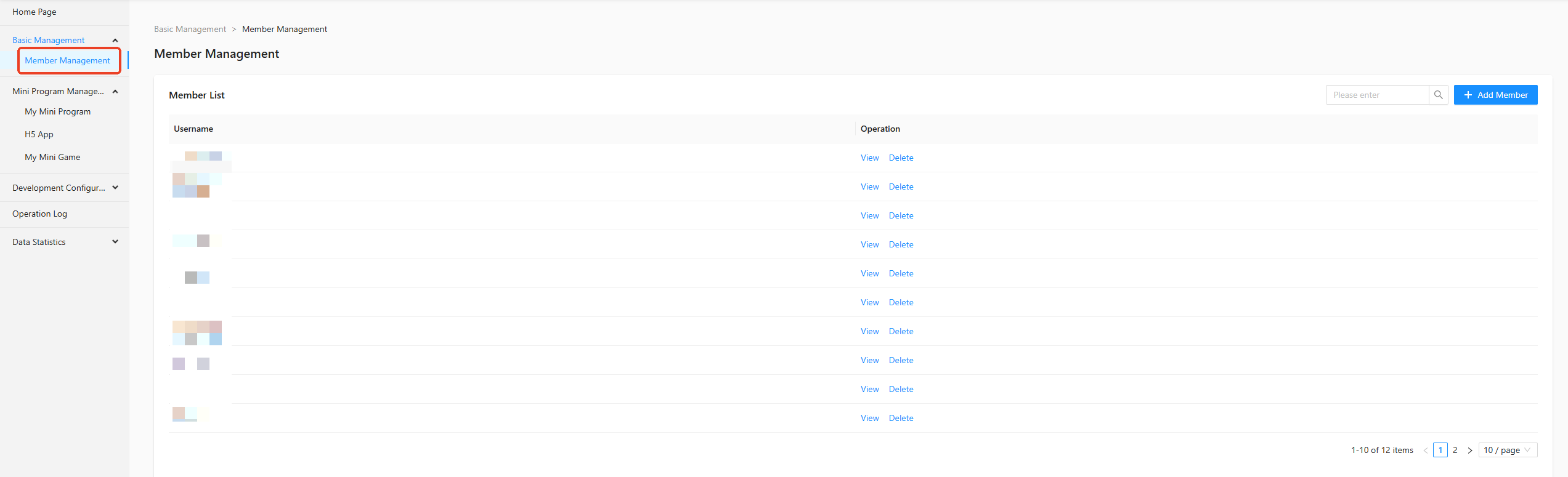
Members can access the development and experience versions of a mini program. In the left-side navigation pane, choose Basic Management > Member Management. On the Member Management page, you can add and delete members.
Add a member
-
On the Member Management page, click + Add Member.

-
In the Add Member dialog box that appears, set Username, Nickname, and Password.
 Note
NoteThe password must follow the password format rules defined in Mini Program Open Platform > Admin Backend > Custom Settings > Security Settings.
-
Click Confirm. The new member is added.
View a member
On the Member Management page, click View in the Operations column of the member list.


Delete a member
On the Member Management page, click Delete in the Operations column of the member list. After you confirm the action, the member is deleted.
