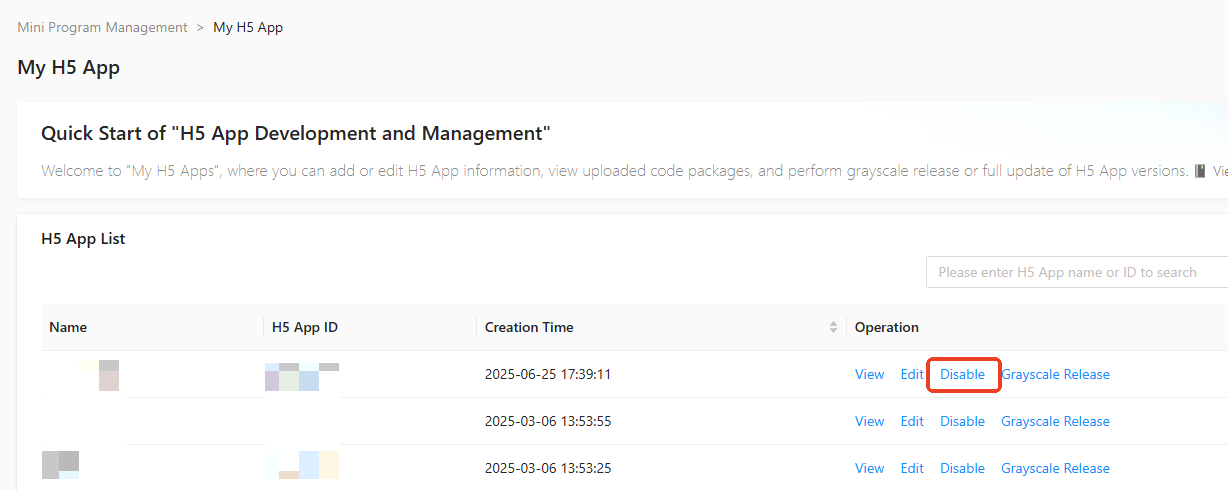
In the Mini Program Open Platform > Developer Backend, click Mini Program Management > H5 App in the navigation pane on the left to access the My H5 App page.
If the H5 App is no longer in use, click Disable in the operation column of the H5 App list on the My H5 App page. After confirming the action, the H5 App will be successfully disabled. A deactivated H5 App can only be used again after you enable it.