In the navigation pane on the left of the Mini Program Open Platform > Developer Backend, click Mini Program Management > My H5 App to access the My H5 App page.
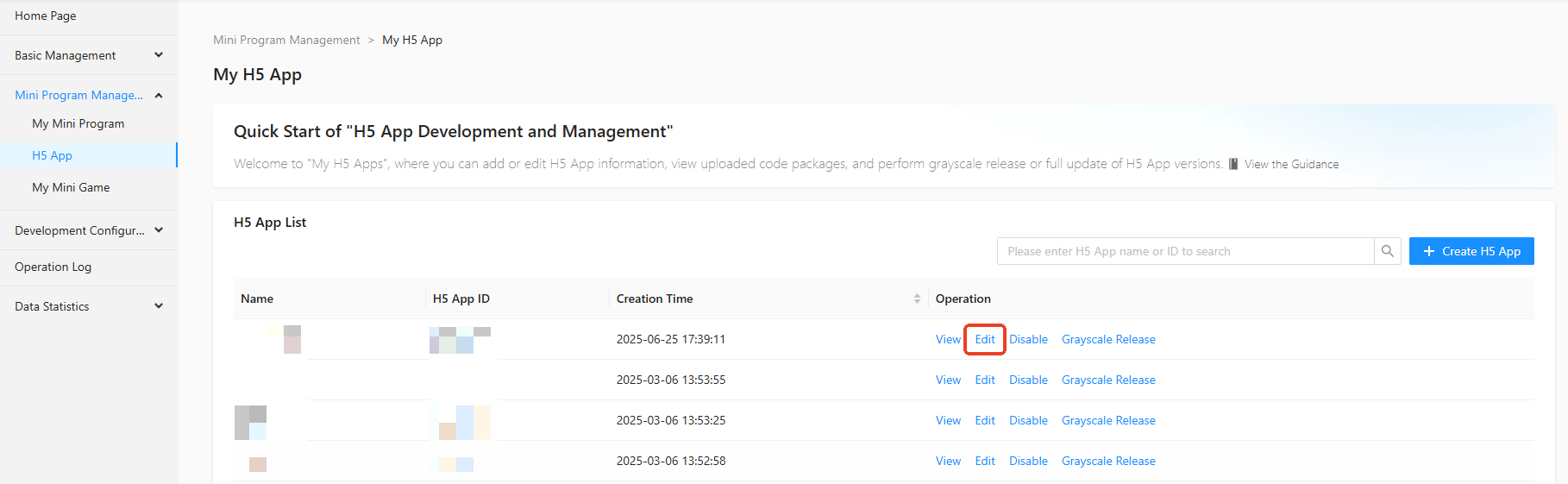
On the My H5 App page, click Edit in the operation column of the mini program list.
In the Edit H5 App details side panel, set the H5 App Name, H5 App ID, H5 App Usage, H5 App Introduction, H5 App Detailed Description, and H5 App Logo.
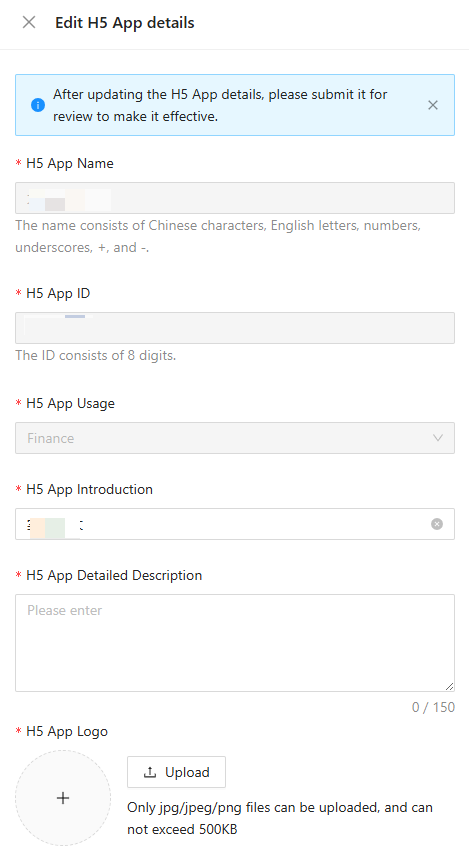
Click Confirm to save the H5 App information.
Note
After editing the H5 App information, you need to submit the App for review to update the information.