This topic describes how to add the Release upgrade SDK related to release management. After adding the SDK and complete necessary configurations (refer to Use SDK for details), you can release new versions of an App in the mPaaS console.
When releasing a version in the mPaaS console, you can customize release settings such as update reminder and release type.
After a new app version is released in the mPaaS console, the client can detect the new version through the upgrade API and remind users to download the update.
Note : App Store does not allow online apps to contain the built-in upgrade detection function. In this case, do not release new versions in the mPaaS console when the App is under review.
Prerequisite
You have integrated mPaaS to your project. For more information, refer to Access based on native framework and using Cocoapods.
Add SDK
In the Podfile file, use
mPaaS_pod "mPaaS_Upgrade"to add dependency.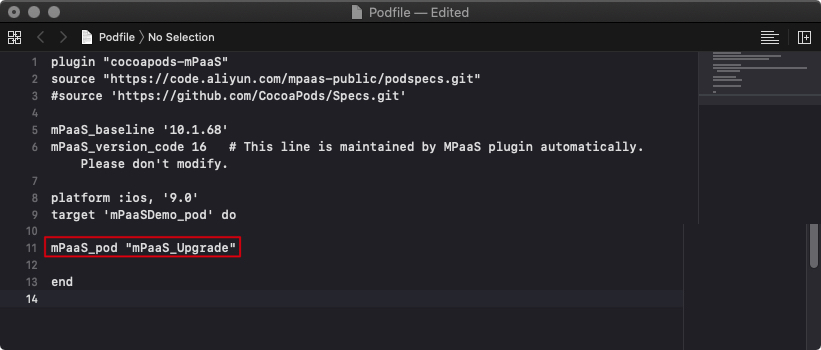
Execute
pod installto complete integrating the SDK.