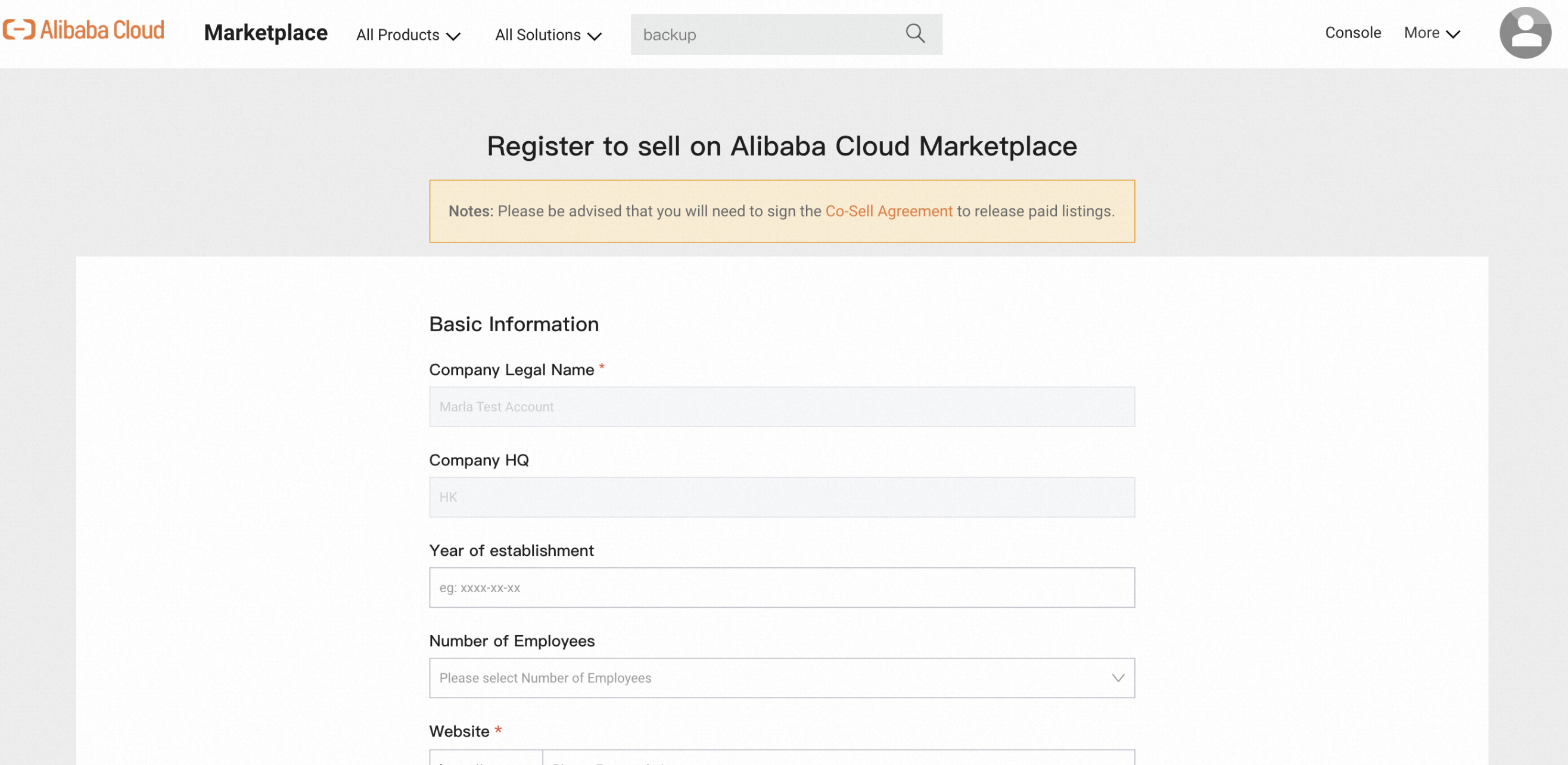
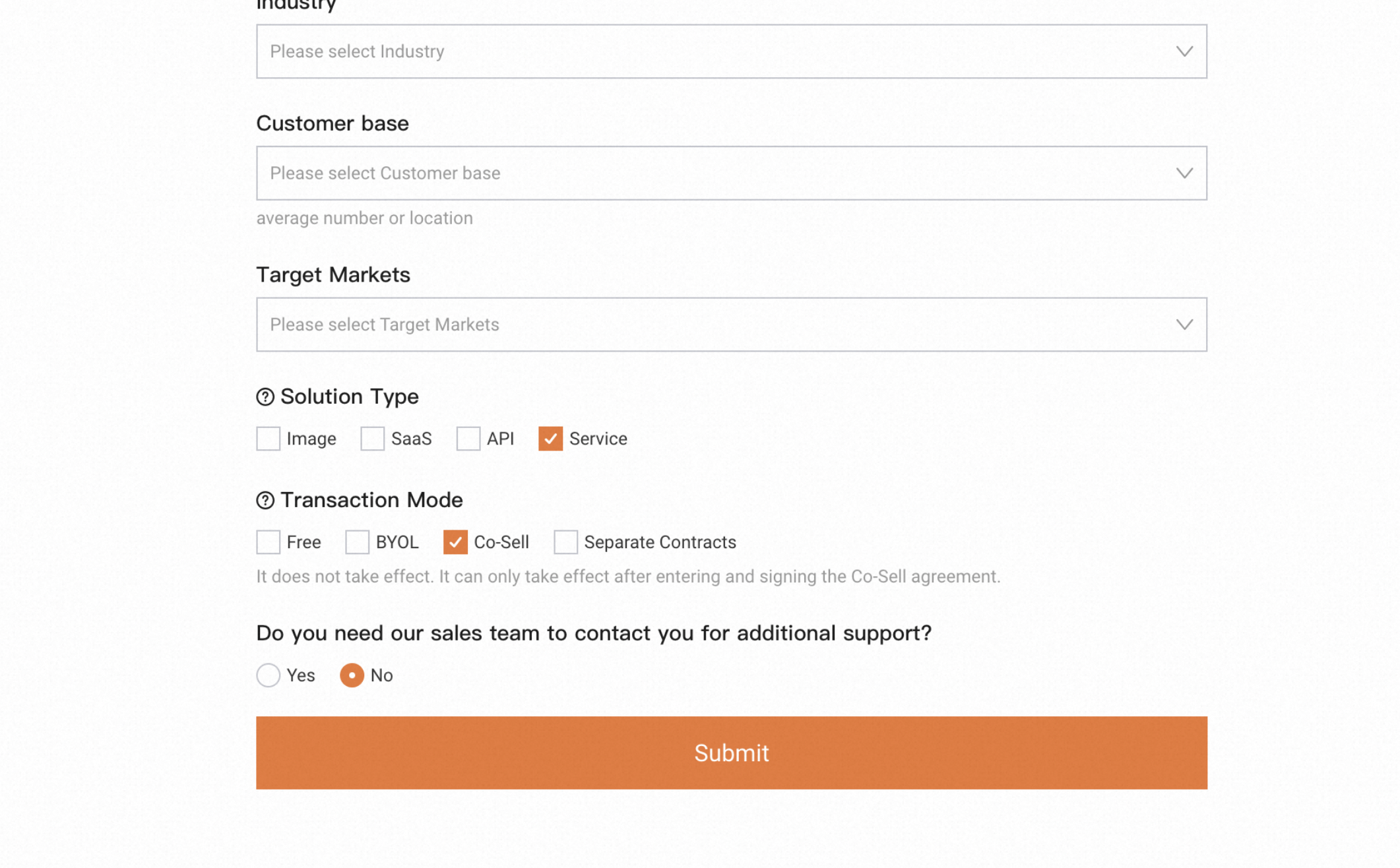
Register a Business Account on Alibaba Cloud and apply to become a Technology Partner to list your products on the Alibaba Cloud Marketplace.
Before you begin
Before starting, make sure you have the following ready:
A valid business email address
Your company's legal business name and address
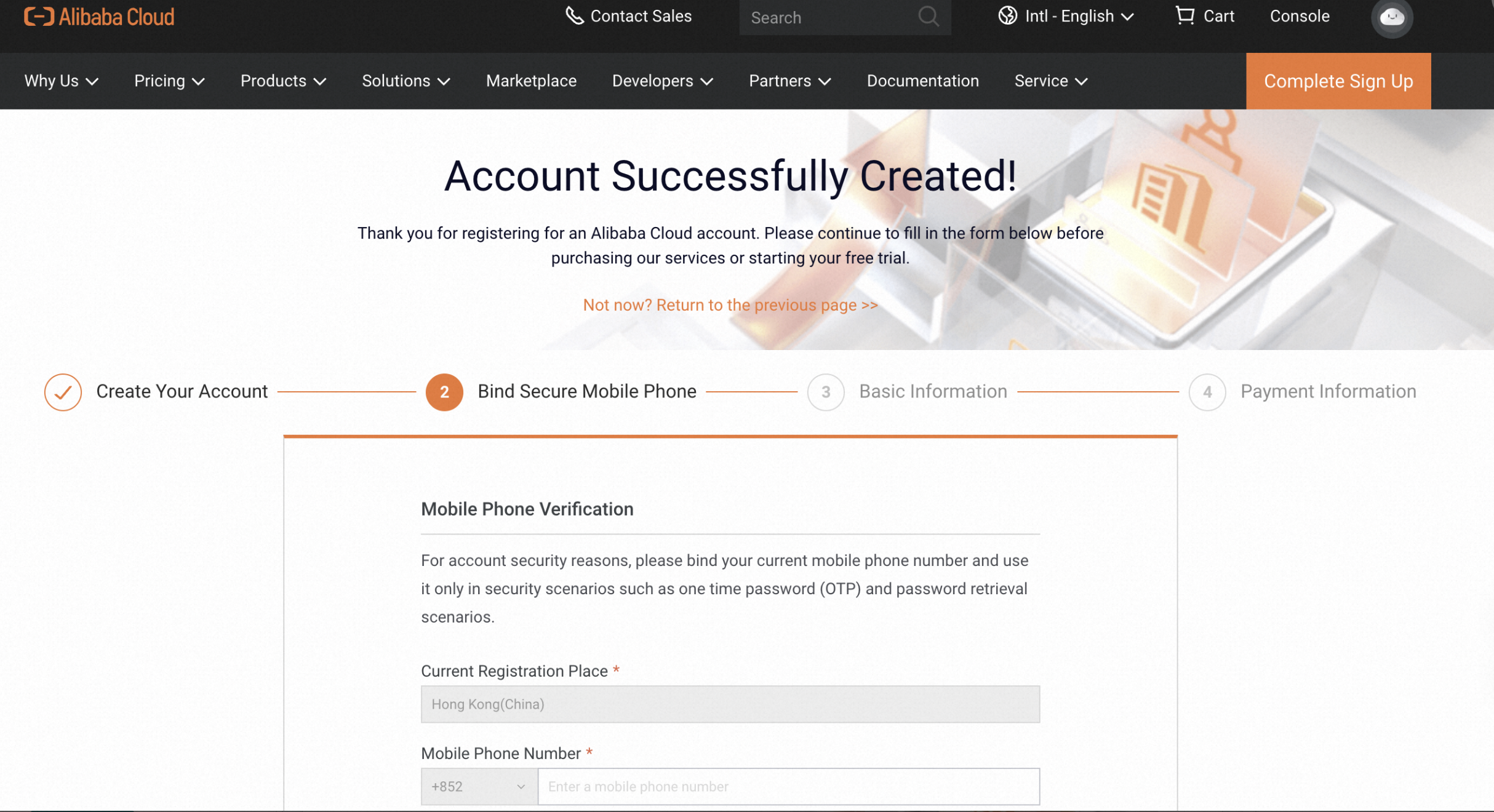
A mobile phone number for verification
If you already have an Alibaba Cloud account, skip to Apply to become a Technology Partner.
1. Register a Business Account
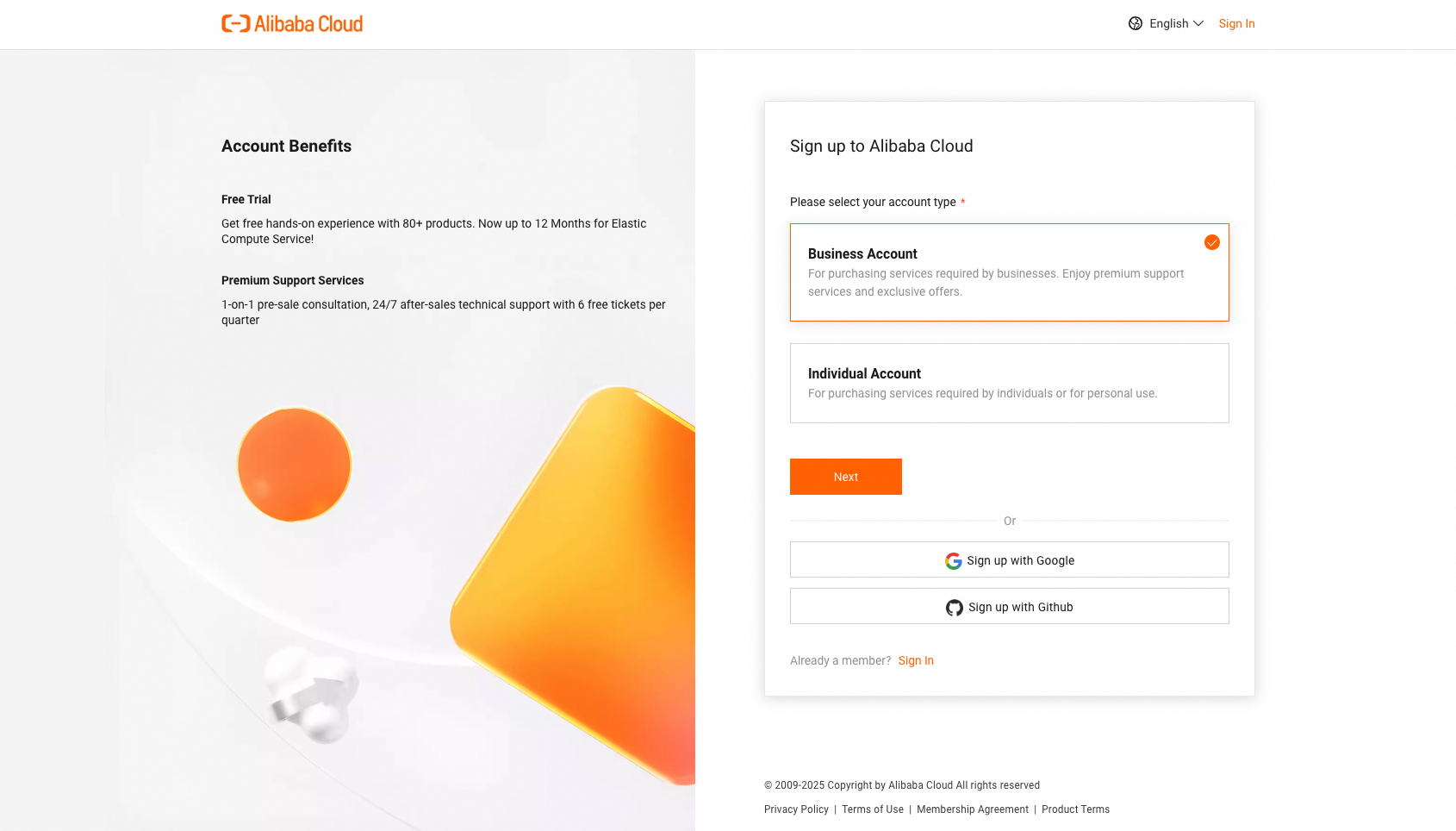
Go to the Alibaba Cloud homepage and click Free Account in the top-right corner.
Select Business Account.
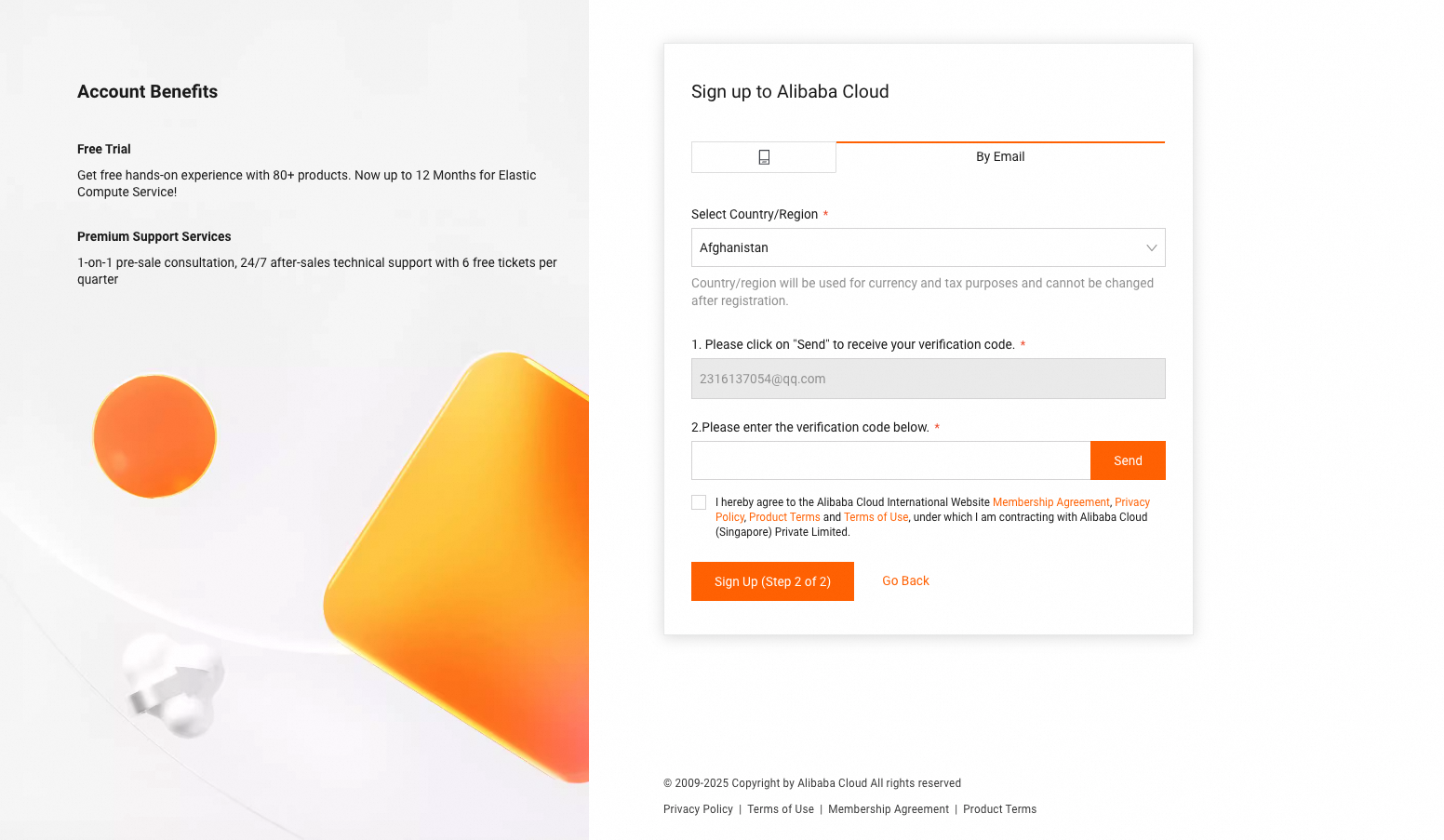
Enter your email address and password, then click Sign Up.
Select a verification method (phone or email). Check with your Partner for the correct Country/Region option.
1.1. Basic information
Add a mobile phone number and fill in your basic information.
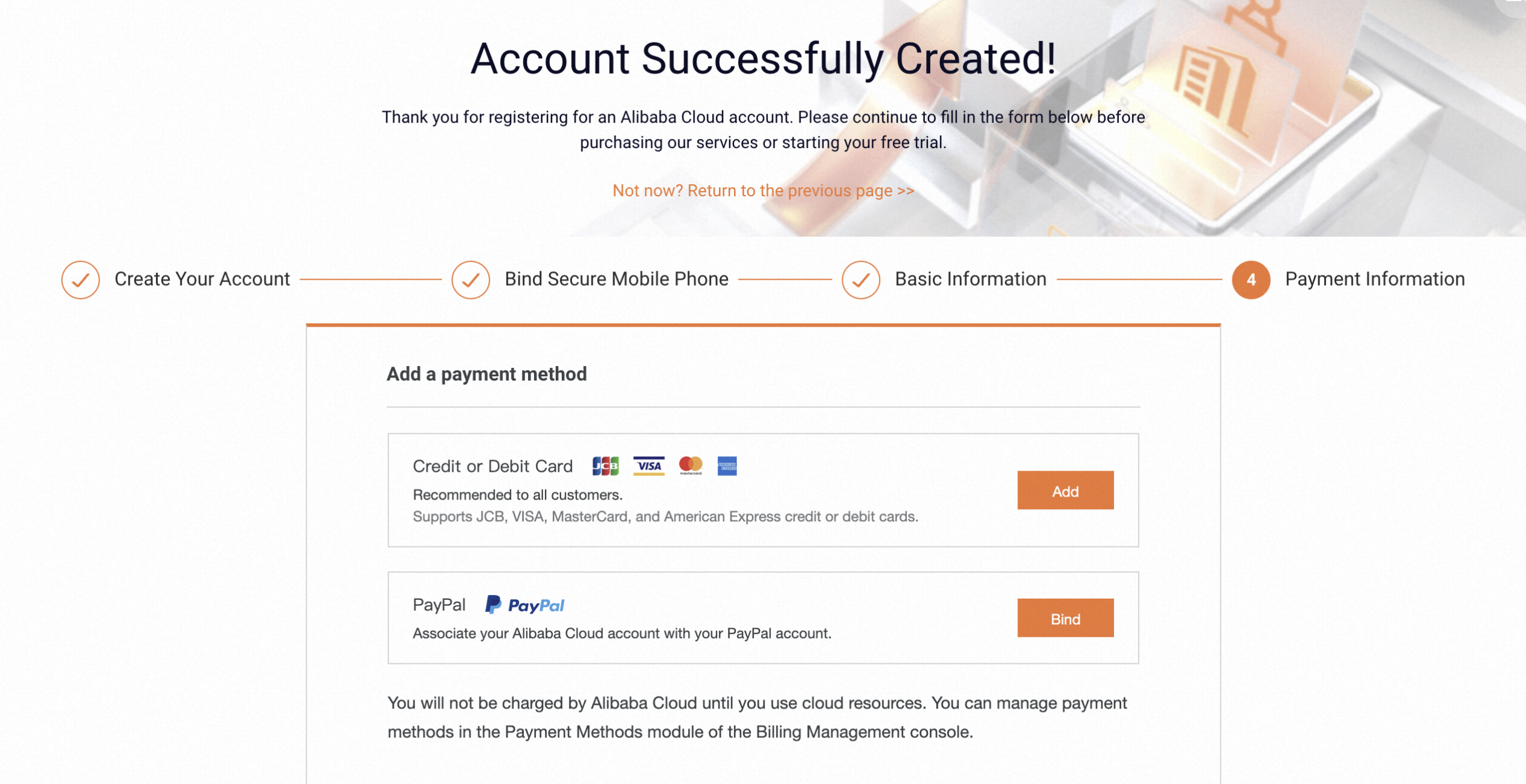
Payment information is optional. Skip this section if your company does not have a corporate credit card.
1.2. Check your account ID
After registration, locate your Account ID to confirm the account was created successfully.
Click Console in the upper-right corner.
Click your avatar. Your Account ID appears — it is a 16-digit number.
If you need additional support, raise a ticket.

2. Apply to become a Technology Partner
2.1. Submit an application
Go to the Marketplace homepage https://marketplace.alibabacloud.com/ and click More > Sell in Marketplace in the top-right corner.
Fill in all required fields on the application form.
At the bottom of the form, read and agree to the Vendor Terms and the Product Listing and Intellectual Property Enforcement Policy.
Click Submit Application. You will receive a confirmation email when your submission is received.
2.2. After approval
Once approved, Partners can publish free products and Bring Your Own License (BYOL) products on the Marketplace.