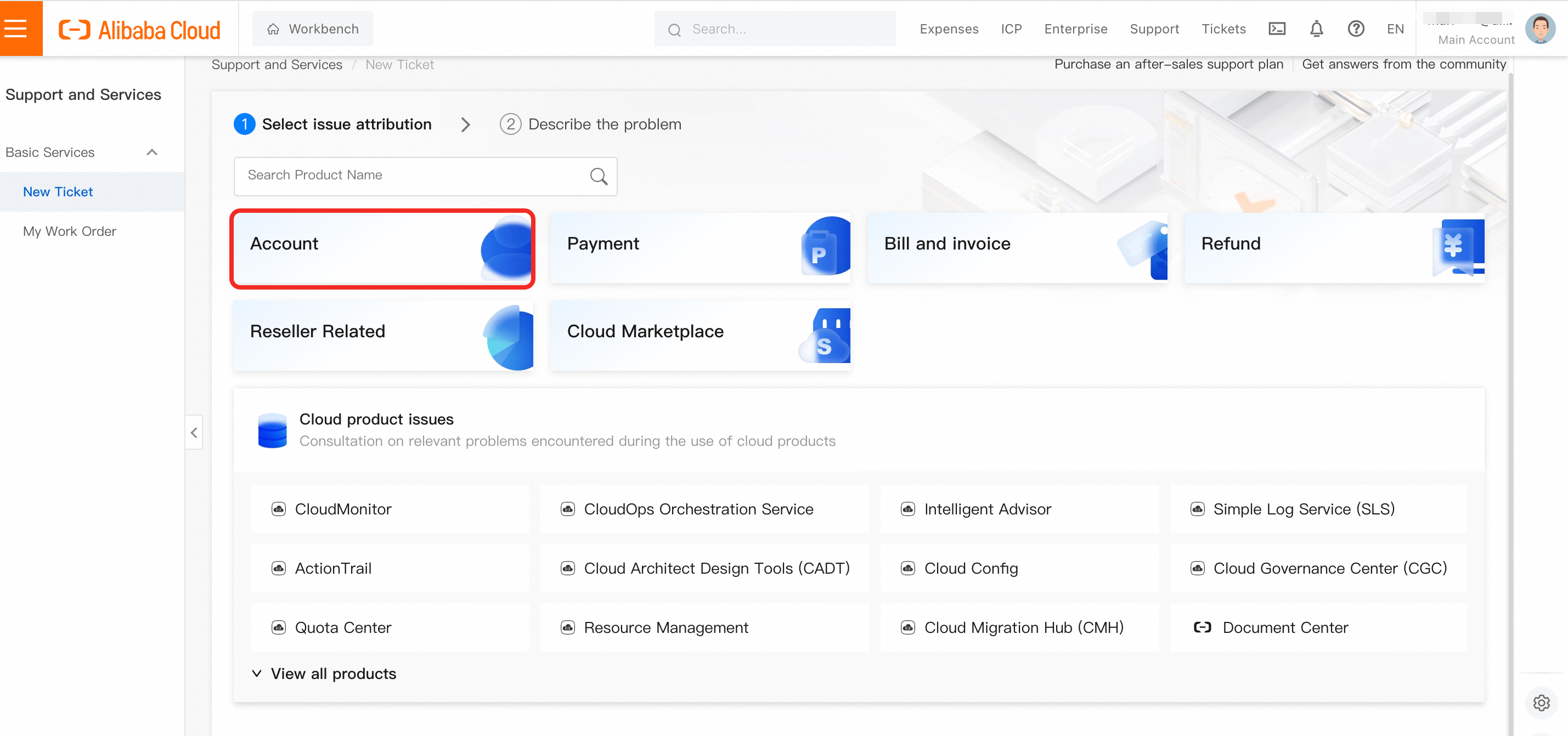
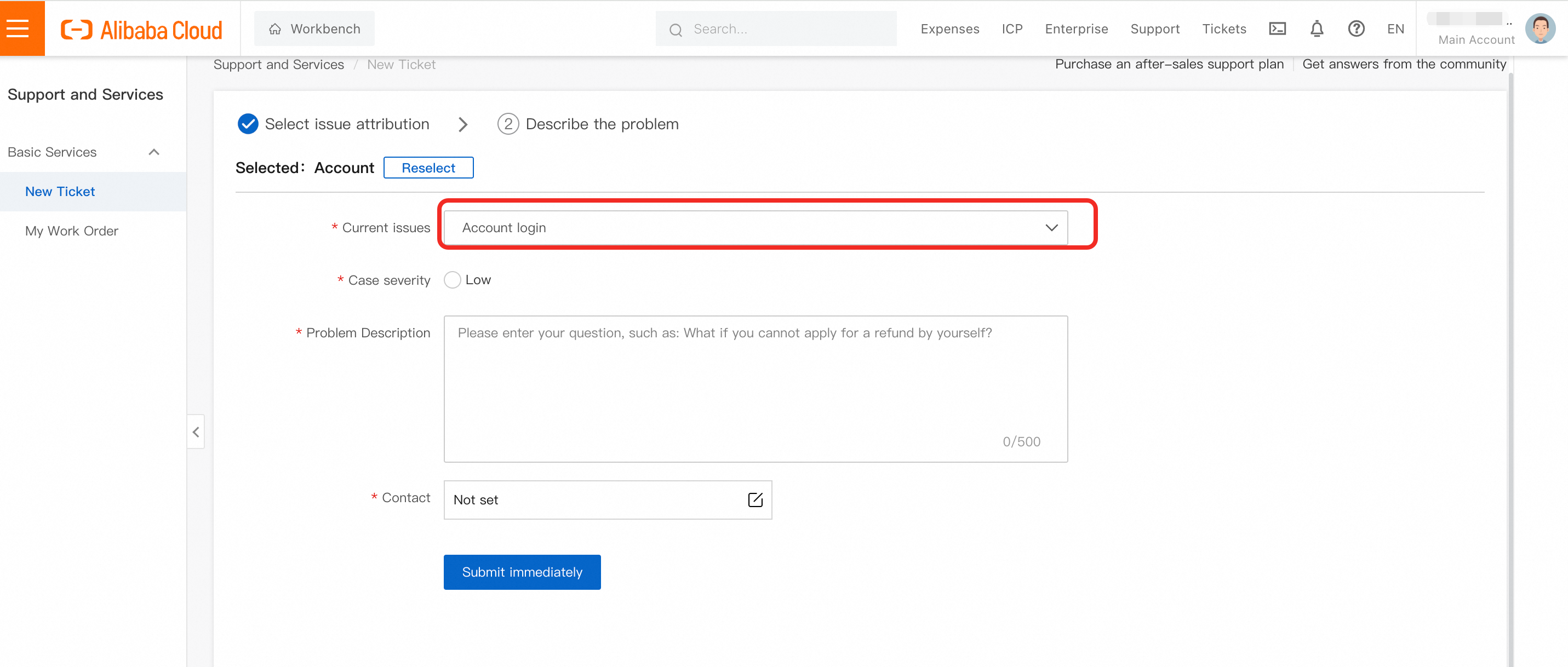
Step 1: If you are facing issues to Account log in, Submit a ticket at https://smartservice.console.alibabacloud.com/service/create-ticket-intl. Choose Account - Account login.
If you need to change email address for the account, please make sure to deliver the following information:
Original Account Login Email Address: *****
User ID (Optional): *****
Name displayed in the account: *****
New Email Address: *****
Scanned copy of any topup record under the account (please provide a full-screen screenshot with Alibaba Cloud account, topup time, and topup amount. If the payment method is credit card, please provide the first 6 digits and the last 4 digits of the credit card number)
By the end of the message, please add the following statement: "I hereby authorize Alibaba Cloud to log in to [Old Email Address] and update to [New Email Address]."