Repo Wiki automatically generates structured documentation for your project and tracks changes to both code and documentation in real time.
When you query concepts, review code explanations, or add features during development, Repo Wiki analyzes your project structure and code implementation. It combines this analysis with contextual information and existing Repo Wiki data to deliver accurate, detailed answers and documentation support. This also gives agents deeper awareness of your codebase.
This feature is currently in Beta. It is free to try, but usage is subject to a limited quota. After the quota is exhausted, you cannot use the feature until it launches publicly.
|
Supported editions |
Enterprise Dedicated Edition |
Wiki generation
The Wiki in your repository is not static. It stays in sync with your code.
The Wiki updates in three key situations. Understanding when and why these updates occur helps you keep your Wiki current.
-
Initial Wiki generation
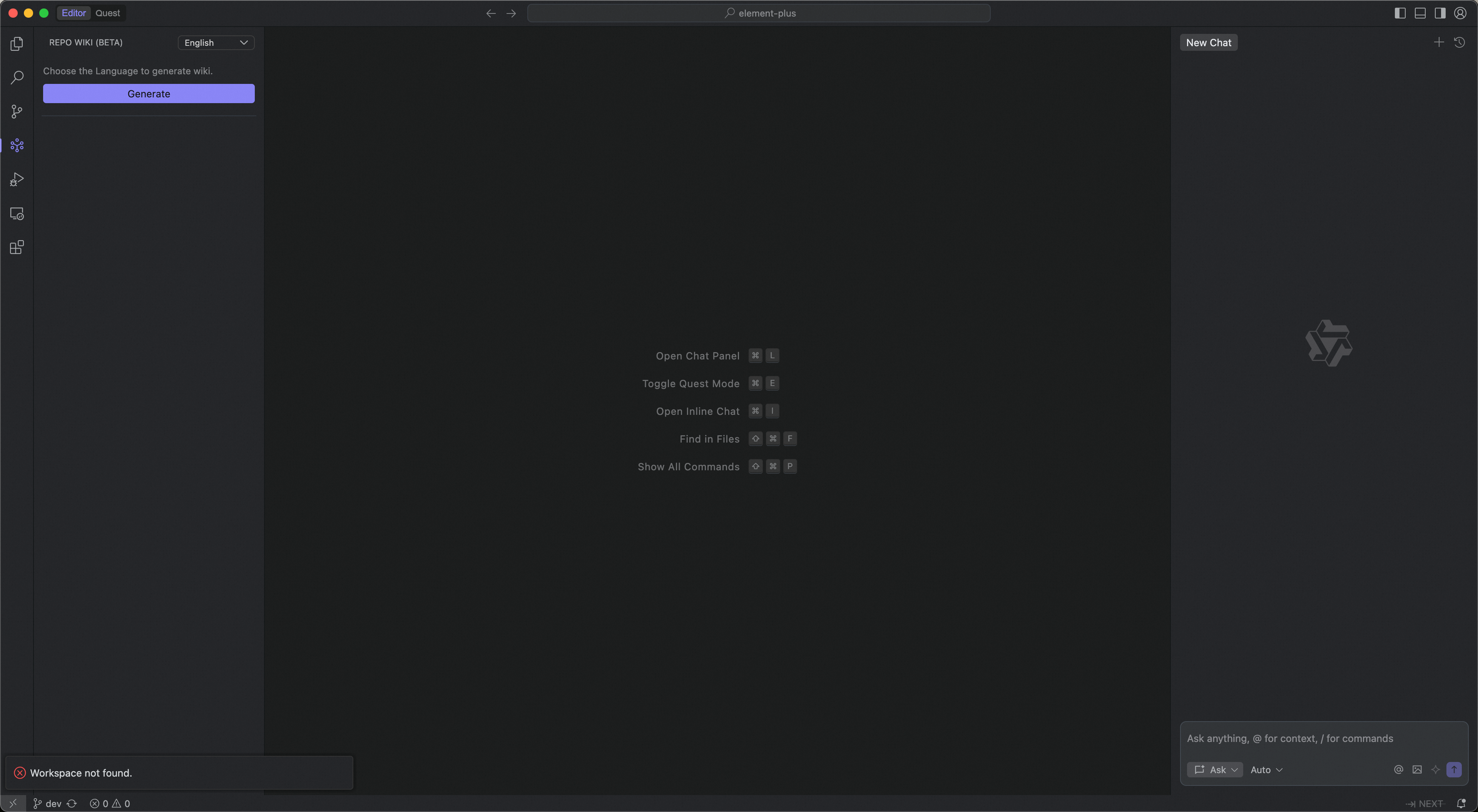
When you first open a project, no Wiki exists by default. You can generate one from scratch with a single click.
Typical generation time: about 120 minutes for a repository with 4,000 files.
-
Code changes detected
After the initial generation, the system continuously monitors your code for changes.
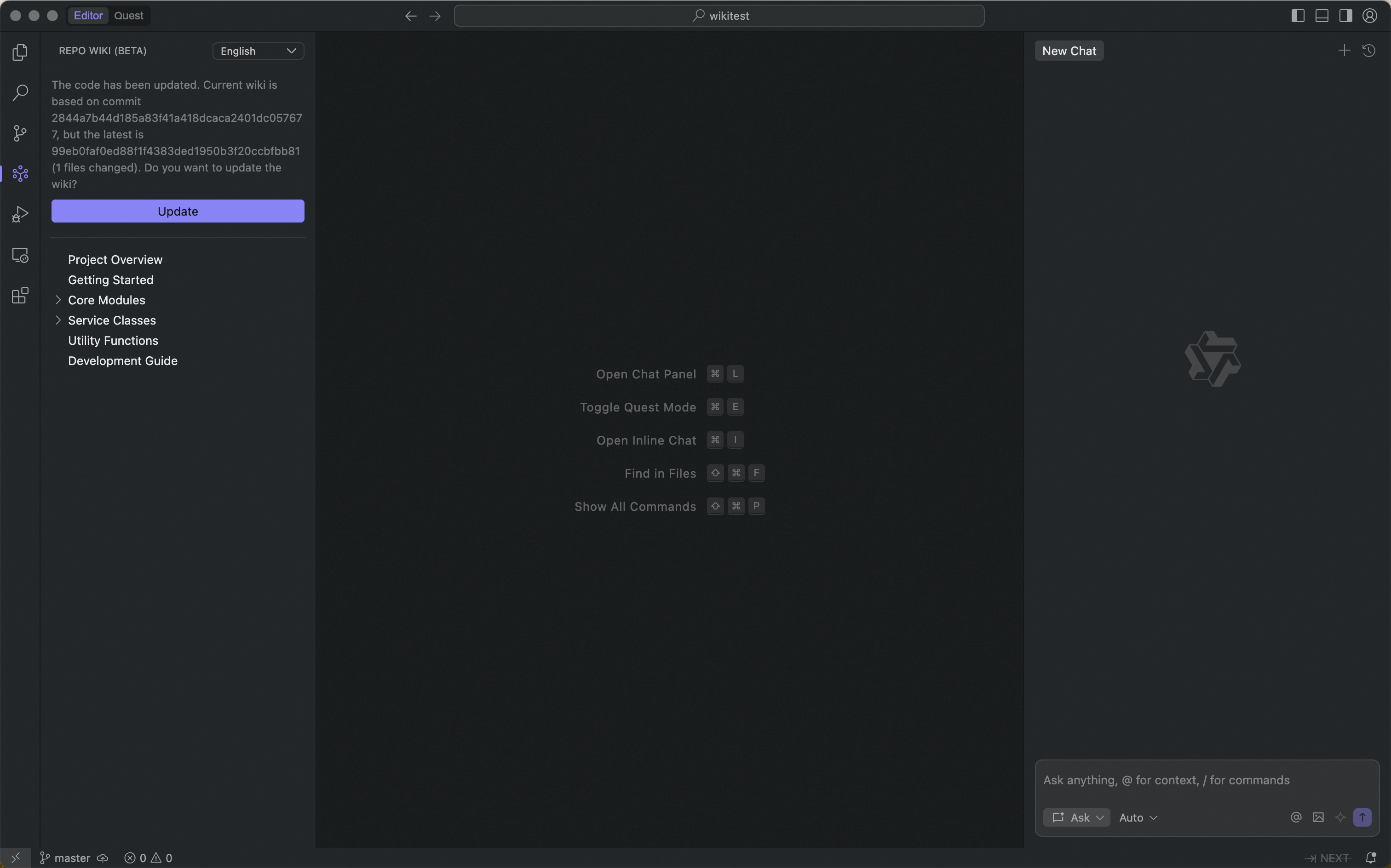
If you modify content already documented in the Wiki—such as function signatures, class definitions, or API endpoints—the system detects inconsistencies between the current code and the existing Wiki. Click Update to regenerate only the affected sections.
Keep code changes under 10,000 lines to avoid Wiki generation errors.
-
Git directory sync
If you edit Markdown files directly in your Git directory, the system detects mismatches between the Git content and the Wiki. Click Sync to apply those Git changes and update the Wiki.
Do not edit the Git file
repowiki/…/meta. Doing so may prevent the Wiki from loading. The system manages this file automatically.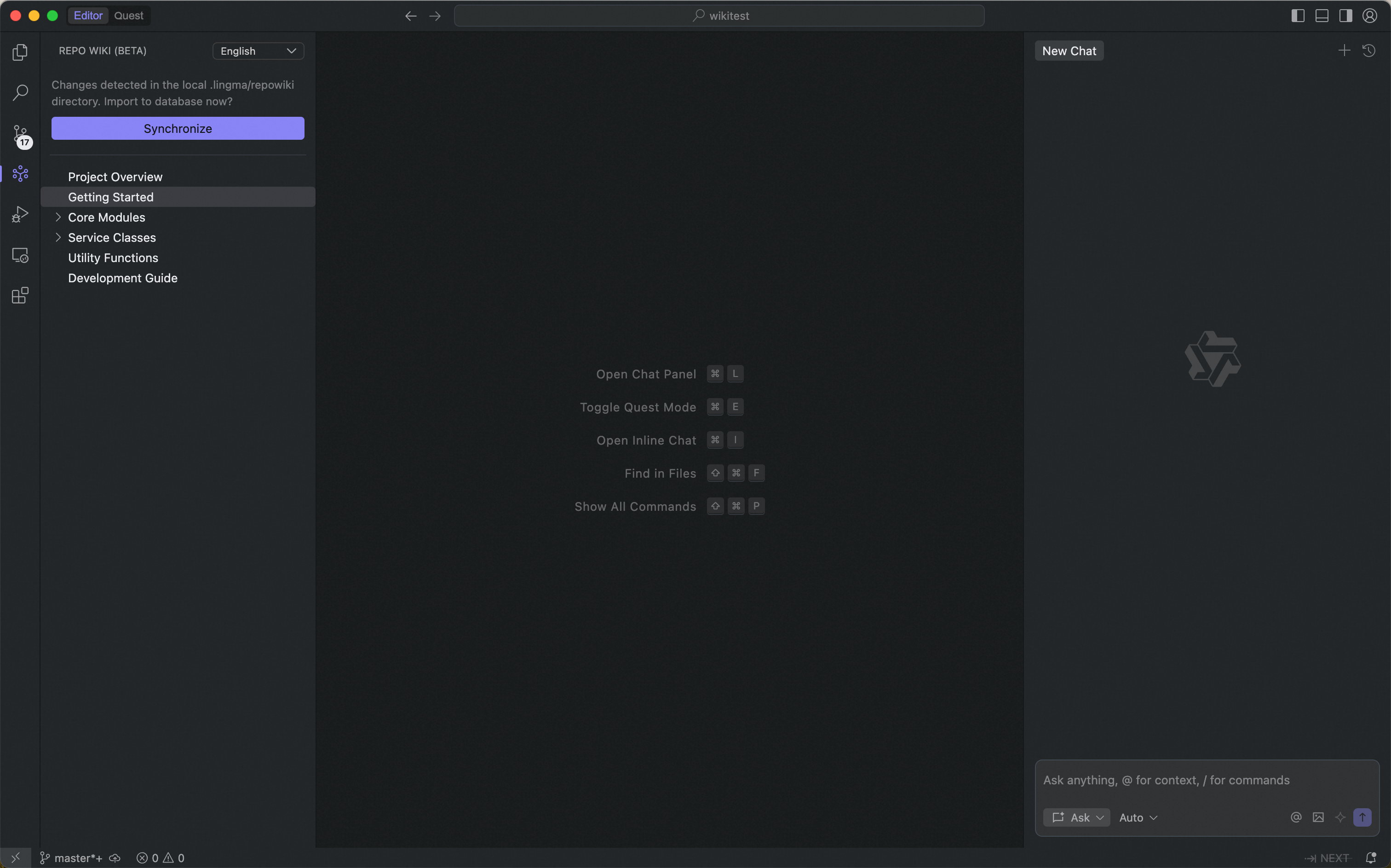
Limits
-
Up to 10,000 files per project
If your project has more than 10,000 files, exclude unnecessary paths in Lingma Settings → Repository Index → Index Exclusion.
-
Full-generation supports all repositories. Incremental updates support only Git repositories that contain at least one commit.
Wiki Sharing
We support Wiki sharing to help knowledge flow more efficiently across your team. When you generate a Wiki locally, the system automatically creates a dedicated directory in your code repository: .lingma/repowiki.
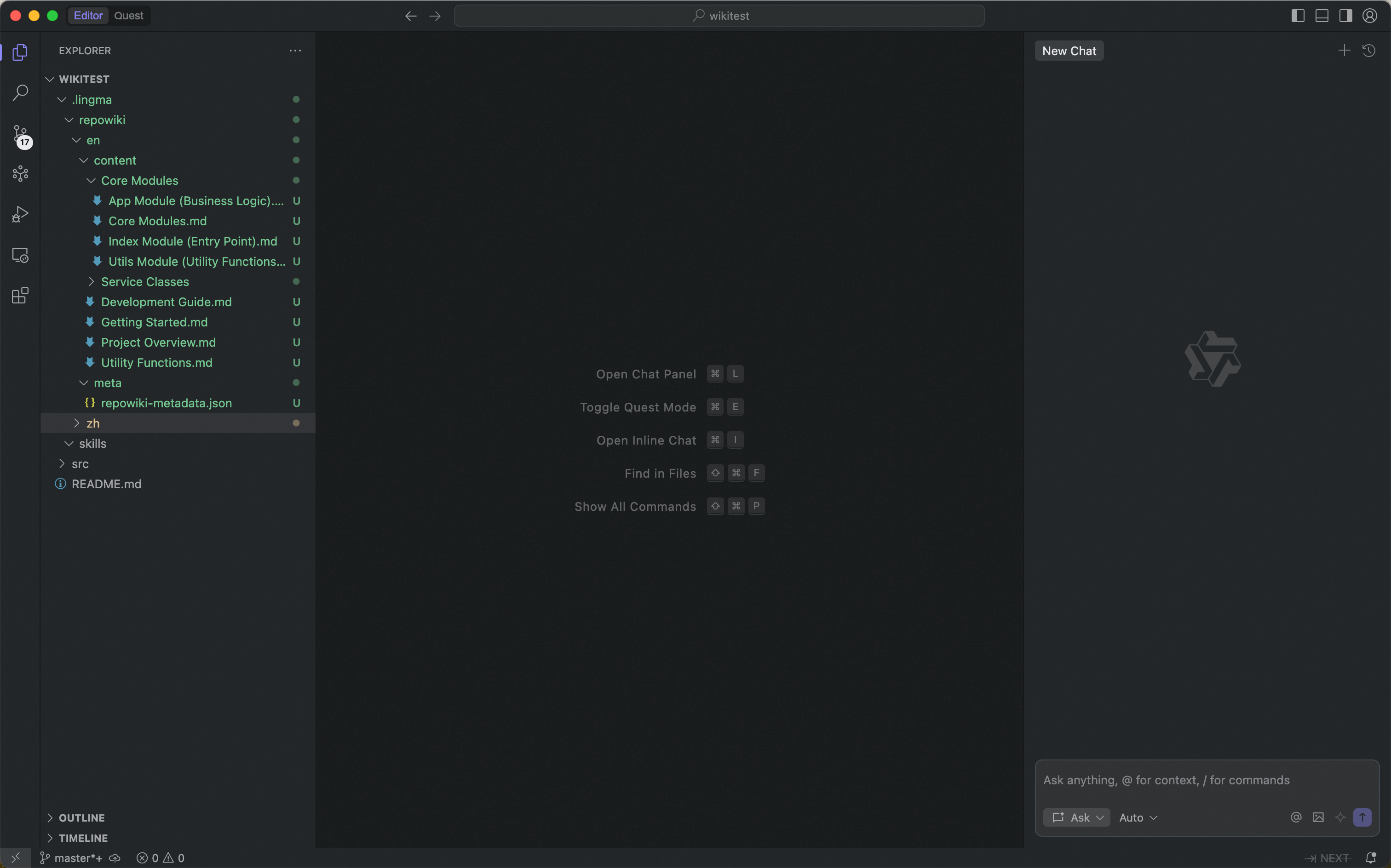
Commit and push this directory to your remote branch. Team members can then pull the generated Wiki content using git pull—no extra configuration needed.
Multilingual support
The Wiki system supports multiple languages. You can select your preferred language when generating the Wiki. Currently supported languages are English and Chinese. When you generate the Wiki, the system creates separate directories in your Git directory for each selected language—for example, repowiki/zh/ and repowiki/en/.
Scenarios
-
Architecture and implementation queries
Agents use prebuilt architecture knowledge to answer questions such as “How is X implemented?” or “Which services depend on this module?”—often without calling any tools. -
Agent-driven development tasks
When context size is limited, Repo Wiki speeds up code navigation for tasks such as:-
Add new features
-
Fix bugs
-