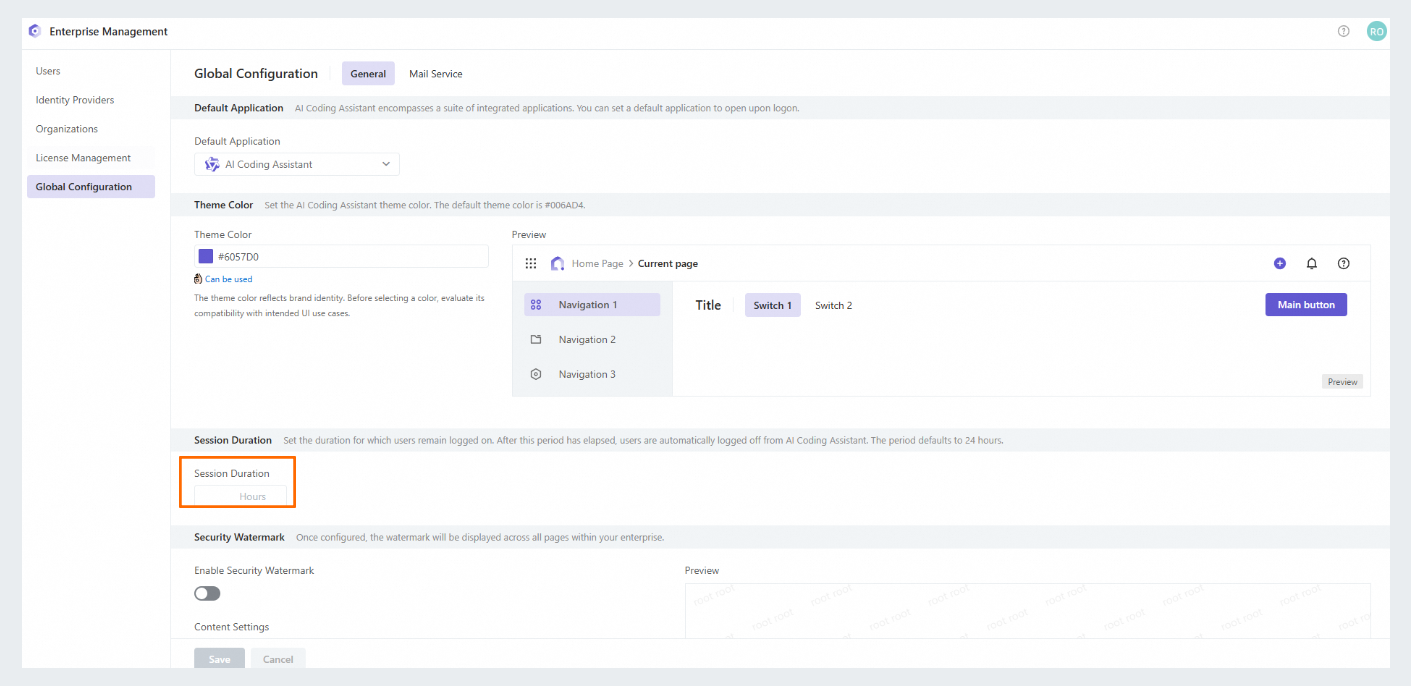
This topic describes how to configure global settings including the default application, theme color, and session duration.
Applicable editions | Enterprise Dedicated |
Set the default application
Log on to Alibaba Cloud DevOps as the enterprise administrator and navigate to the tab. On this tab, set a default homepage application, and then click Save. After you set a default application, users accessing the Alibaba Cloud DevOps domain will be redirected directly to this application. Your configuration takes effect 5 minutes after it is saved.
Set the theme color
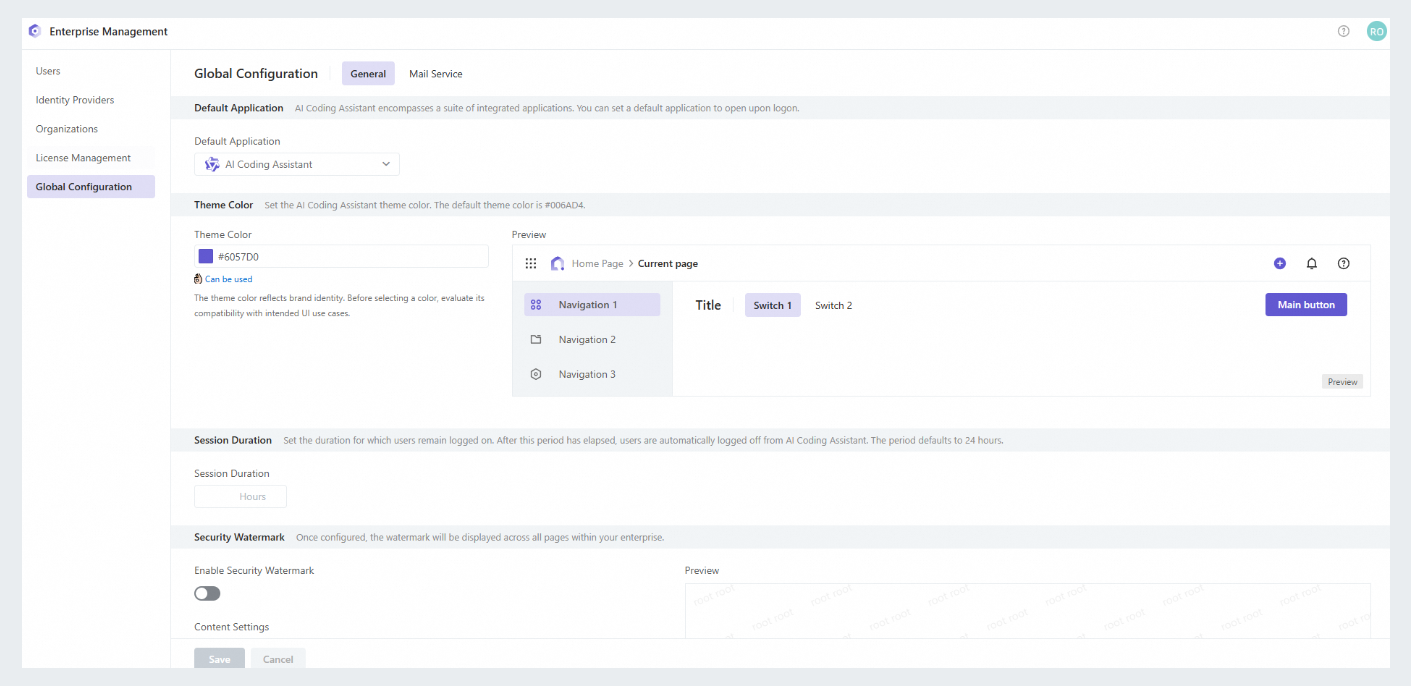
The default theme color is #006AD4. You can customize the theme color as the enterprise administrator on the tab. Your configuration takes effect 5 minutes after it is saved.
You can set the theme color by specifying the color value or selecting a color from the color palette.
You can preview the theme color changes in real time on the right-side preview panel.
Set the session duration
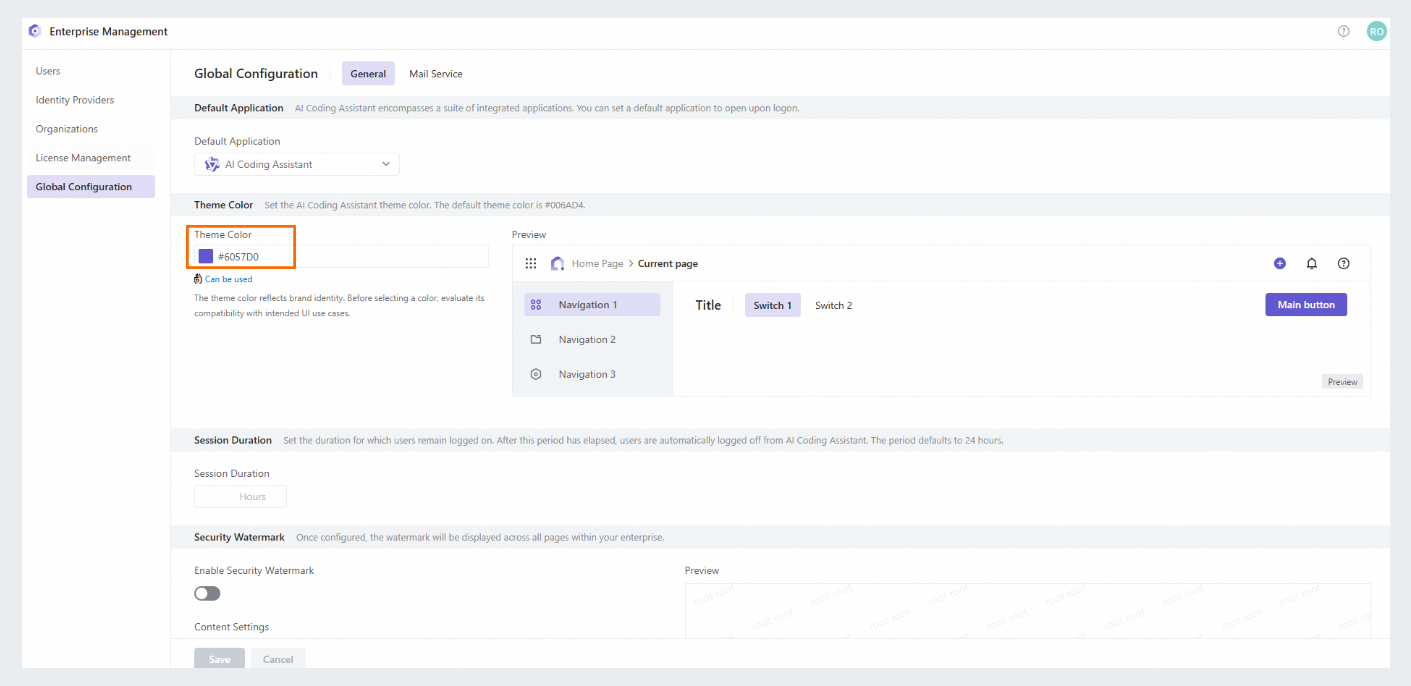
The default session duration is set to 24 hours. You can adjust the session duration as the enterprise administrator on the tab. The session duration refers to the duration for which users remain logged on. After this period has elapsed, users are automatically logged off from Alibaba Cloud DevOps.
Set the session duration within a range of 1 to 720 hours.
Adjust the session duration in 1-hour increments.