Internet Shared Bandwidth supports the pay-as-you-go.
Billing methods
Internet Shared Bandwidth supports only pay-as-you-go (post-paid) billing.
Supports pay-by-data-transfer metering.
You can upgrade or downgrade the maximum bandwidth at any time. Change the configuration of a pay-as-you-go instance.
Billable items
The following figure shows Internet Shared Bandwidth billable items.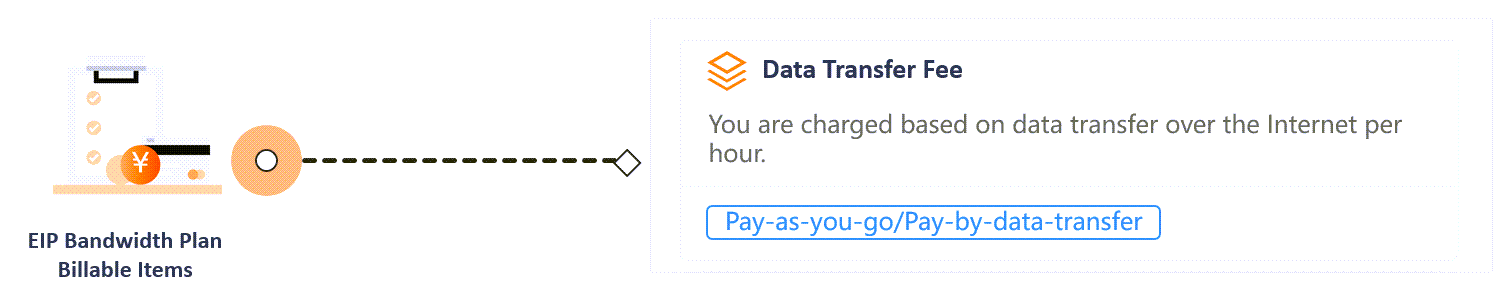
Billable item | Description | Metering method |
Data transfer | Charged for actual hourly internet data transfer. |
Billing cycle
The following table describes Internet Shared Bandwidth billing cycles.
Billing cycle | Bill release time | Billable item |
Hourly | Generated within the hour after the billing cycle ends. Exact timing may vary. | Data transfer fees for Internet Shared Bandwidth instances that use the pay-by-data-transfer method |
Pricing
Pricing details are in Pay-by-data-transfer. Actual prices are on the pay-as-you-go Internet Shared Bandwidth purchase page in the console.
More information
Overdue payments and top-ups
A payment becomes overdue if the available balance in your account, including cash, coupons, vouchers, and pre-authorization, is insufficient to cover a generated bill.
The following rules apply to pay-as-you-go instances with an overdue payment:
The instance remains available for 15 days after a payment becomes overdue.
If you do not pay within 15 days, the instance is suspended and retained for another 15 days. Bandwidth is limited to 1 Kbps during suspension. EIPs remain associated with the instance.
If you do not pay after 15 days of suspension, the instance is released. Associated EIPs are removed and revert to their previous maximum bandwidth and billing methods.
Top-up rules for pay-as-you-go instances:
If you top up within 15 days after a payment becomes overdue, services are not suspended.
If you top up within 30 days and before the instance is released, the system automatically pays the overdue bill. Service for a suspended instance is restored immediately after payment.
View your bills
Monthly bill overview
Go to Expenses & Costs, and on the page, you can view the total monthly amount from the settlement perspective (including the full consumption billing cycle) and export the bill.
Bill details
Go to Expenses & Costs. On the page, you can view the bill details for billable items and instances by billing cycle, by day, or by item.