This topic provides answers to frequently asked questions about access permissions in Intelligent Media Management (IMM).
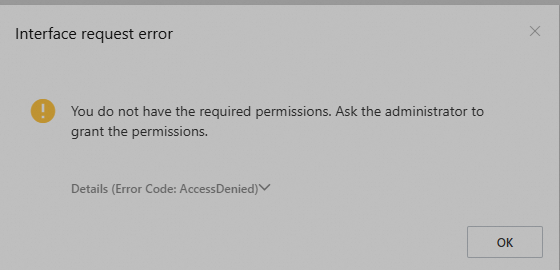
How do I fix an AccessDenied error when I use IMM as a RAM user in the IMM console?
If you receive an AccessDenied error that says "You do not have the required permissions, ask the administrator to grant the permissions", the RAM user does not have the permissions to use IMM. To fix the error, ask the administrator to grant the RAM user the required permissions to use IMM. For more information, see Grant permissions to a RAM user.
How do I fix the "User not authorized to operate on the specified APIs" error when API operations are called as a RAM user?
To fix the User not authorized to operate on the specified APIs error, attach the AliyunIMMFullAccess policy or a custom IMM permission policy to the RAM user. For more information, see Grant permissions to a RAM user and System policies for IMM.
How do I fix the error "The specified resource project is not found" when I call an IMM API operation?
To fix the error, perform the following checks in the IMM console.
Check whether the project specified by the ProjectName parameter exists.
Check whether the region specified in the call is the same as the region in which the project resides.
Check whether the project matches the IMM API version. Specifically, if the project was created by calling the CreateProject operation, the error may be caused by the fact that you use an IMM API version other than V2020-09-30.
Other API call errors
For information about how to fix other API call errors, see Error handling.