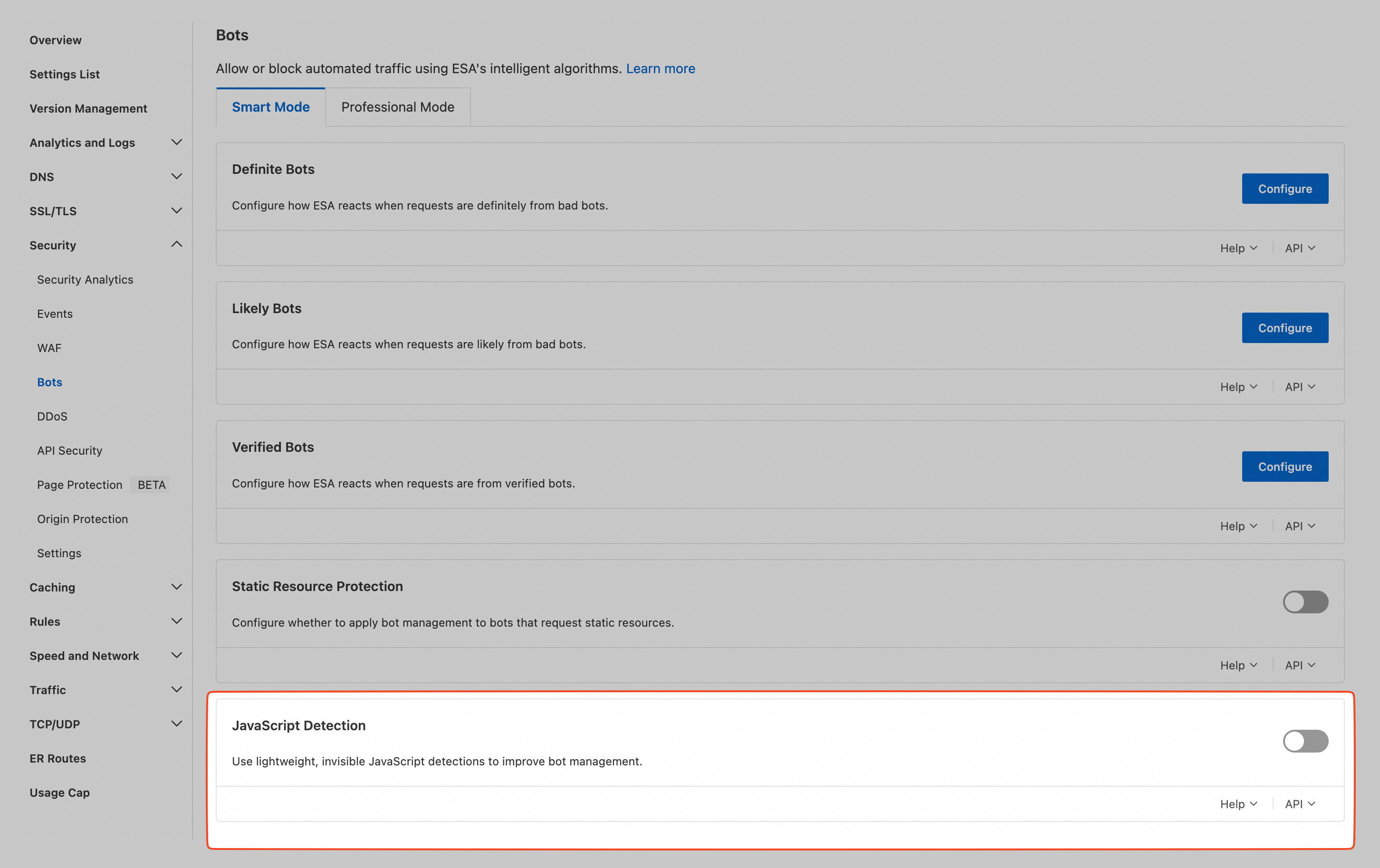
JavaScript detection injects an invisible verification script into page responses to distinguish legitimate browsers from automated tools such as crawlers and scripts. Requests from clients that cannot execute the script are blocked, while those that pass verification proceed normally.
Use cases
JavaScript detection is designed for the following scenarios:
-
Resources accessed directly by a browser: HTML pages, CSS/JS files, and other static or dynamic content requested by the browser.
-
Resources that depend on a browser context: API calls triggered after a page loads, AJAX requests, or dynamically rendered components that require an active browser session or DOM operations.
Notes
JavaScript detection relies on the client's ability to execute scripts. For requests from non-browser environments, such as internet data center (IDC) servers or direct API calls, disable this feature to avoid blocking legitimate requests.
Enable JavaScript detection
-
In the ESA console, go to Websites and click your target site in the Website column.
-
In the left-side navigation pane, choose .
-
On the Smart Mode tab, enable JavaScript Detection.