Scanning tools make it easy for attackers to probe your website architecture for vulnerabilities. Enable the scan protection module to defend against these attacks.
Configuration
Set up a scan protection policy in Configure scan protection.
Usage notes
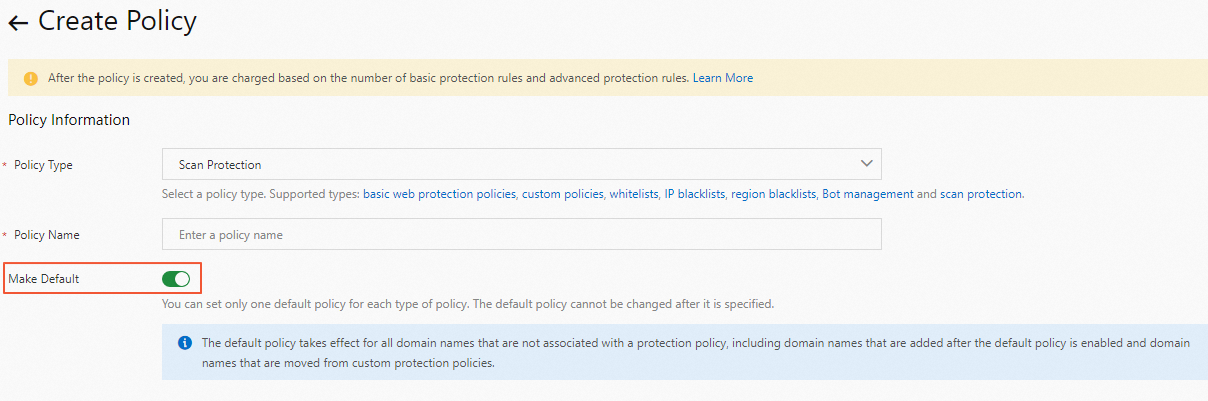
Enable Make Default to set it as the default policy. The default policy applies automatically to all domains without a custom policy, including newly added domains and domains whose custom policy has been removed.
Use cases
Scan protection may conflict with normal operations. Adjust your policy for these scenarios:
-
Internal scanning: An employee scanning a domain may trigger a block on the egress IP address for high-frequency scanning. Add the egress IP to the scan protection whitelist to avoid disruption for other employees.
-
High-frequency 404 responses: Automated processes such as image conversion may iterate through files to check their status and generate many 404 status codes, which may trigger protection rules. Add the relevant API endpoints to the scan protection whitelist.