To apply the configuration of one domain to others, use the Copy configurations feature. This feature ensures consistency across your domains and reduces manual configuration effort. For example, if you use multiple domain names to serve content from the same origin server, you can replicate origin information from one domain to the others.
Limitations
Copying configurations is irreversible. Ensure you copy the correct domain configurations.
For domains with high traffic or bandwidth, copy configurations with caution to avoid unintended costs.
Special backend configurations added by submitting a ticket cannot be copied.
You can copy configurations to a maximum of 20 domains at a time. The total number of operations (domains multiplied by features) cannot exceed 50.
The following configurations cannot be copied: HTTPS certificate, HTTP/2, OCSP Stapling, and TLS cipher suites and protocol versions. After the copy is complete, you must manually configure these settings for each target domain.
Procedure
-
Log on to the DCDN console.
-
In the left navigation pane, click Domain Names.
-
On the Domain Names page, find the source domain name and click Copy Configurations in the Copy Configurations column.
-
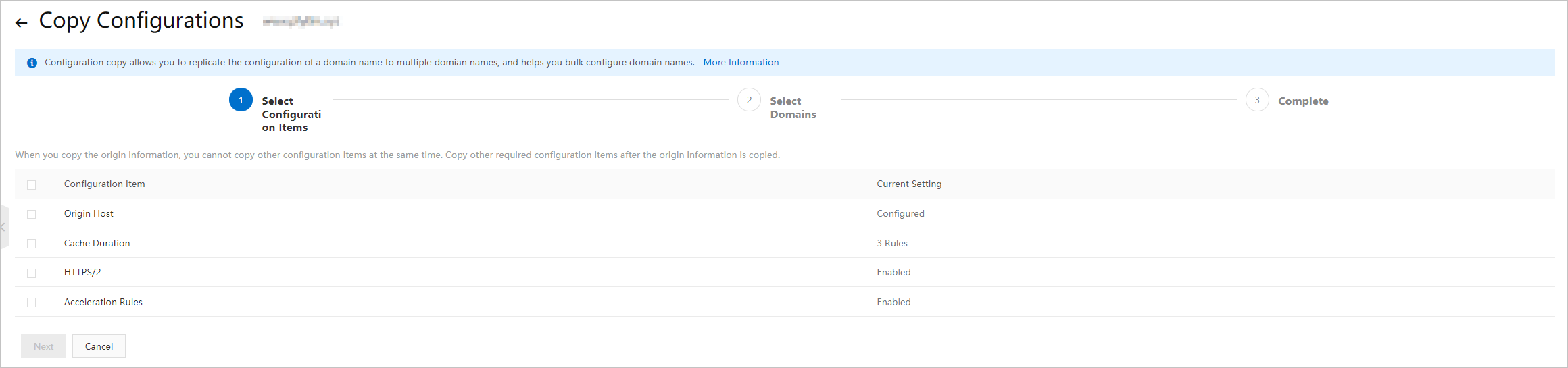
Select the configurations to copy and click Next.
Note-
Origin information and basic information (CNAME, business type, and acceleration region) cannot be copied together.
-
HTTPS certificates cannot be copied. Configure certificates for each domain name separately.
-
Origin HTTP request headers and custom HTTP response headers are copied incrementally. For example, if Domain A has two origin request headers and you copy five from Domain B, Domain A ends up with seven.
-
Custom origin HTTP headers are not copied incrementally. For example, if
cache_controlisprivateon Domain A andpublicon Domain B, copying from B to A changes A's value topublic. -
Feature switches, referer whitelists/blacklists, and IP whitelists/blacklists overwrite existing settings on target domains when copied.
-
-
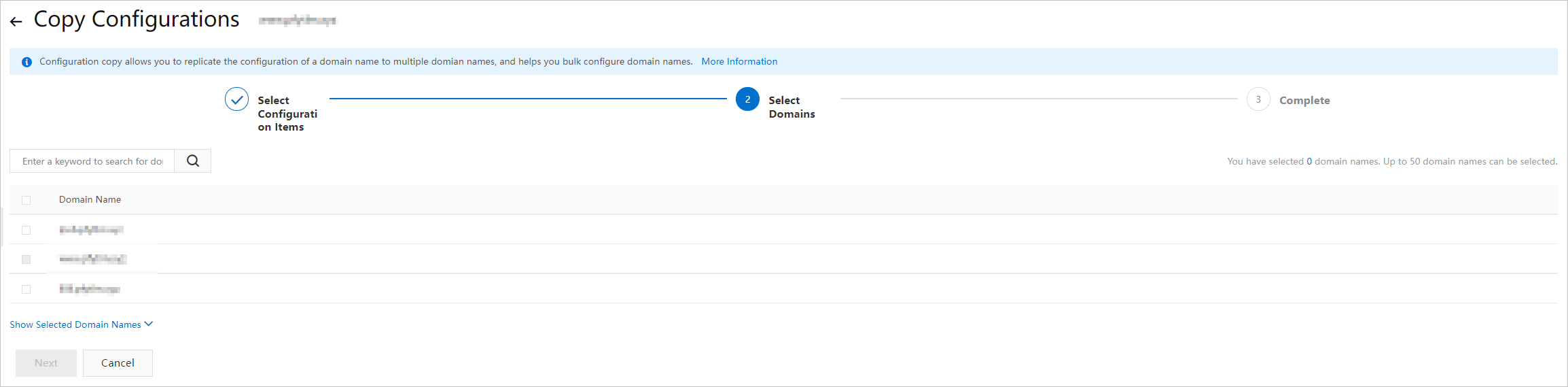
Select the target domain names and click Next.
Enter a keyword to filter domain names.
-
In the Copy Configurations dialog box, click OK.