Advanced Database & Application Migration (ADAM) collects runtime data from Java applications to help you assess which features need transformation.
Only Java applications that access Oracle databases are supported. Non-Java applications and applications that do not access Oracle databases cannot be analyzed.
How it works
ADAM uses two components that work together:
-
Agent: Deployed on each application server to be monitored. Captures SQL statements, schemas, call stacks, system information, performance metrics, and SQL hotspots as the application runs.
-
Collector: Deployed on a dedicated server. Receives data from one or more Agents, then desensitizes and processes it for analysis.
Deploy the Collector first, then deploy Agents on the application servers. The Collector acts as a server and supports 1 to 20 Agents.
What ADAM collects
| Data type | Details |
|---|---|
| SQL statements | Collected and masked — request parameters and return values are not included |
| Call stacks | Captured for all requests that access the database |
| Performance information | System metrics and SQL hotspots |
What ADAM does not collect: API operations called outside the monitoring window, SQL triggers not invoked by application code, and any database requests from non-Java applications.
Data collection is read-only and does not modify your application or database. During peak hours, collection is automatically suspended to limit memory usage.
Prerequisites
Before deploying Application Collector, make sure your environment meets the following requirements.
Who should deploy: A Java developer with basic knowledge of Java application servers.
JDK version: SUN JDK, Oracle JDK, or OpenJDK 1.6 or later. IBM JDK is not supported.
Supported containers: Tomcat, JBoss, and Oracle WebLogic. Docker images can be deployed to a Container Service for Kubernetes (ACK) cluster.
Collector server:
-
JDK 1.6 or later
-
Java Virtual Machine (JVM) memory greater than 4 GB
-
Disk space proportional to the number of monitored applications, monitoring duration, and SQL volume. Without sudden data spikes, a single monitored application typically generates less than 1 GB of data over seven days.
-
No production applications running on this server — deploy the Collector on a standalone server to avoid interfering with online workloads
Application server (per Agent):
-
JDK 1.6 or later
-
JVM heap size of at least 300 MB
-
System operation permissions for both the Collector and Agent processes. On Unix or Linux, run the following command to grant permissions:
chmod -R 775 collector/
Network: The application server and Collector server must be able to communicate with each other for centralized data desensitization.
Limitations
| Limitation | Impact |
|---|---|
| Only Oracle databases are supported | SQL statements and call stacks from applications that use non-Oracle databases cannot be captured. |
| Only Java applications are supported | Applications written in other languages cannot be analyzed. Use a separate assessment approach for non-Java components. |
| Monitoring window must cover all recurring tasks | If a scheduled job or batch process runs outside the monitoring window, its SQL statements and call stacks will not be collected, resulting in incomplete assessment data. Extend the monitoring window to include all recurring tasks. |
| Database-unrelated requests are not captured | API operations and application logic that do not involve database access fall outside the scope of collection. |
| SQL triggers not called by programs cannot be monitored | Procedures such as SQL triggers that are not called by programs cannot be monitored. |
Download Application Collector
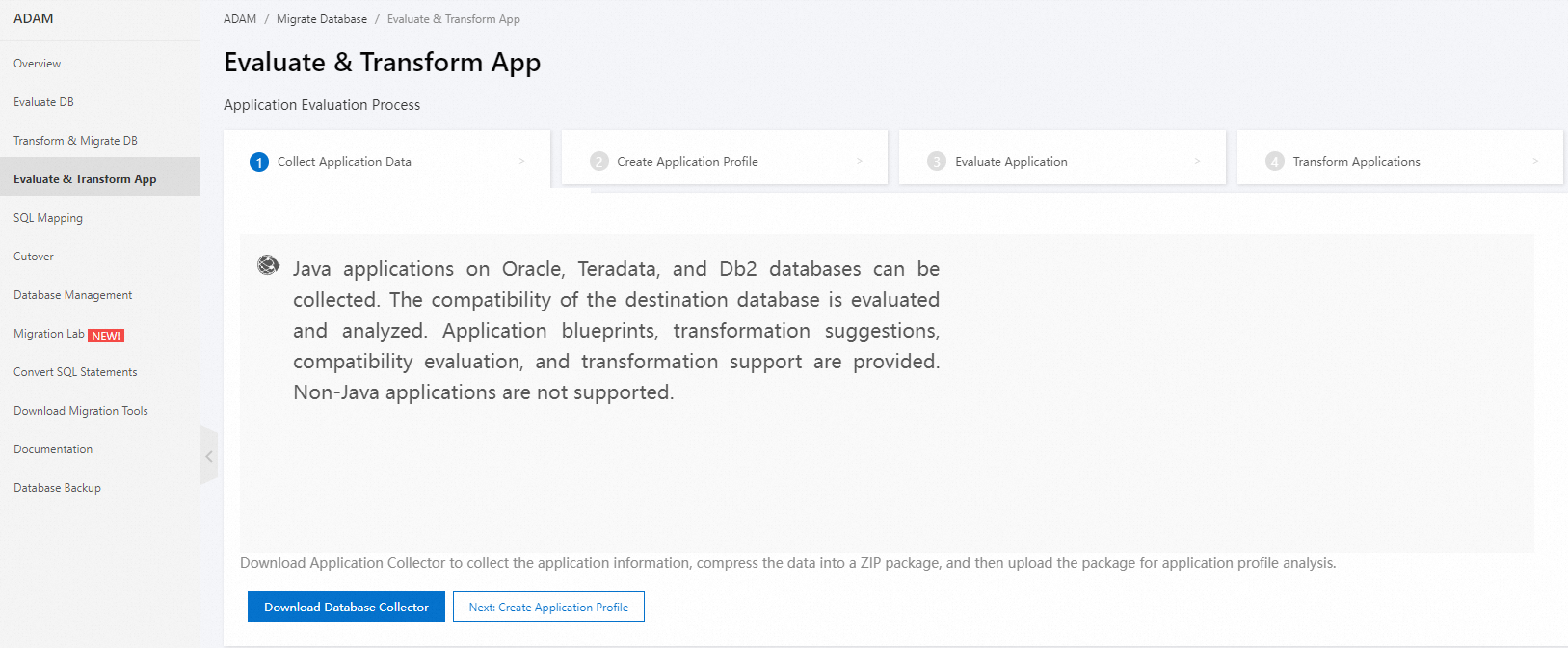
The decompressed package contains two directories:
-
Collector: Deploy this on the dedicated Collector server.
-
javaagent: Copy this directory to each application server to be monitored and deploy it alongside the application.
For distributed applications using load balancing, you can deploy Agents on a subset of machines rather than all nodes.