You can organize your dashboards into project groups for easier management and access.
Procedure
-
Log on to the DataV console.
-
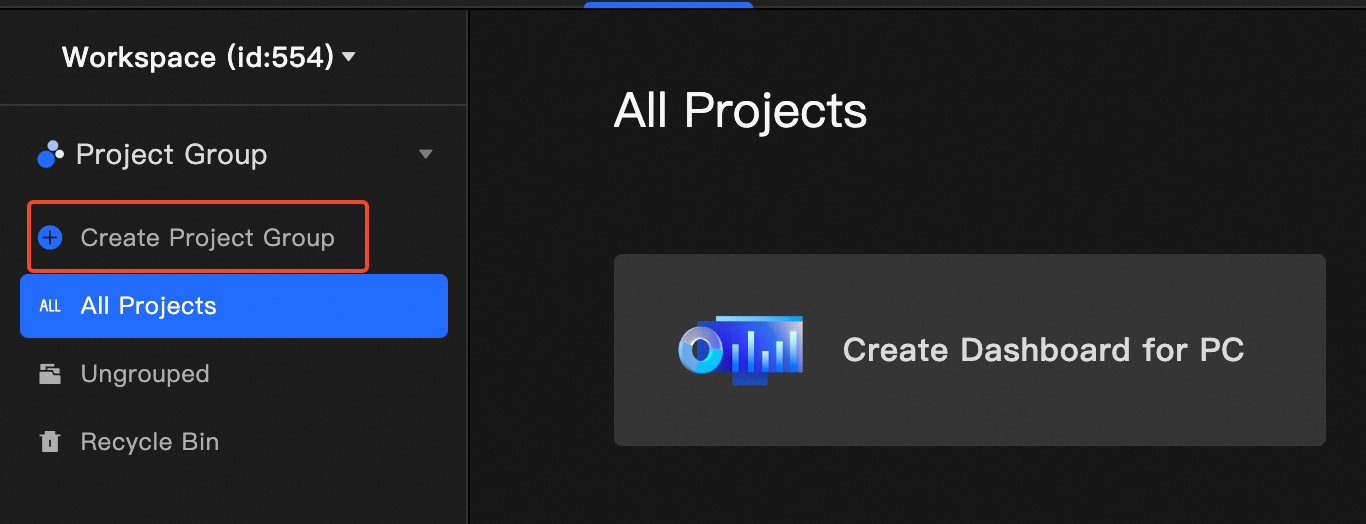
On the console page, click My Project Groups> Create Project Group.
-
In the Group Name field, enter a group name and click the blank space or press the Enter key.
You can click the
 icon or the
  icon to rename or delete the created group. Note
After you delete a group, all dashboards in that group are moved to Ungrouped.
-
On the dashboard, click
 Move Project Group to move the dashboard to the new group on the left.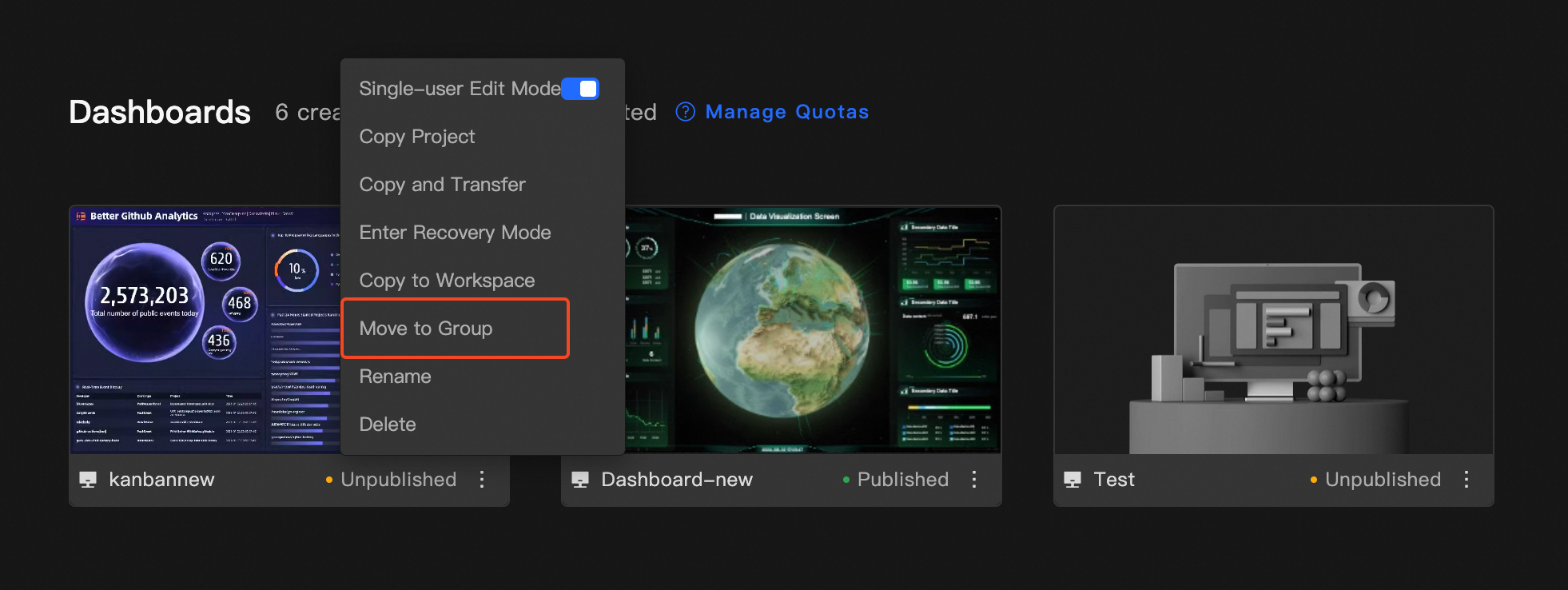
-
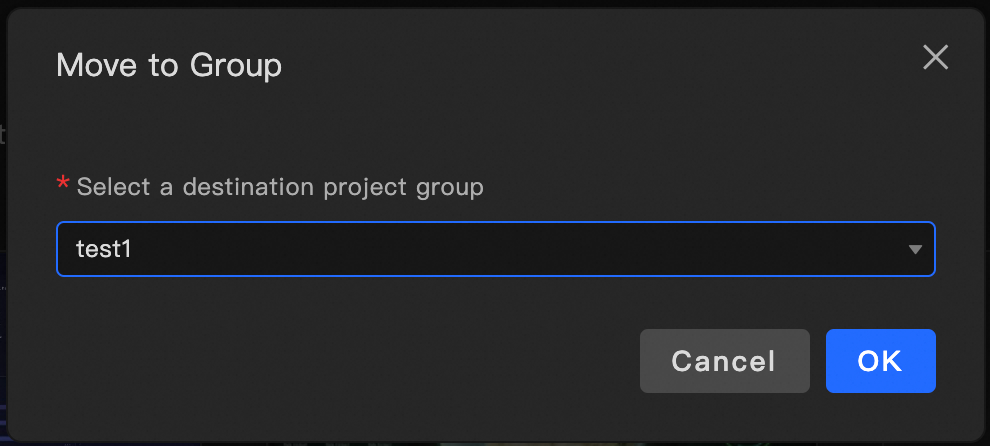
In the dialog box that appears, select a project group and click OK.
-
Verify that the dashboard appears in the new group.
-
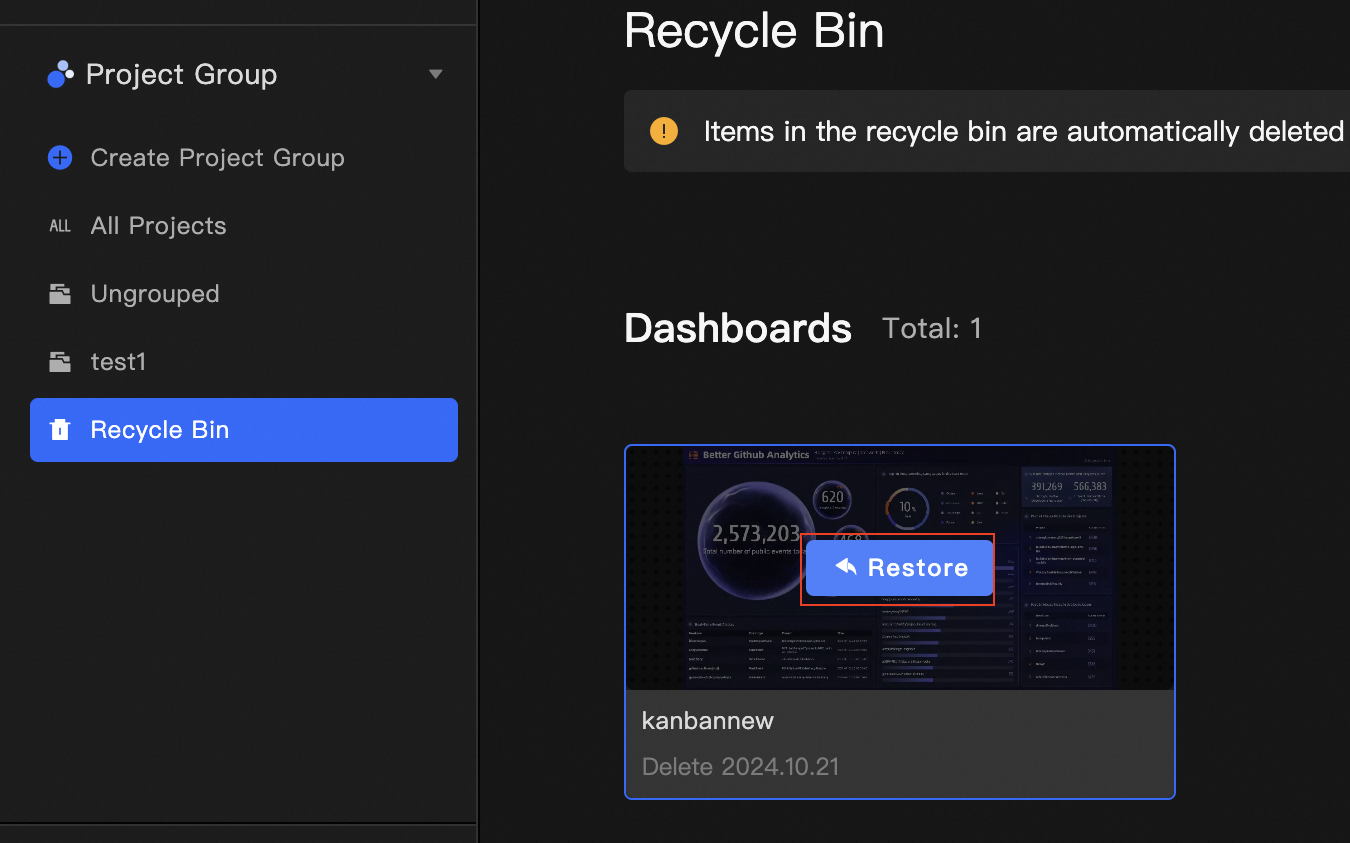
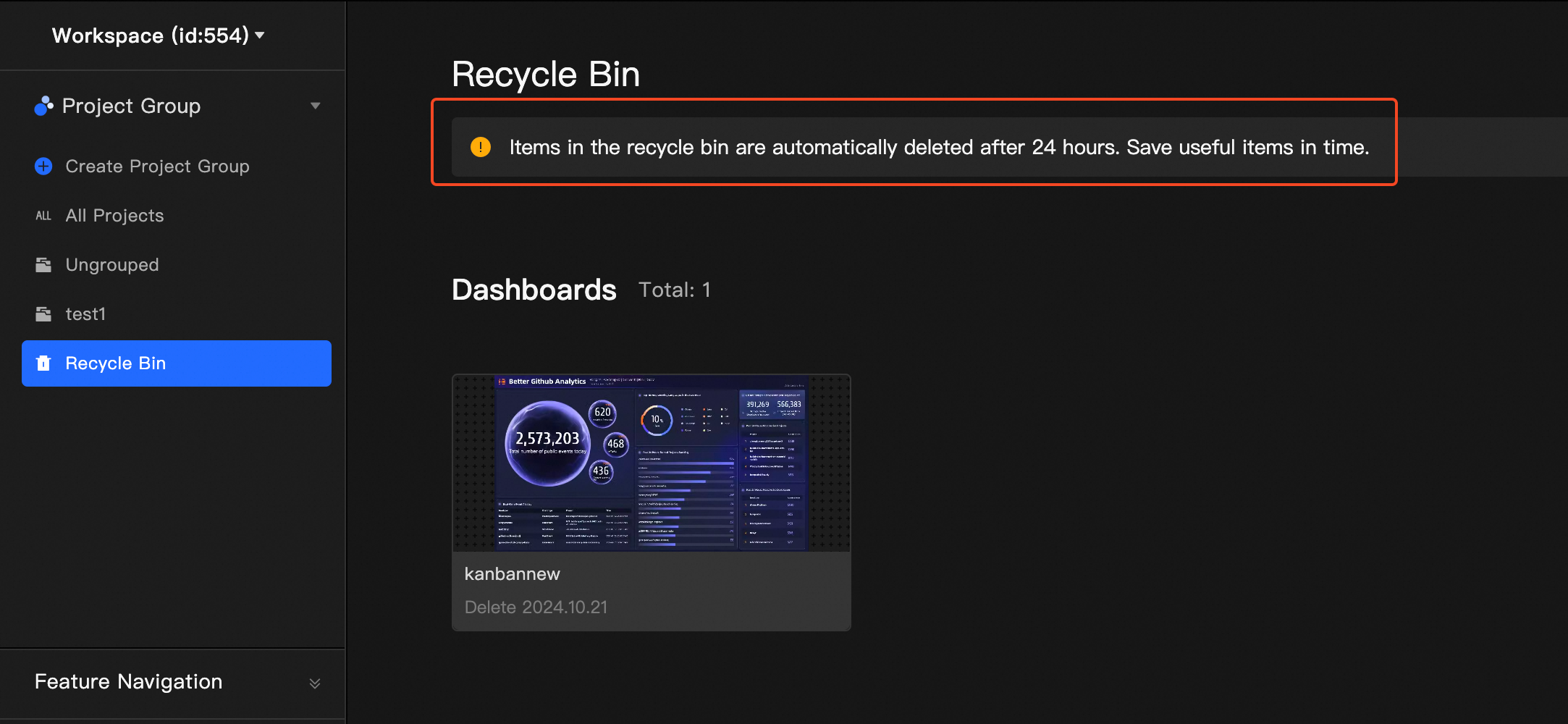
(Optional) Click Recycle Bin to view dashboards and 3D city content deleted within the last 24 hours.
-
(Optional) Hover over the dashboard or 3D city that you want to recover, and click Restore to move it back to its original group.