The analysis platform in Dataphin allows you to manually create and maintain production data tables.
Scenarios
Record and manage data: You can use manual tables to record and manage data. For example, business personnel can manually update customer statuses in the customer dimension table for downstream tasks. Data developers and O&M staff can also use manual tables to quickly update data and improve production efficiency.
Overview of the manual table development page
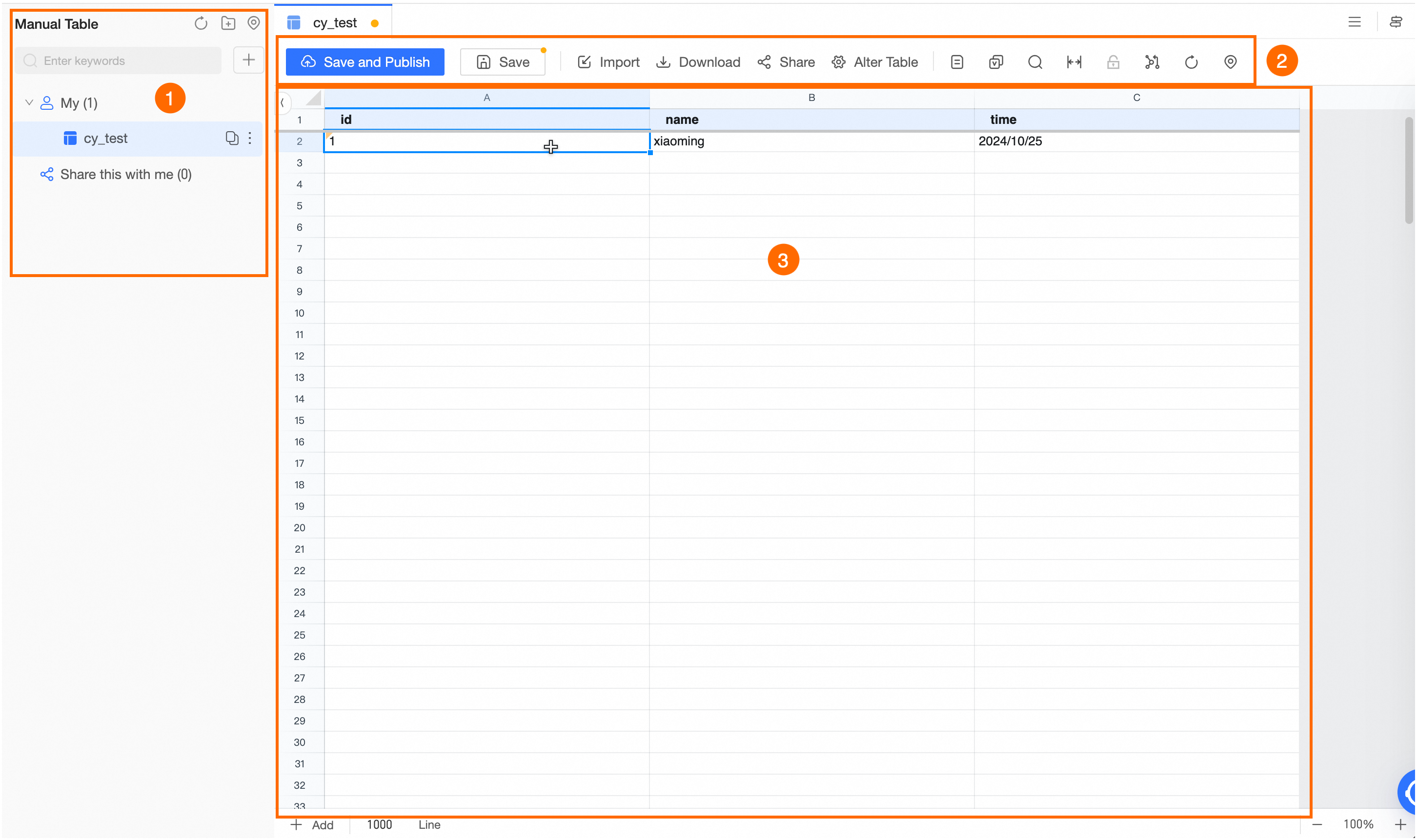
The manual table development page consists of the manual table directory, the editor menu, and the editing area.
|
Area |
Description |
|
①Manual Table Directory |
The manual table directory contains two folders: My and Shared With Me.
You can copy, shift, change owner, and delete manual tables that you created. |
|
②Manual Table Editor Menu |
The Manual Table Editor Menu provides tools for editing and managing manual tables, including:
|
|
③Editing Area |
Modify manual table data in the editing area. Note
To add rows to the manual table at the bottom of the editing area, enter the desired number of rows and click |
 to save and publish the manual table. Publishing may take some time if resources are scarce.
 to save the manual table.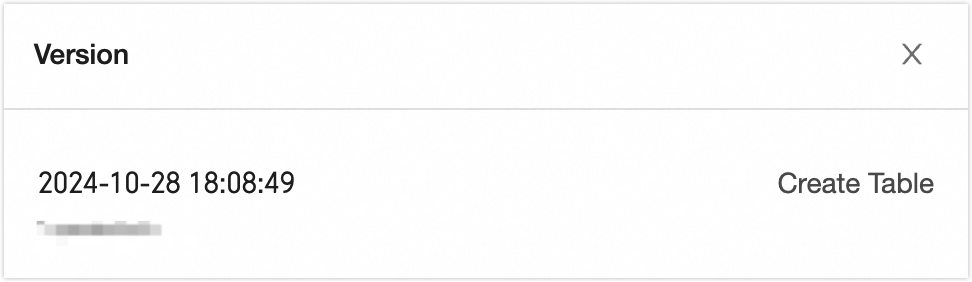
 .
.