All Products
Search
Document Center

Dataphin:Create manual tables based on the analysis platform

Last Updated:Jan 21, 2025

Dataphin's analysis platform offers a manual table feature, enabling you to create and manage essential production data tables.

Scenarios

Record and manage data: Manual tables facilitate data recording and management. For instance, business personnel can manually update customer statuses in the customer dimension table for downstream processes. Data developers and operations staff can also utilize manual tables for swift data updates, enhancing business production efficiency.

Overview of the manual table development page

The manual table development page comprises the manual table folder, the manual table editor menu, and the editing area. This page is designed for the development and management of manual tables.
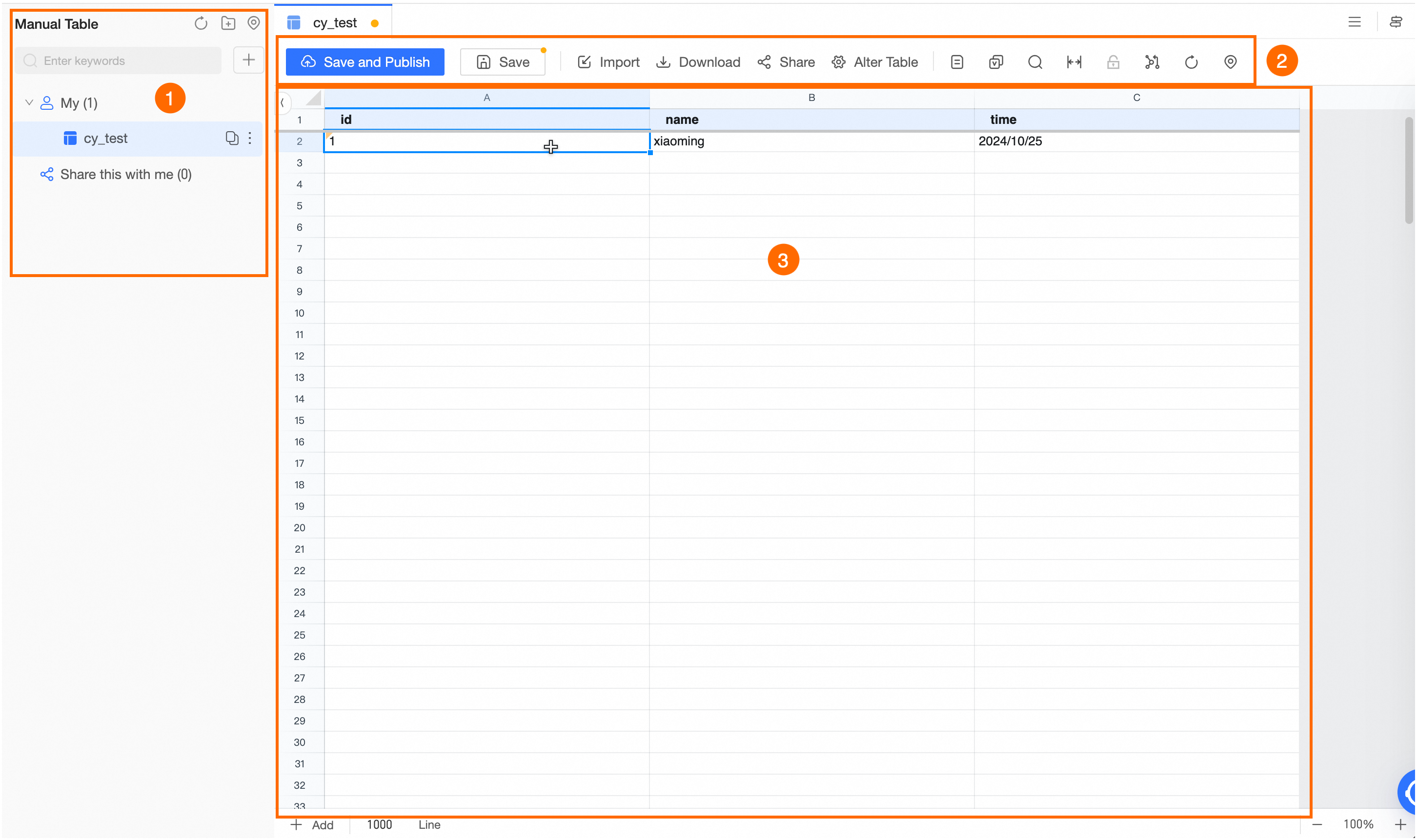
image.png

Area

Description

Manual Table Directory

The manual table directory comprises two main folders: My and Shared With Me.

  • My: This root directory categorizes the manual tables you create, allowing for the creation of multiple subdirectories. Within this directory, you can manage your manual tables. To create a new manual table, see Create a new manual table .

  • Shared with me: This root directory contains manual tables shared with you by others. You can view and manage these shared manual tables within this directory.

For manual tables created by your account, operations such as copy, shift, change owner, and delete are available.

Manual Table Editor Menu

The Manual Table Editor Menu provides tools for editing and managing manual tables, including:

  • Save and publish: Click image.png to save and publish the current manual table. Publishing may require a wait for resources, and in cases of resource scarcity, it could be time-consuming. Patience is advised.

  • Save: Click image.png after editing to save the current state of the manual table.

  • Import: Supports importing data from TXT and CSV files.

  • Download: Ensure the data is saved before downloading the current page's data in CSV format to your local machine.

  • Share: Share the manual table with other Dataphin members, subject to verification of their permissions for viewing, editing, or altering the table structure.

  • Modify table structure: Modify the table data using DDL import and table introduction methods.

  • Table details: Access comprehensive details about the table, such as data table name, owner, last manual table modifier, last manual modification time, table description, and table structure.

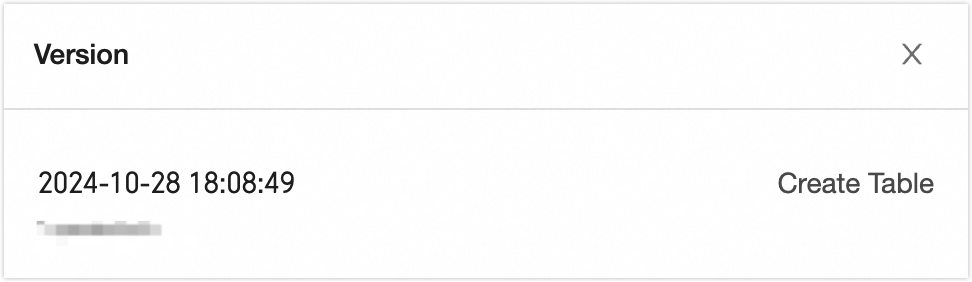
  • Version: Enables viewing of the table's published version details, such as version update time, owner, and type of update operation.

    image.png

  • Search: Find specific data within the table or replace content.

  • Automatic column width: Enable automatic adjustment of column widths.

  • Acquire lock (release lock): Acquire a lock to edit the table and release it when editing is no longer needed, allowing others to edit.

  • Sync from engine: Synchronize the table with the latest data from the engine.

    Note

    This process may be lengthy and will overwrite the existing page data. Confirm the operation and be patient.

  • Refresh: Update the table with the latest saved data.

  • Locate: Find the current table within the manual table directory.

Editing Area

The editing area is where you can modify manual table data.

Note

To add rows to the manual table at the bottom of the editing area, enter the desired number of rows and click image.png.