Delete a synchronization task that you no longer need.
Prerequisites
Before you begin, ensure that you have:
A synchronization task. For more information, see Create a synchronization task.
Procedure
Log on to the DataHub console.
In the left-side navigation pane, click Projects.
Click the name of the project that contains the synchronization task.
Click the name of the topic that contains the synchronization task.
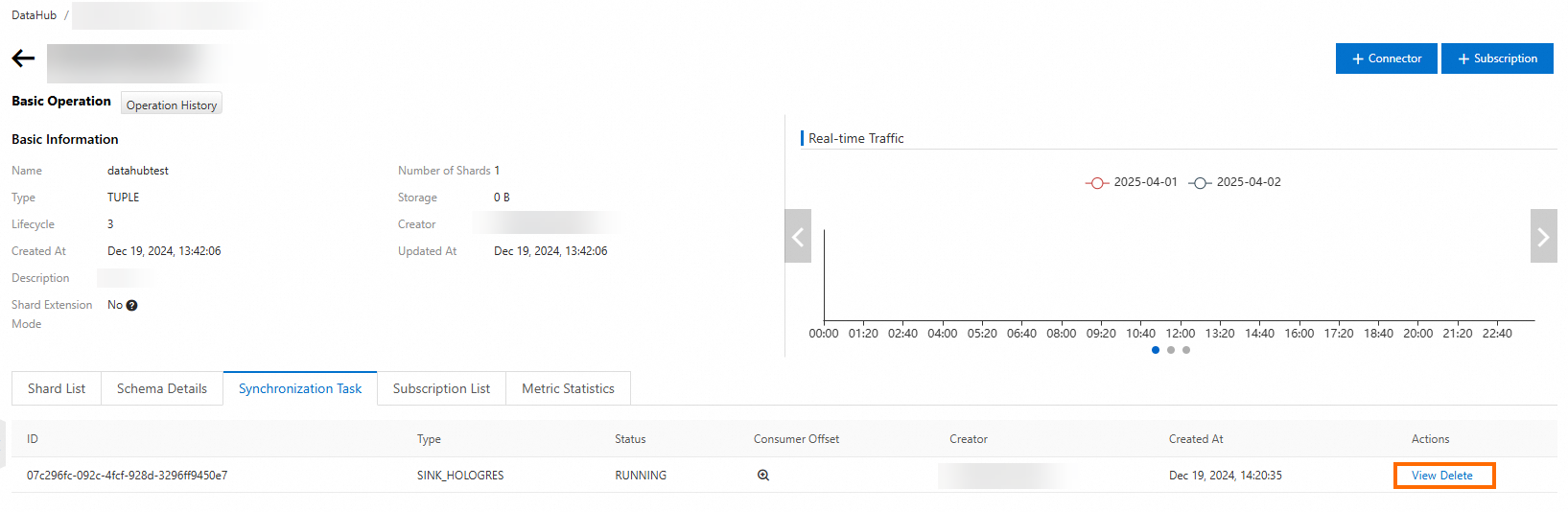
Click the Synchronization Task tab.
Find the synchronization task and click Delete in the Actions column.
In the Delete Connector dialog box, click Delete.