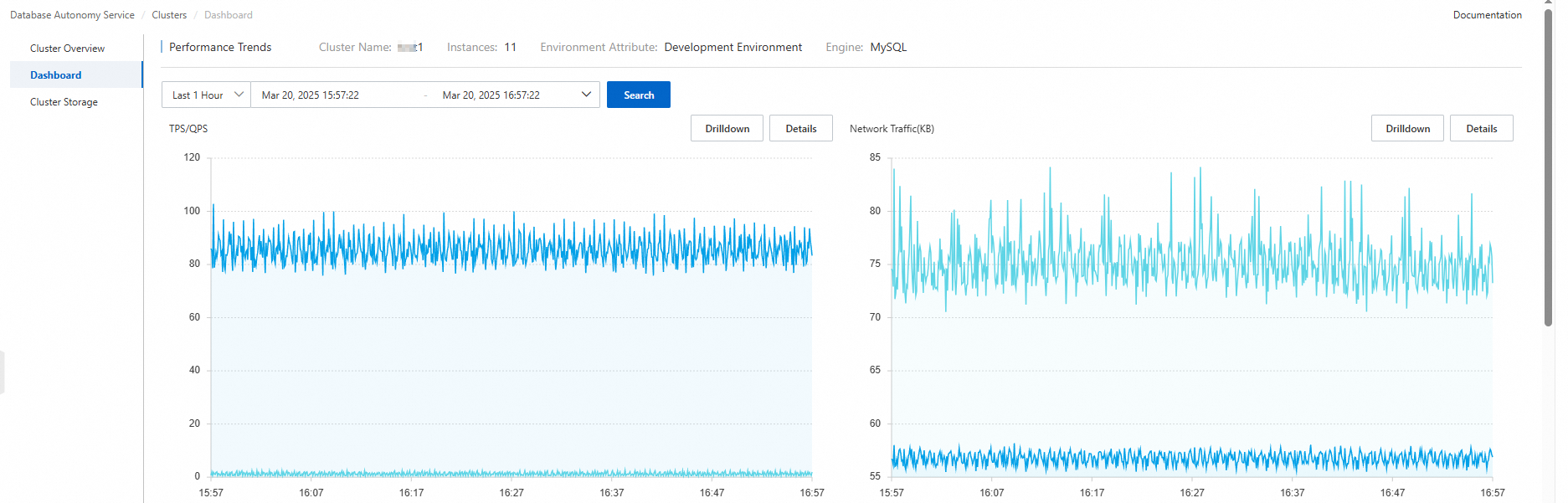
Database Autonomy Service (DAS) provides a feature to monitor the cluster performance. You can add database instances that use the same database engine to a cluster. This allows you to monitor these database instances in a centralized manner. You can view monitoring data of the database instances, such as performance trends, the ranking of the instances in terms of the number of slow SQL queries, and the ranking of the instances in terms of storage space.
Procedure
- Log on to the DAS console.
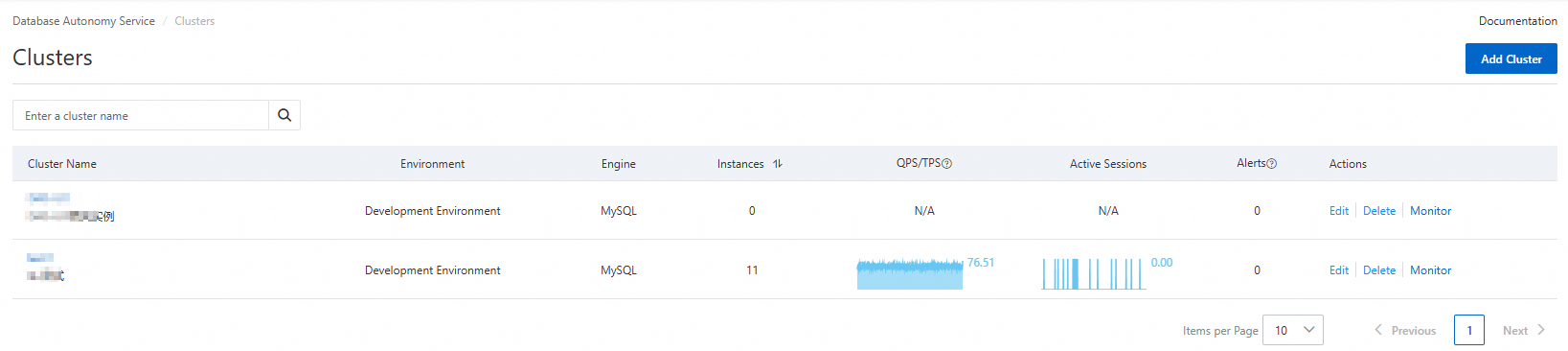
In the left-side navigation pane, choose Resources > Clusters.
On the page that appears, find the cluster that you want to manage and click Monitor in the Actions column.
On the Performance Trends page, navigate to a card, move the pointer over the Drilldown button, and then click the performance metric that you want to view. You can view the data of the performance metric for each database instance in the cluster.