If you no longer offer a service, you can unpublish it. After a service is unpublished, its deployment URL becomes invalid and customers can no longer use it to deploy service instances. Existing service instances are not affected. The service status on the customer side changes to Unpublished.
Prerequisites
If a product in Alibaba Cloud Marketplace is associated with the service, you must unpublish the product from Alibaba Cloud Marketplace before you unpublish the service.
Procedure
Log on to the Compute Nest console.
-
In the left navigation bar, select My Services. On the My Services page, select the Created Services tab.
-
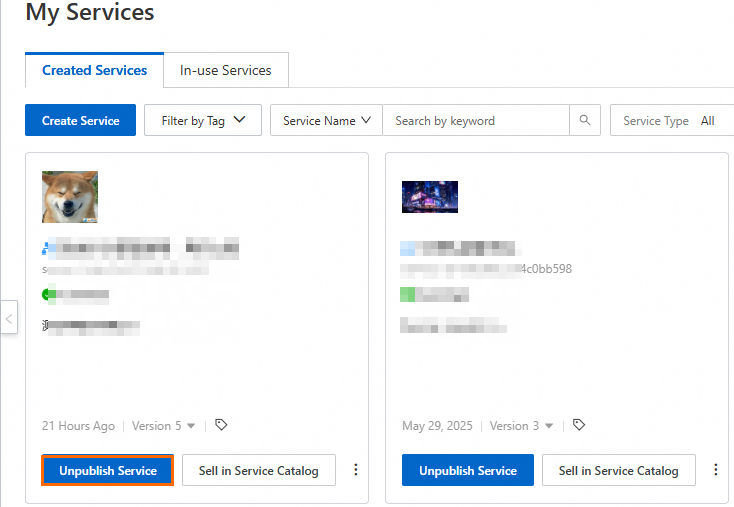
Find the service you want to unpublish and click Unpublish Service.
-
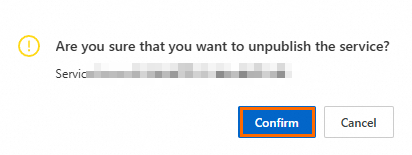
In the confirmation dialog box, click Confirm.
The service status changes to Unpublished.
What to do next
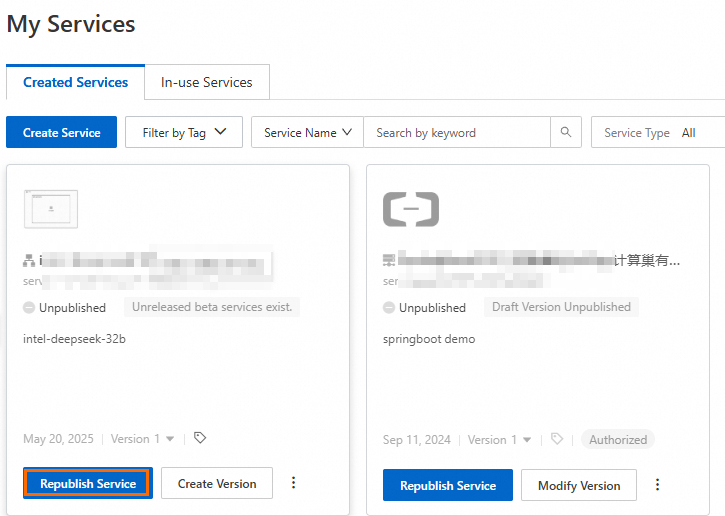
To republish a service, filter for unpublished services on the Created Services tab and click Republish Service to publish its latest version.