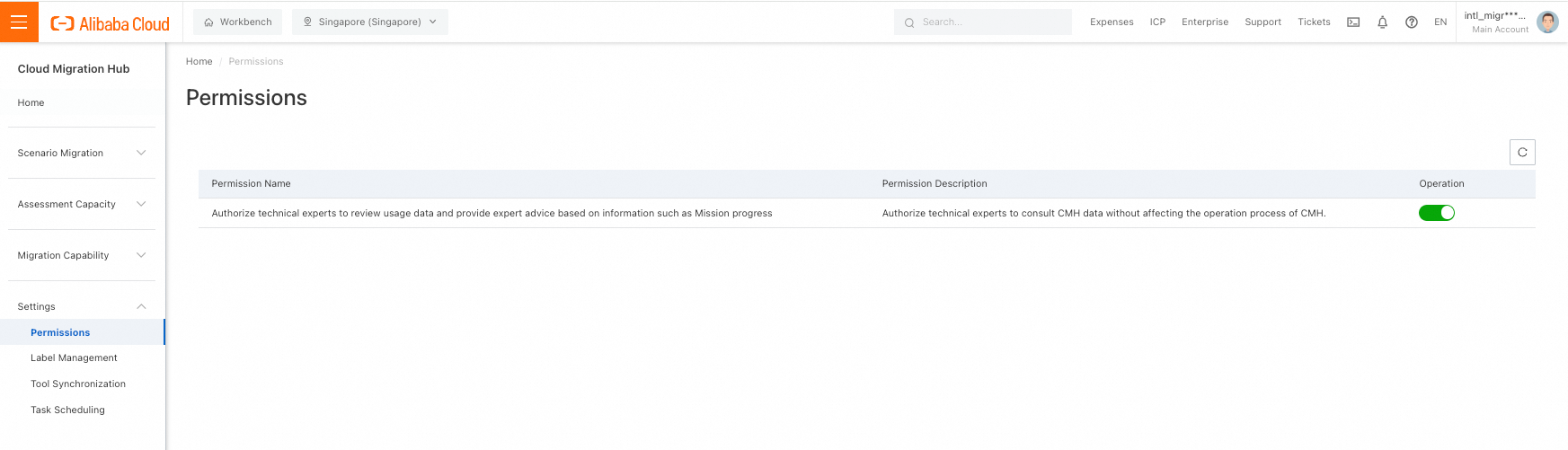
You can grant technical experts read-only access to Cloud Migration Hub data, such as task progress, without affecting migration operations.
Log on to the Cloud Migration Hub console. In the left-side navigation pane, choose Settings > Permissions. On the Permissions page, turn on or off the switch in the Operation column. When the switch is turned on, technical experts can view Cloud Migration Hub data, such as task progress. This does not affect migration operations.