When you use Cloud Migration Hub (CMH) to survey or manage resources or manage migration tasks, you can identify and filter tasks based on tags. This topic describes how to manage tags in CMH.
View tags
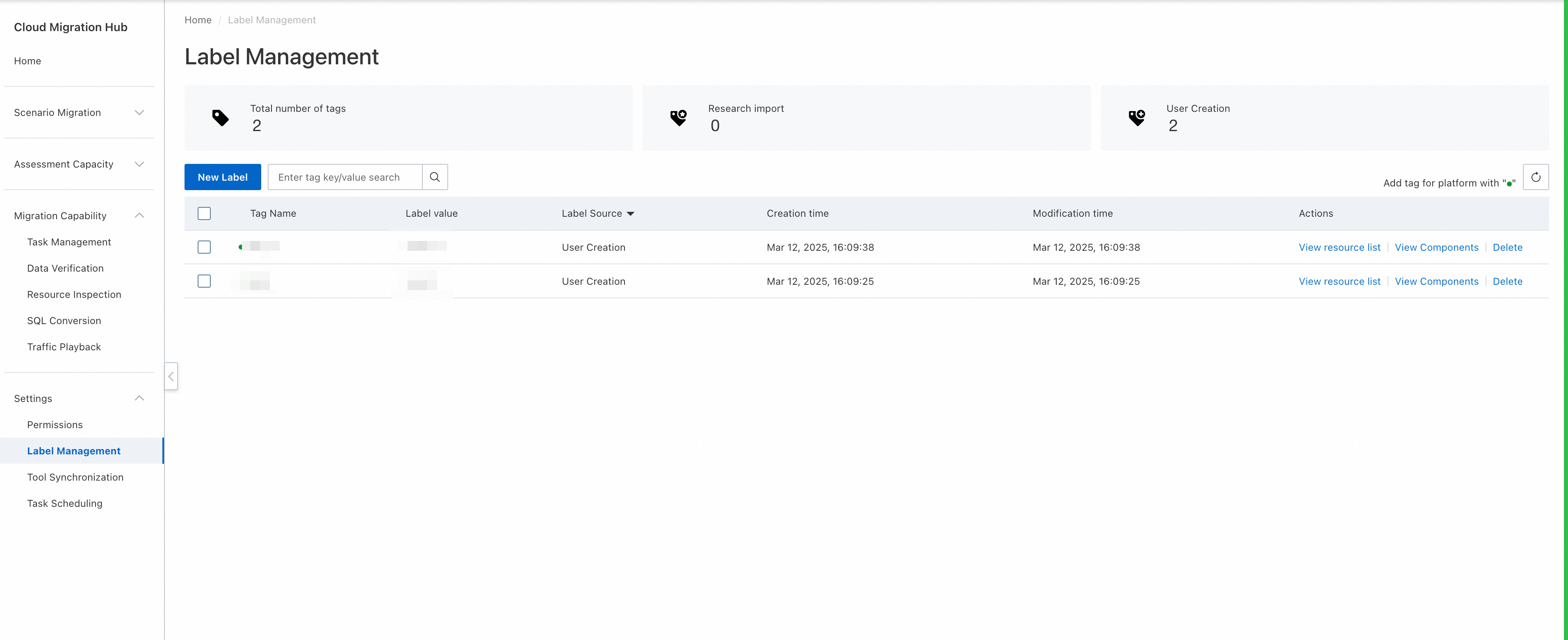
Log on to the CMH console. In the left-side navigation pane, choose Settings > Label Management. On the Label Management page, the Total number of tags, Research import, and User Creation parameters are displayed. The value of the Research Import parameter indicates the number of existing tags of surveyed resources before they are added to the resource list. The CMH console automatically creates these tags. The value of the User Creation parameter indicates the number of tags that are created by users in the CMH console.
All tags are displayed in the tag list, including key information such as the tag name, tag value, tag source, creation time, and modification time.
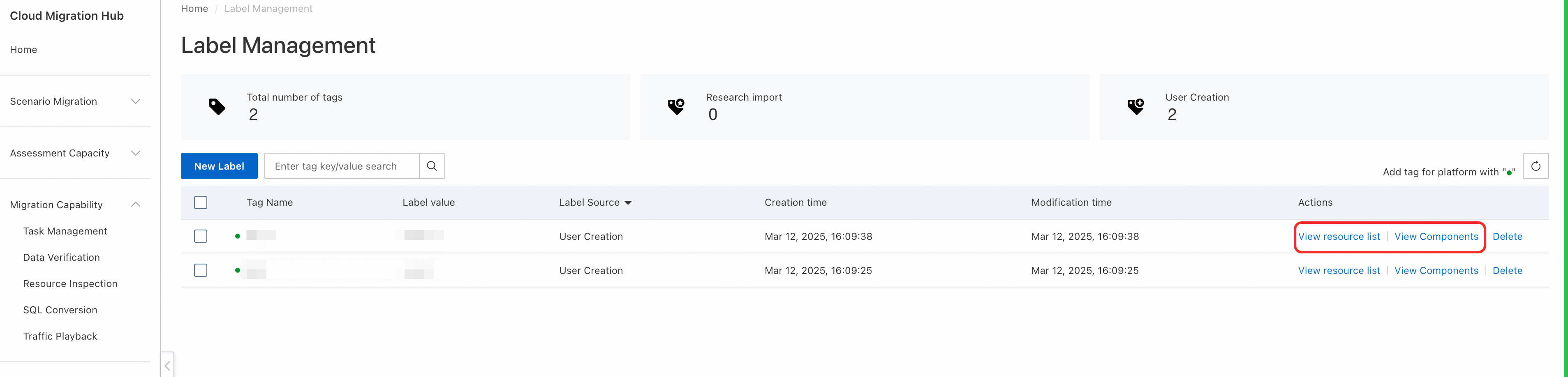
Click View resource list or View Components in the Actions column of a tag to view all resources to which the tag is added.
Delete tags
Select the tags that you want to delete and click Delete above the tag list to delete multiple tags at a time.

Create a tag
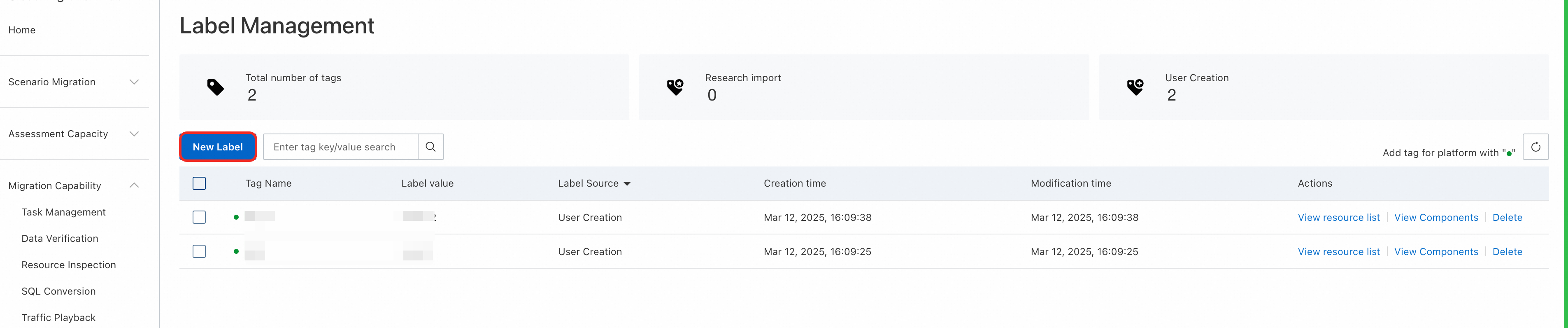
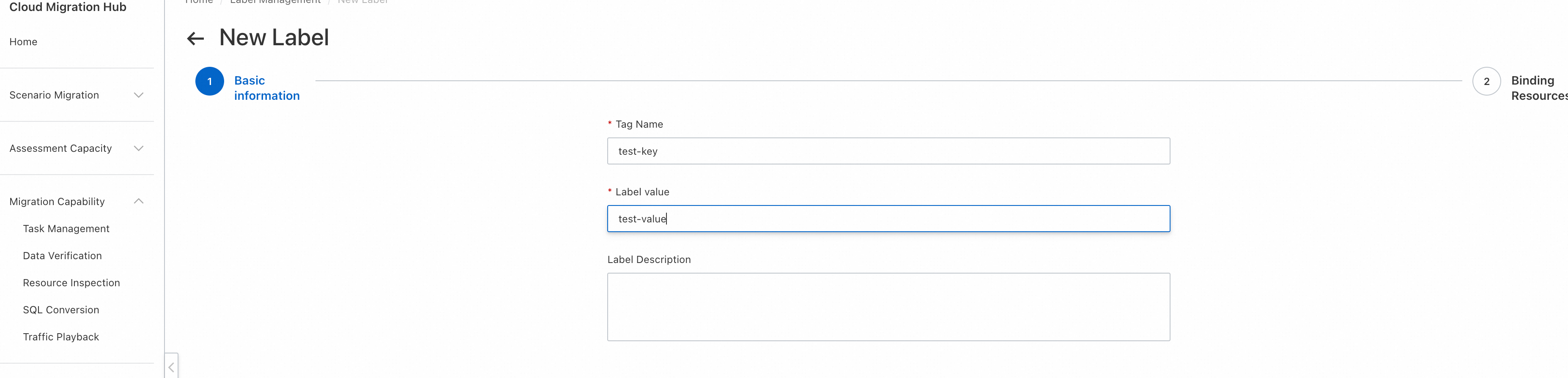
On the Label Management page, click New Label and perform the following operations to create a tag.
Step 1: Configure the Tag Name, Label value, and Label Description parameters in the Basic information step.
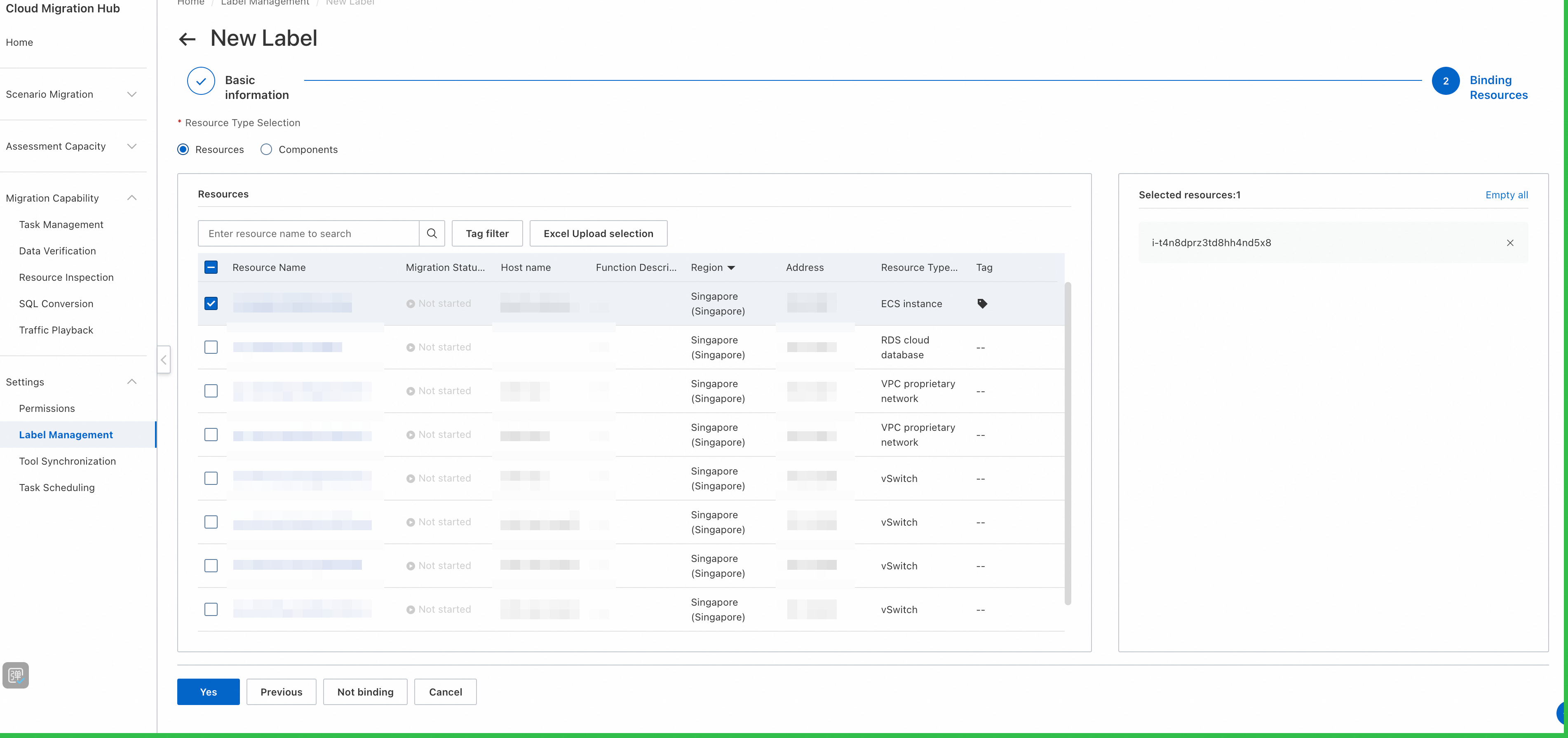
Step 2: Select the resources or components to which you want to add the tag. You can also click Not binding to create the tag without adding it to resources.