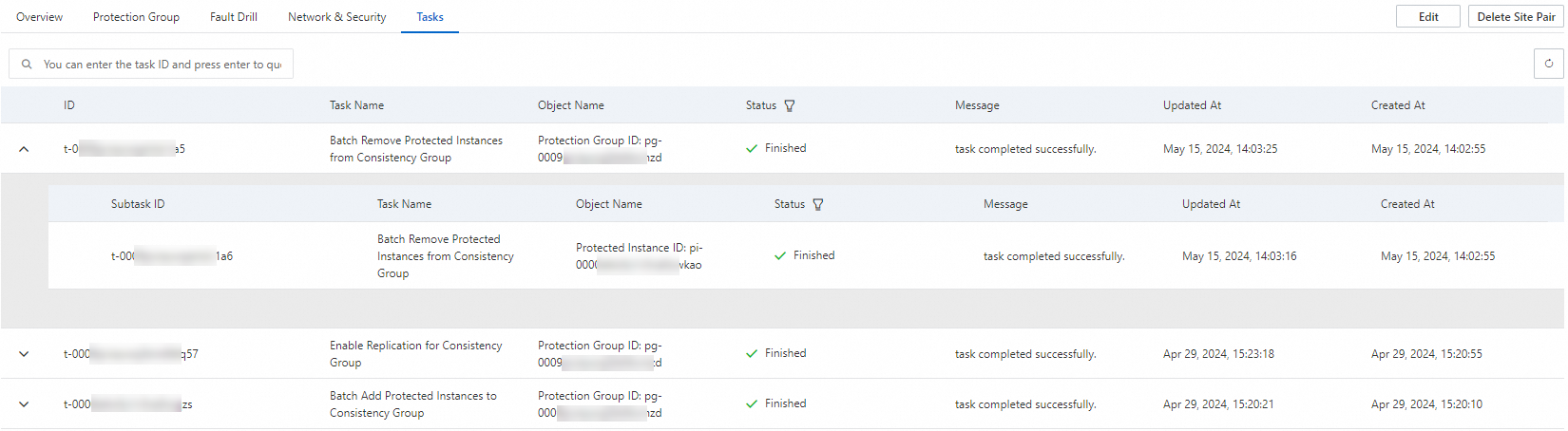
This topic describes how to view the status of tasks for disaster recovery on the Tasks tab. The Tasks tab displays the historical tasks for disaster recovery. You can view the execution status of historical tasks to check the results of disaster recovery execution and troubleshoot exceptions.
Procedure
Log on to the Cloud Backup console.
In the left-side navigation pane, choose .
If you are not using EBS Async Replication, click Switch to EBS Async Replication.

On the Site Pairs tab, click the disaster recovery site pair, and then click the Tasks tab.
You can query historical tasks by parent task ID.
If a task fails to be executed, you can obtain the error message in the task information, troubleshoot the exception based on the error message, and then retry the task.