Alibaba Cloud provides a Multi-Tier Business Discount configuration function for Partner Accounts, which means that customers under the Partner can apply for discounts, specify the discount price is available when placing an order, and provide specific discount information in the billing provided by Alibaba Cloud. Currently, 2-level discount (T1 Partner and Enduser)and 3-level discount (T1 Partner, T2 Partner and Enduser)are available. If necessary, please contact your BD and they will initiate internal approval on Alibaba Cloud. After Multi-Tier Discount approval, customers will receive corresponding discounts when placing orders, and Partners will also receive corresponding discount.
1. How to confirm Multi-tier Discounts and make them effective
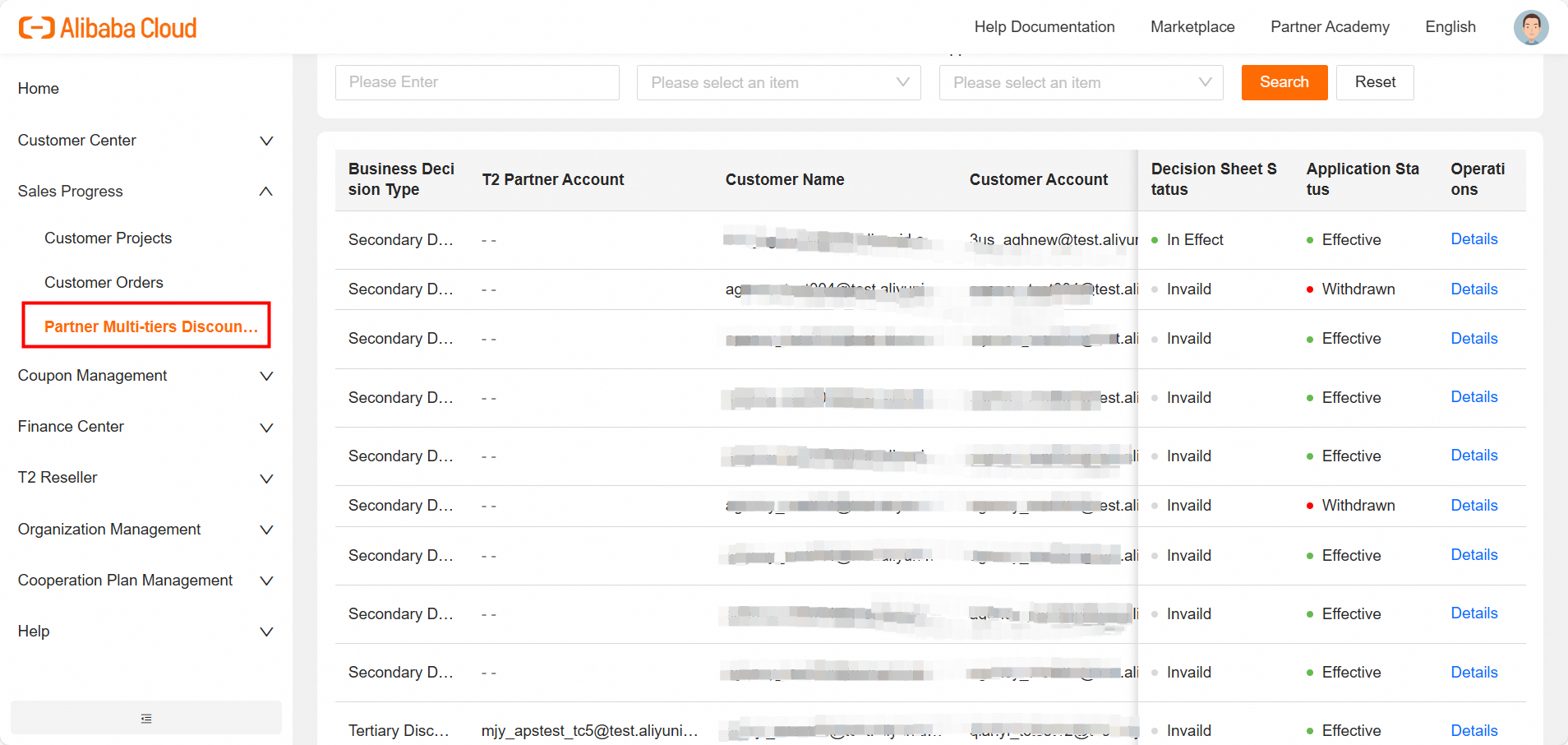
When the business manager applies for multi-tier discounts for partners and reaches the [Partner Confirmation]node, partners can see the relevant discount configuration information in the [ACPN Platform] - [Sales Process] - [Partner Multi-Tier Business Policy], and the application status is displayed as 'Pending Confirmation'.
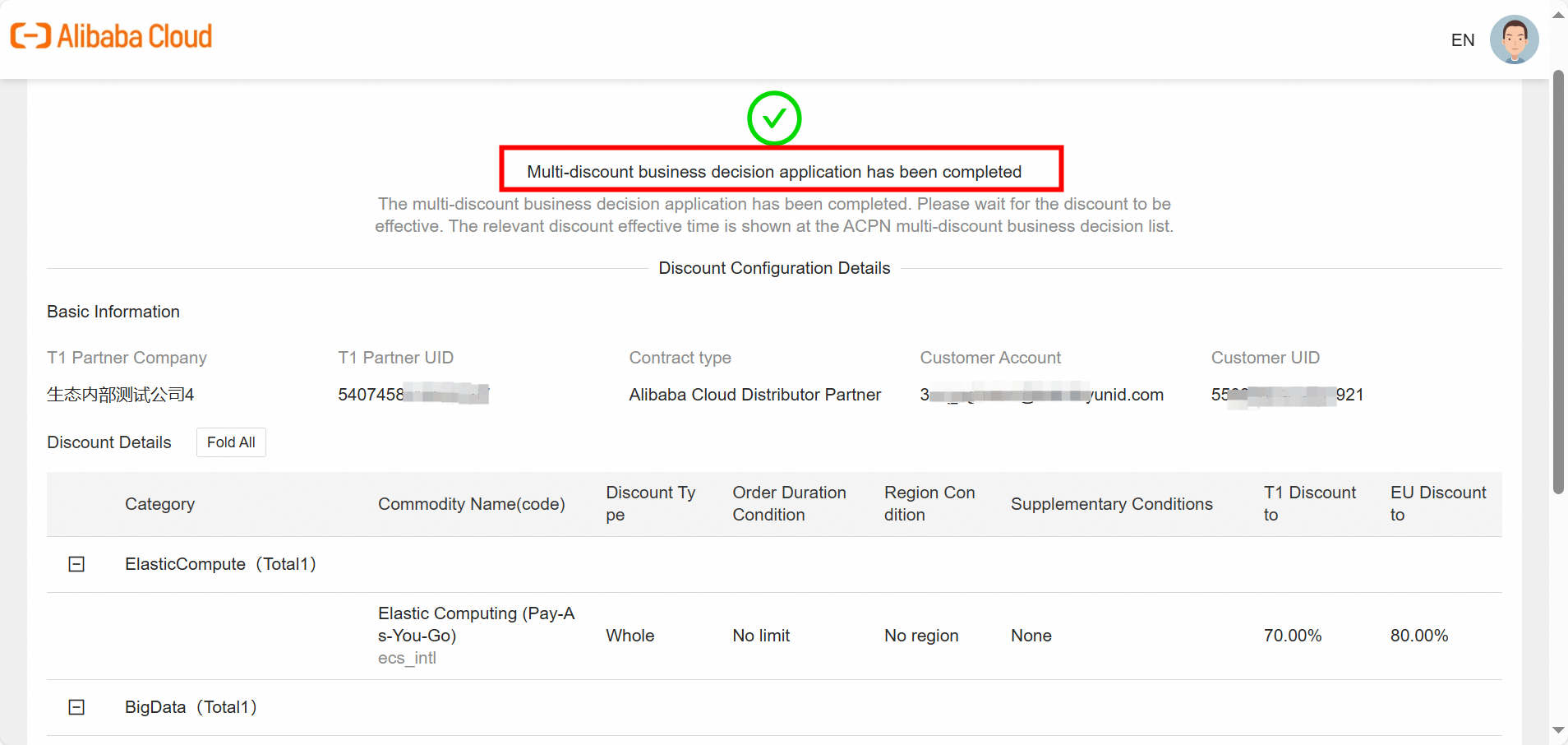
Click on [Details] to enter the detailed configuration page of the decision sheet, confirm customer information, discount information, and rebate information.
Click [Confirm] if the application information is accurate. The relevant discounts will take effect at 0:00 after T+1 (e.g., if the partner confirms the Multi-Tier Business Policy is correct at 4:00 pm on January 16th and clicks the [Confirm] button, the relevant discounts will take effect at 00:00 on January 17th.)
If there is an error in the configuration of Multi-Tier Discount application, please click on 'Apply for Modification Information' and attach specific modification details. BD will follow up on the Multi-Tier Discount application configuration accordingly.
NoteThe default termination time of the discount is the end time of the Partner contract.
If the Partner would like to terminate the effective Multi-Tier discount before the default termination time, please contact the business manager for manual termination and provide written notice.
If the Partner needs to amend the effective Multi-Tier Discount, please contact the business manager.
If a Partner has a master contract that is currently being changed or renewed, and Multi-Tier Discount application cannot be applied for or changed simultaneously, please arrange the application time reasonably.
The discount rate displayed at each level is (discounted price / list price). For example, when the discount rate is 80%, it means 20% off. If the list price is 100 USD, the discounted price is 80 USD.
The Multi-Tier discount application does not require the confirmation from T2 Partners and Endusers. Please communicate with the relevant parties before T1 Partner confirms the Multi-Tier Discount application.