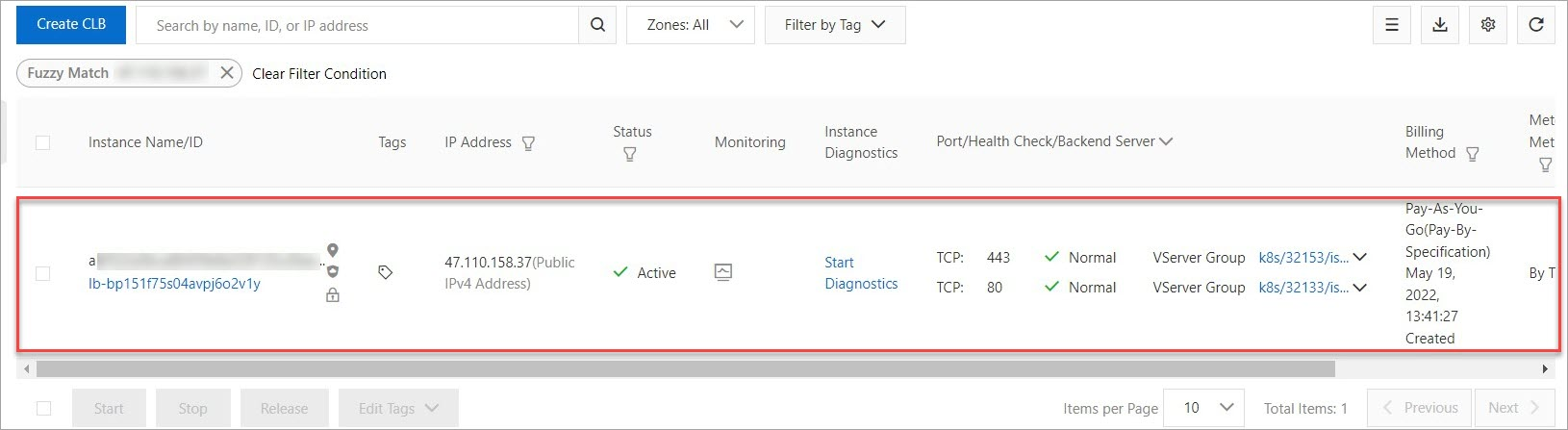
When you delete a Service Mesh (ASM) ingress gateway, the associated Classic Load Balancer (CLB) instance is also deleted if it was auto-created with the gateway. To retain the CLB instance, you can reassociate it as an existing instance before deletion.
Why the CLB instance is deleted
ASM handles CLB instances differently depending on how the ingress gateway was originally created:
Create a CLB Instance was selected: ASM auto-created a CLB instance for the gateway. Deleting the gateway also deletes this CLB instance.
Use Existing CLB Instance was selected: The CLB instance is independent. Deleting the gateway does not affect the CLB instance.
Solution
To retain an auto-created CLB instance, add its instance ID as a Kubernetes service annotation in the gateway YAML. This changes the CLB instance from auto-managed to externally referenced, so ASM no longer deletes it with the gateway.
Step 1: Get the ingress gateway IP address
Log on to the ASM console.
In the left-side navigation pane, choose .
Click the name of the target ASM instance. In the left-side navigation pane, choose .
On the Ingress Gateway page, note the IP address of the ingress gateway whose CLB instance you want to retain.

Step 2: Get the CLB instance ID
Log on to the CLB console.
In the left-side navigation pane, choose .
On the Instances page, search for the IP address from Step 1. Note the CLB instance ID from the search results.
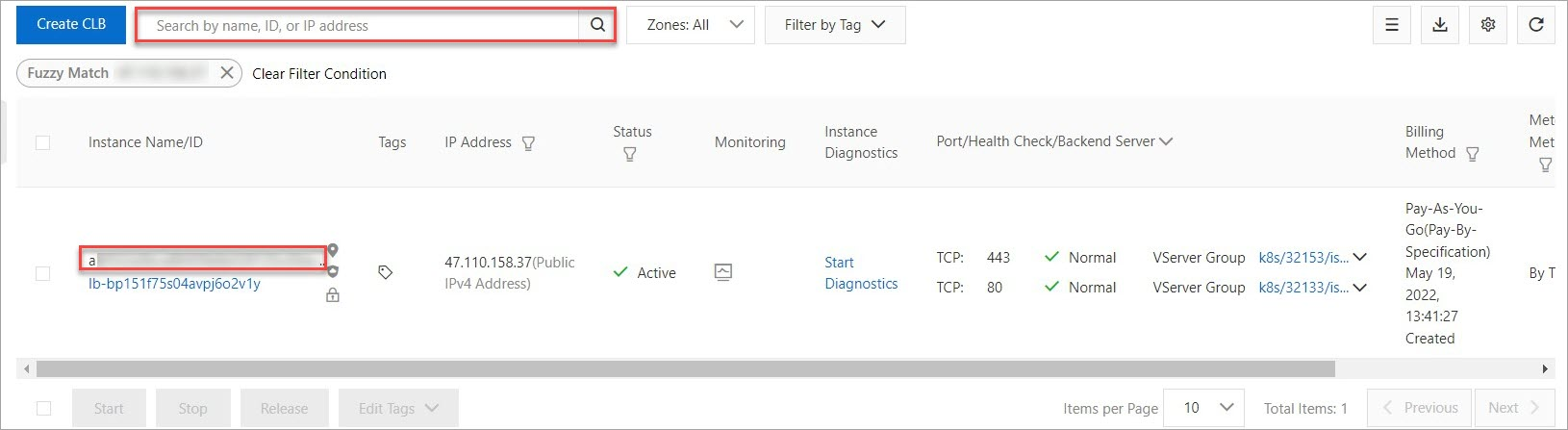
Step 3: Add the CLB instance ID to the gateway YAML
On the Ingress Gateway page, find the target ingress gateway and click YAML.
In the YAML editor, add the following annotation under
serviceAnnotations. Replace<your-clb-instance-id>with the CLB instance ID from Step 2.service.beta.kubernetes.io/alibaba-cloud-loadbalancer-id: <your-clb-instance-id>Click OK.

After you save the YAML, ASM automatically redeploys the ingress gateway. The gateway status changes to Creating and then back to Running when redeployment completes.

Step 4: Delete the ingress gateway and verify CLB retention
On the Ingress Gateway page, find the target ingress gateway and click Delete. In the Submit dialog, click OK.
Log on to the CLB console. On the Instances page, search for the IP address from Step 1.
If the CLB instance still appears in the search results, the instance was retained successfully.