This topic describes how to create a user for a self-managed TiDB database instance and the minimum privileges required by the user in different phases of data migration.
Background
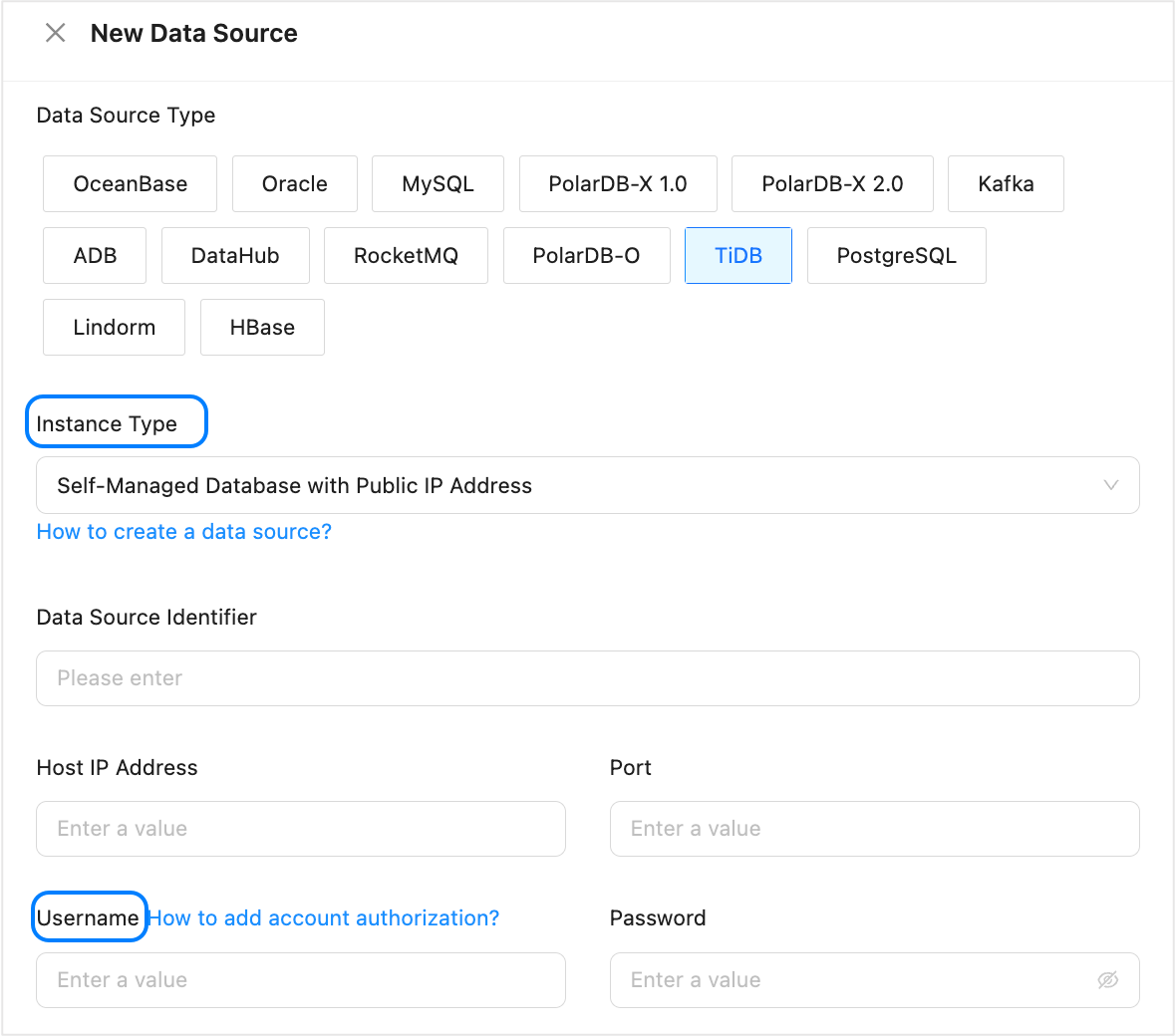
The instance type of a TiDB database can be Self-Managed Database in VPC or Self-Managed Database with Public IP Address. The database user created here will be entered in Username when you create a TiDB data source.
Create a TiDB database user
Log on to the TiDB database.
Use the
CREATE USERstatement to create a user.CREATE USER '<user_name>'@'<host_name>' IDENTIFIED BY '<user_password>';Parameter
Description
user_name
The name of the user to be created.
host_name
The host from which the user logs on to the database. To allow the user to log on to the database from any host, use a percent sign (%).
user_password
The password of the user.
Example: Create a user named
testwith the passwordpasswordand allow the user to log on to the TiDB database from any host.CREATE USER 'test'@'%' IDENTIFIED BY 'password';Execute the
GRANTstatement to grant required privileges to the user.
User privileges required when a TiDB database serves as the source
The database user must have the read privilege on the database from which data is migrated.
GRANT SELECT ON <database_name>.* TO '<user_name>';During incremental synchronization from a TiDB database, the database user must have the
REPLICATION CLIENT,REPLICATION SLAVE, andSELECT *.*privileges.GRANT REPLICATION CLIENT, REPLICATION SLAVE ON *.* TO '<user_name>' [WITH GRANT OPTION]; GRANT SELECT ON *.* TO '<user_name>';
User privileges required when a TiDB database serves as the target
When you migrate data from a TiDB database to an OceanBase database in MySQL-compatible mode, if you have selected Reverse Increment, the migration user must have the CREATE, CREATE VIEW, INSERT, UPDATE, and DELETE privileges on the target TiDB database.
GRANT <privilege_type> ON <database_name>.<table_name> TO '<user_name>'@'<host_name>' [WITH GRANT OPTION];Parameter | Description |
privilege_type | The privileges to grant. You can grant |
database_name | The name of the database To grant operation privileges on all databases to the account, set this parameter to an asterisk (*). |
table_name | The name of the table. To grant operation privileges on all tables to the account, set this parameter to an asterisk (*). |
user_name | The account to which privileges are granted. |
host_name | The host from which the account is allowed to log on to the database. To allow the account to log on to the database from any host, set this parameter to a percent sign (%). |
WITH GRANT OPTION | Grants the account the privilege to use the |