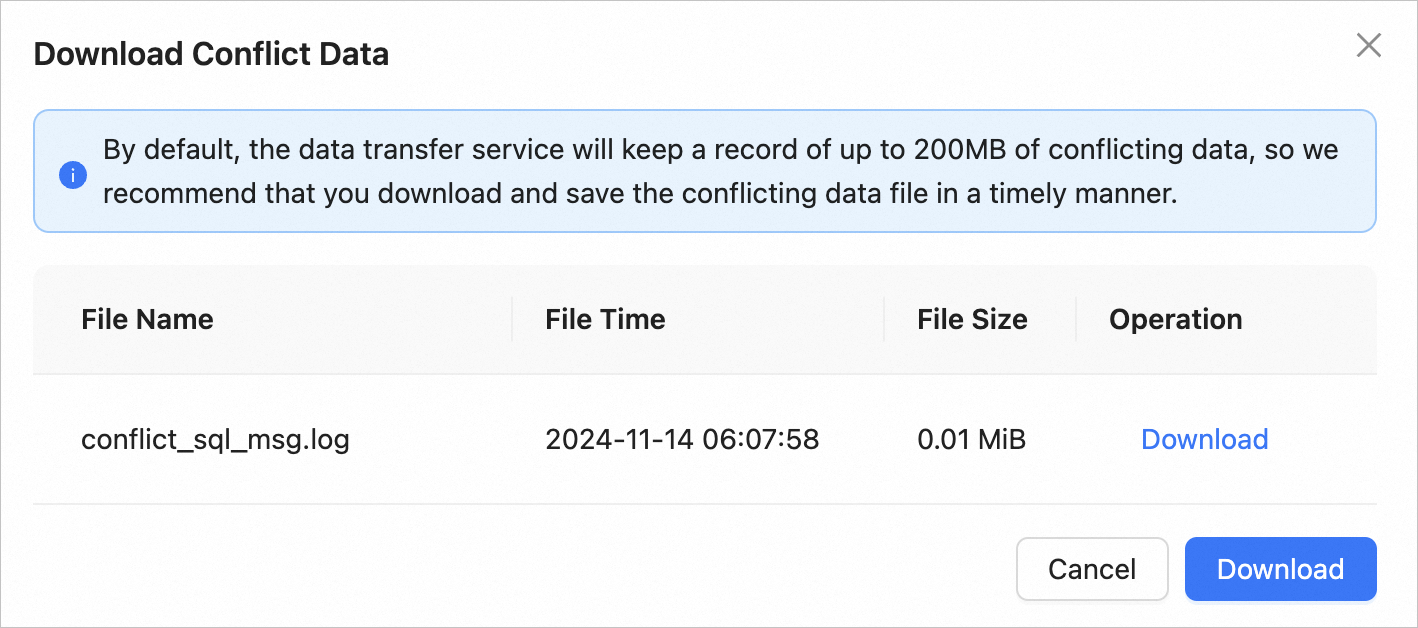
This topic describes how to download the conflicting data, if any, of a two-way synchronization task.
Limitations
You have configured forward and reverse tasks for the two-way synchronization task.
Conflicting data has generated in the forward or reverse task.
Procedure
Log on to the
ApsaraDB for OceanBase console.In the left-side navigation pane, choose Data Transmission > Data Migration.
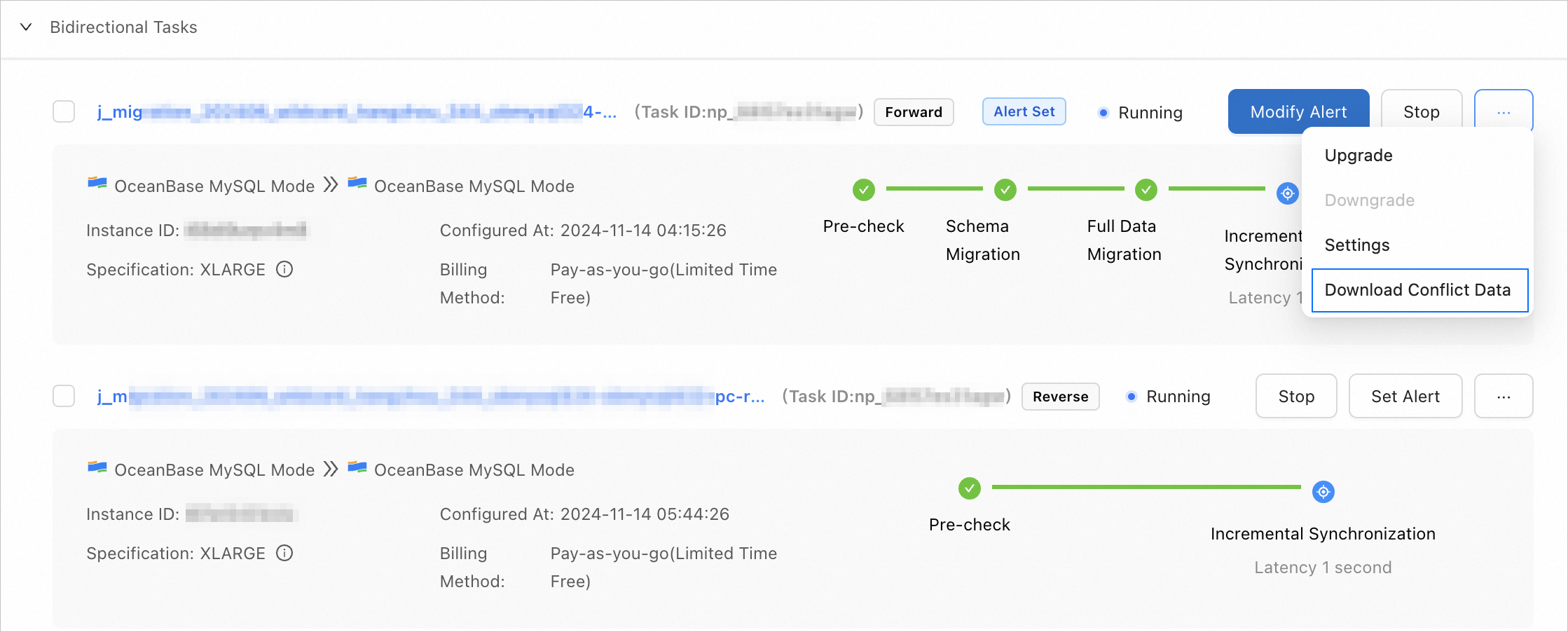
On the Data Migration page, click ... next to the target task and select Download Conflict Data from the drop-down list.
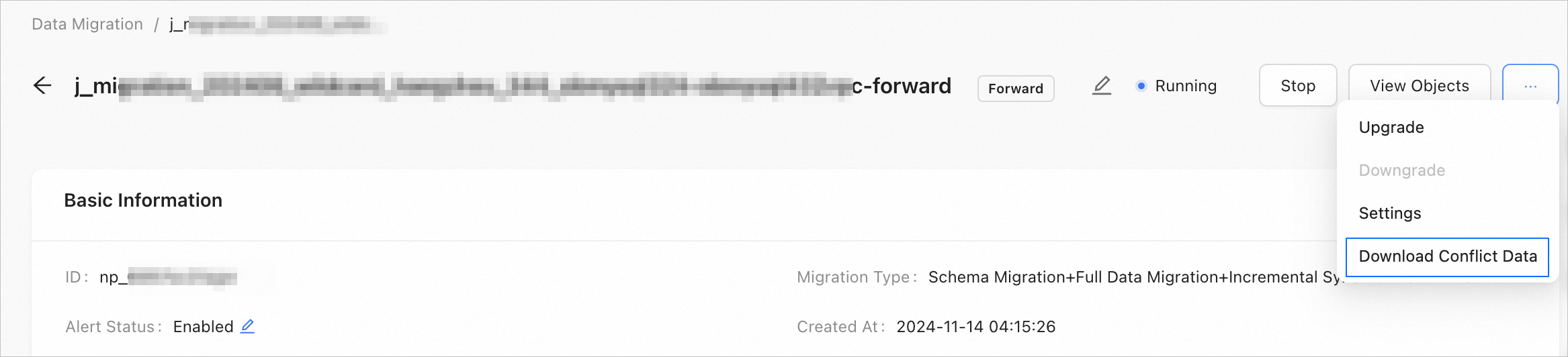
You can also click the name of the task on the Data Migration page to go to the task details page. On the page that appears, click ... in the upper-right corner and select Download Conflict Data from the drop-down list.
In the Download Conflict Data dialog box, click Download in the
Actions column of a conflicting data file.If multiple conflicting data files need to be downloaded, you can click Download in the lower-right corner of the dialog box.