Starting from April 2024, newly created Container Registry Enterprise Edition instances support Open Container Initiative (OCI) Image and Distribution Specification V1.1.0, including support for Reference Types. The Referrers API creates a structured graph that links SBOMs, signatures, and vulnerability scan results directly to their associated images — eliminating the need for tag naming conventions to track supply chain artifacts. You can store, manage, and distribute these artifacts the same way you manage container images.
Prerequisites
Before you begin, make sure you have:
An OCI Registry As Storage (ORAS) client installed on your on-premises machine. For more information, see Installation.
Docker installed on your on-premises machine. For more information, see Install and use Docker and Docker Compose.
A virtual private cloud (VPC) access control list (ACL) configured, or Internet access enabled, for the Container Registry Enterprise Edition instance. This topic uses Internet access. For more information, see Configure internet access control.
The password for your Container Registry Enterprise Edition instance. To reset a forgotten password, configure access credentials. For more information, see Configure access credentials.
Step 1: Associate a container image with its derivative artifacts using the Referrers API
The Referrers API, introduced in OCI v1.1.0, links derivative artifacts — SBOMs, signatures, and vulnerability scan results — directly to a container image. All associated artifacts are discoverable through a single relationship graph, which makes supply chain security and compliance auditing simpler than tag-based approaches.
The following steps generate the SBOM for golang:1.20, attach it to the image using oras attach, and verify the association with oras discover.
If docker sbom is not available in your environment, install the sbom-cli-plugin component first.
This example uses the image hosted at <Name of the Container Registry Enterprise Edition instance>-registry.cn-hangzhou.cr.aliyuncs.com/library/golang:1.20.
-
Log in to the Container Registry Enterprise Edition instance.
After a successful login,
Login Succeededis displayed.docker login <Name of the Container Registry Enterprise Edition instance>-registry.cn-hangzhou.cr.aliyuncs.com Username: ****@test.com Password: Login Succeeded -
Generate the SBOM for the container image.
docker sbom <Name of the Container Registry Enterprise Edition instance>-registry.cn-hangzhou.cr.aliyuncs.com/library/golang:1.20 --format spdx-json -o sbom.jsomExpected output:

-
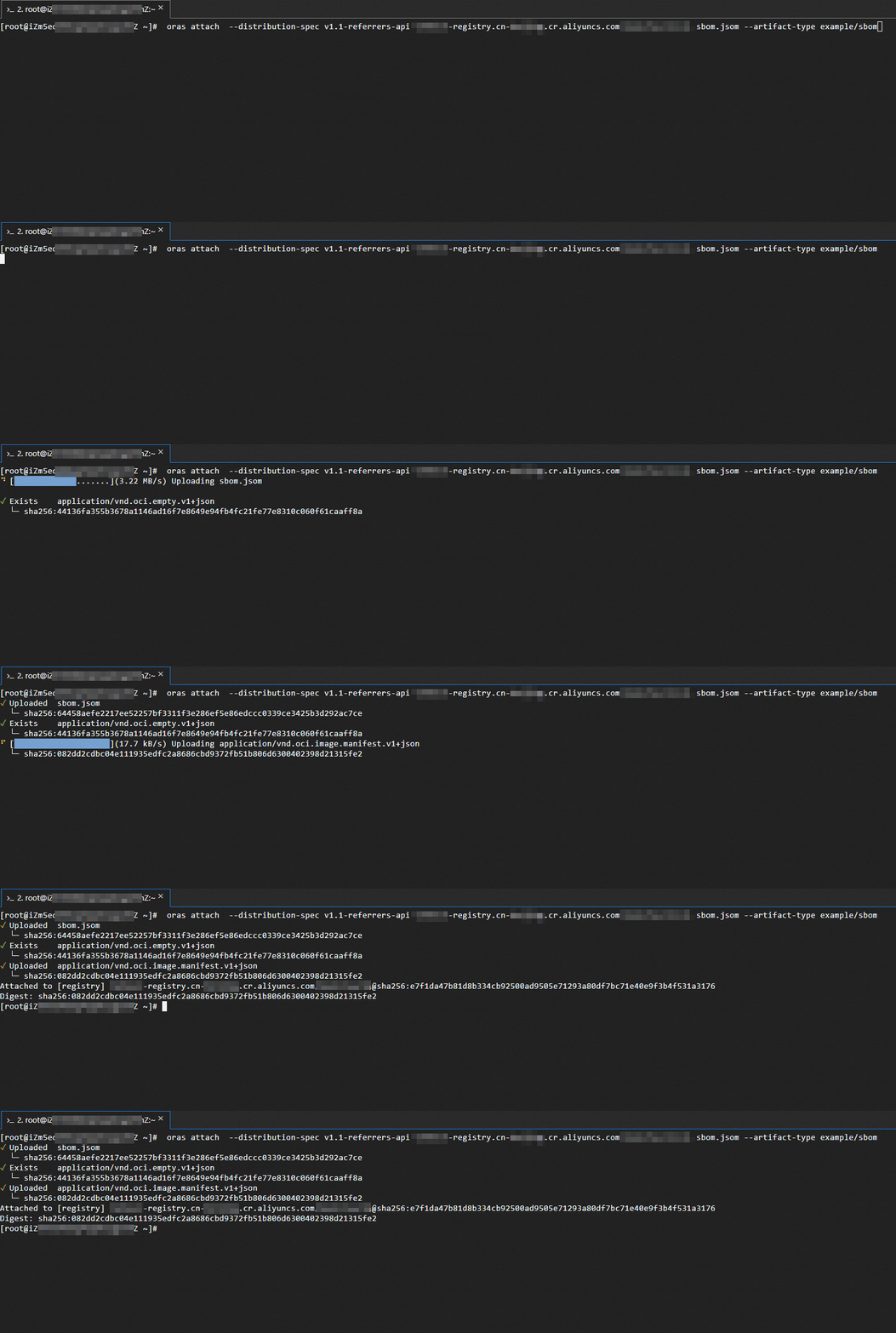
Attach the SBOM to the container image.
oras attach --distribution-spec v1.1-referrers-api <Name of the Container Registry Enterprise Edition instance>-registry.cn-hangzhou.cr.aliyuncs.com/library/golang:1.20 sbom.jsom --artifact-type example/sbomExpected output:
-
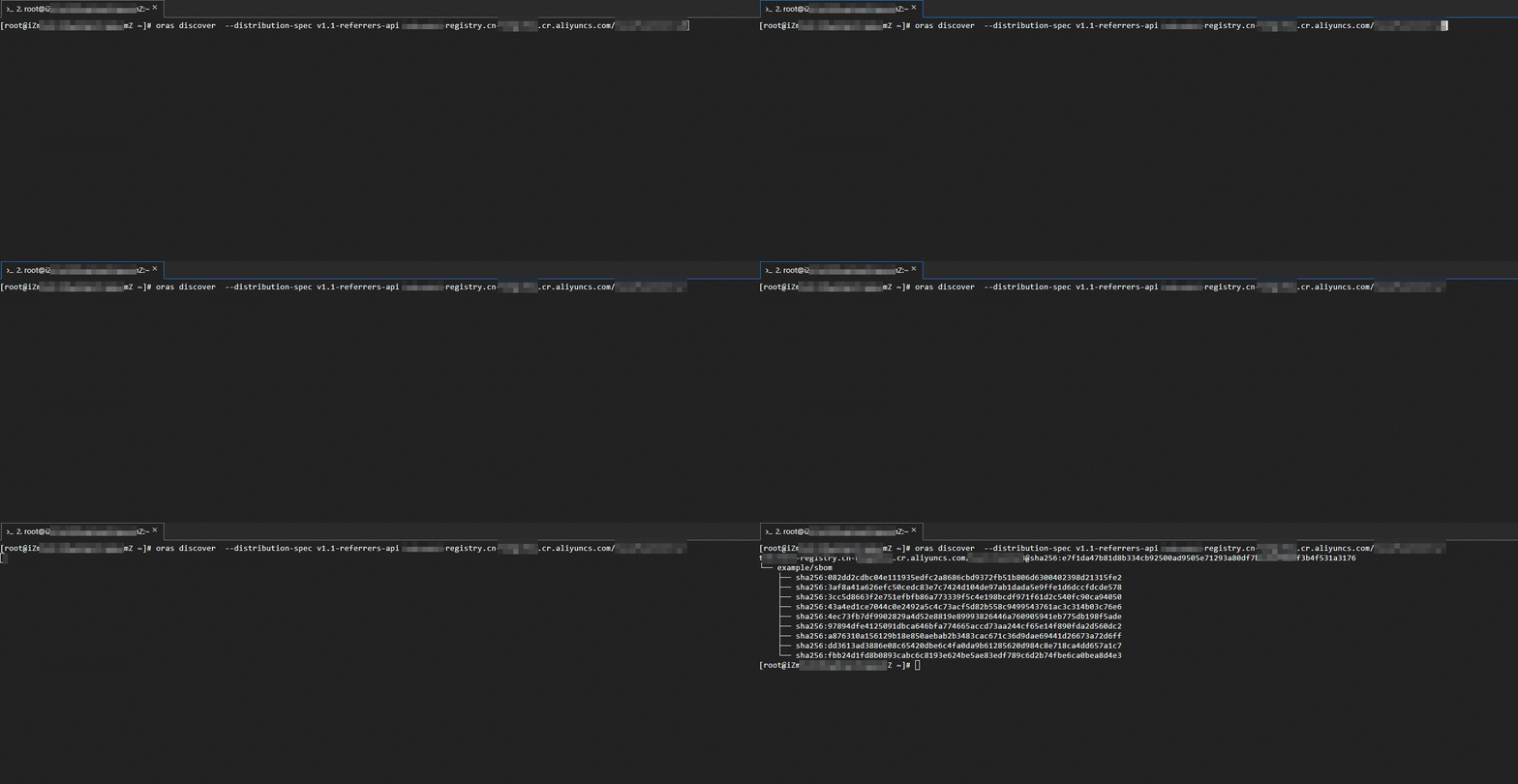
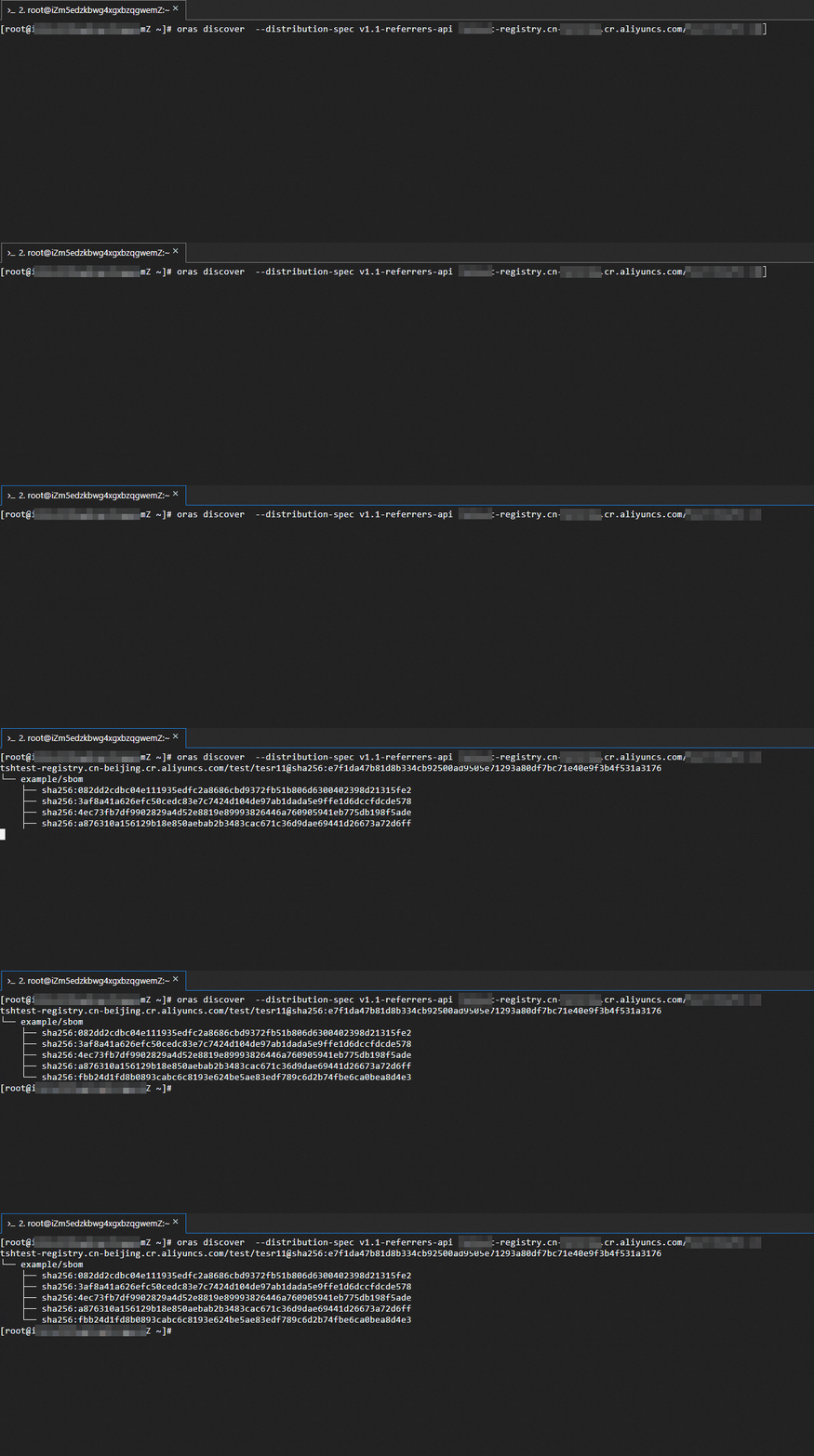
Verify the association between the container image and the SBOM.
oras discover --distribution-spec v1.1-referrers-api <Name of the Container Registry Enterprise Edition instance>-registry.cn-hangzhou.cr.aliyuncs.com/library/golang:1.20Expected output:
Step 2: Distribute a container image and its derivative artifacts across instances
Container Registry Enterprise Edition supports distributing container images and their associated derivative artifacts across instances using tools such as the ORAS client. The -r flag in the oras cp command recursively copies all referrers attached to the image, so the SBOM and any other associated artifacts are transferred in a single operation.
This example copies golang:1.20 and its associated SBOM from a source instance in the China (Hangzhou) region to a destination instance in the China (Beijing) region.
-
Log in to the destination Container Registry Enterprise Edition instance.
After a successful login,
Login Succeededis displayed.docker login <Name of the destination Container Registry Enterprise Edition instance>-registry.cn-beijing.cr.aliyuncs.com Username: ****@test.com Password: Login Succeeded -
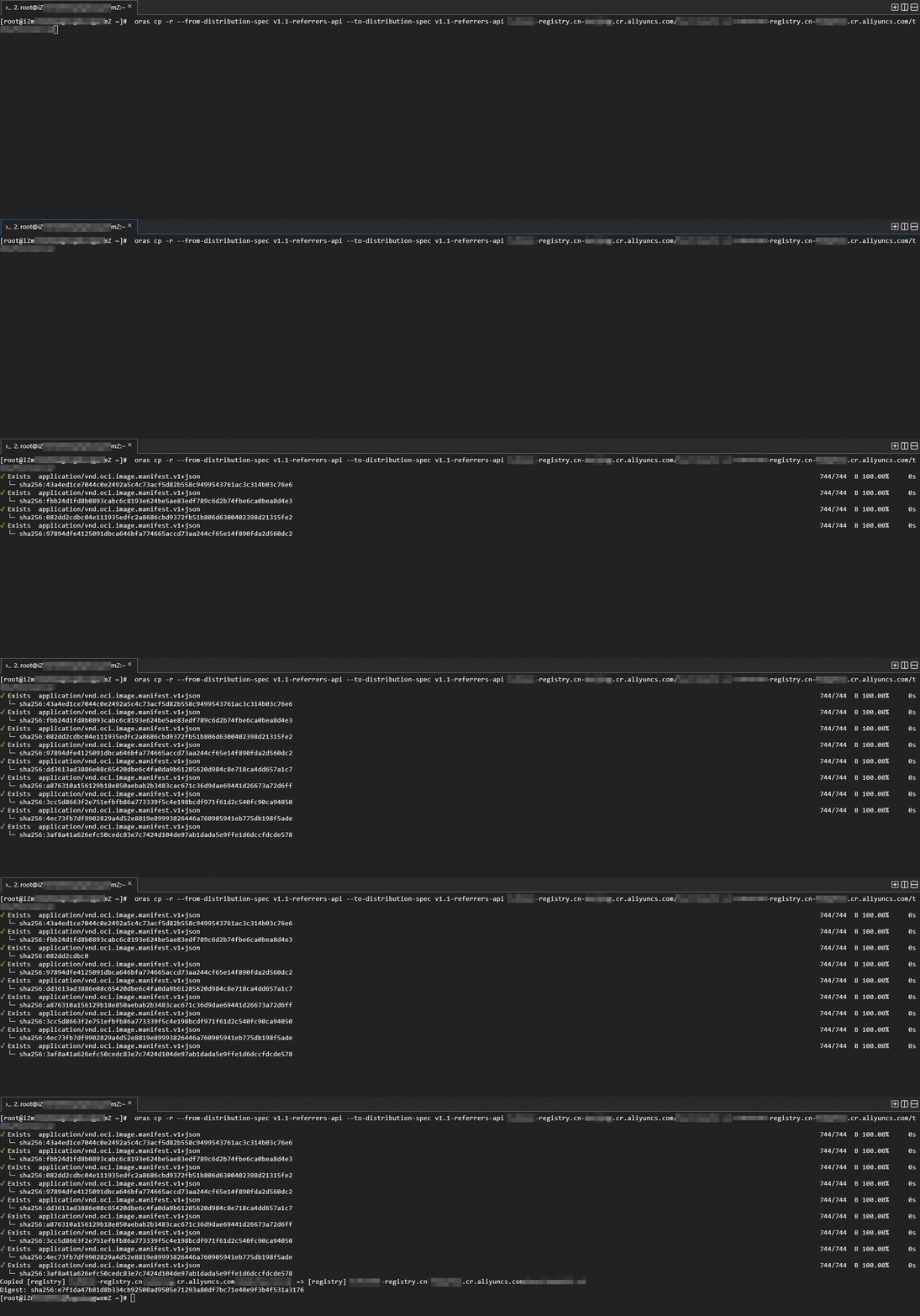
Copy the container image and its associated SBOM to the destination instance.
$ oras cp -r --from-distribution-spec v1.1-referrers-api --to-distribution-spec v1.1-referrers-api <Name of the source Container Registry Enterprise Edition instance>-registry.cn-hangzhou.cr.aliyuncs.com/library/golang:1.20 <Name of the destination Container Registry Enterprise Edition instance>-registry.cn-beijing.cr.aliyuncs.com/library/golang:1.20Expected output:
-
Verify that the SBOM is present in the destination instance.
oras discover --distribution-spec v1.1-referrers-api <Name of the destination Container Registry Enterprise Edition instance>-registry.cn-beijing.cr.aliyuncs.com/library/golang:1.20Expected output: